

Get Started With Essential Video Production Tools for Your First Project
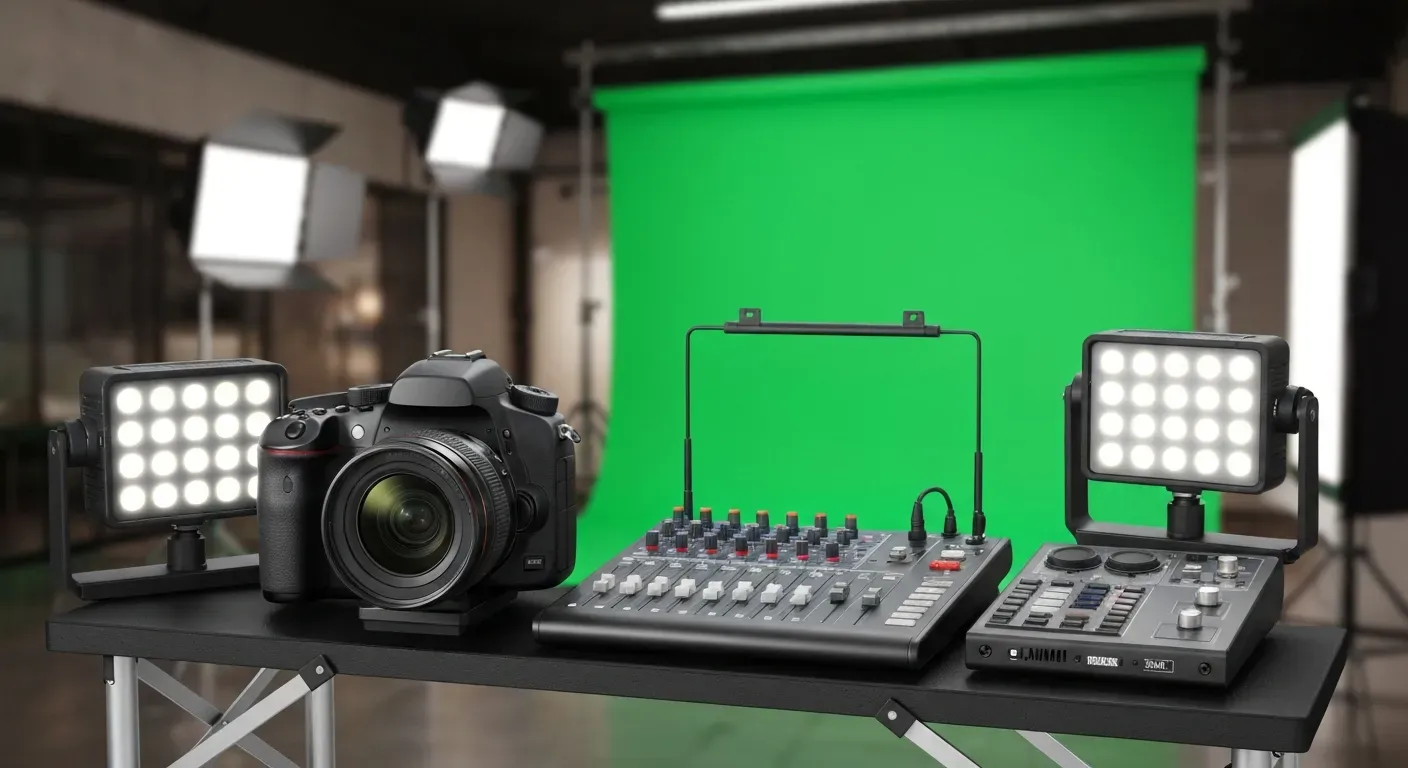 Dreaming of bringing your creative vision to life through video but feeling overwhelmed by where to begin? The journey from concept to captivating content can seem daunting, especially when you're just starting out. Don't let the technicalities hold you back from sharing your story.
Navigating the world of video creation requires the right video production tools. This guide is designed to demystify the process, equipping you with the knowledge to select the perfect gear and software for your maiden voyage into filmmaking.
We'll explore cutting-edge AI editing solutions, essential hardware, and user-friendly software that will streamline your workflow and elevate your project from good to great. Get ready to produce polished, professional results with confidence, even if you're a complete beginner in 2026.
Top 1 Essential Video Production Tools for 2026
In 2026, efficiency and AI integration define top-tier video production tools. AuraClip emerges as a standout, leveraging artificial intelligence to streamline content creation. This AI agent transforms raw footage into polished videos with simple chat commands, making professional editing accessible to all creators.
AuraClip: Your AI Video Editing Agent
AuraClip acts as your personal AI video editing agent. It automatically removes silence, adds captions, and inserts background music and smart transitions instantly. This tool enables multi-round revisions without requiring any editing skills.
For YouTubers, vloggers, and modern content creators, AuraClip is the ultimate creation tool. It allows for high-quality video production efficiently. This AI-powered solution simplifies complex editing tasks, empowering creators to focus on their content.
Essential Video Production Gear for 2026
Investing in the right video production tools is paramount for creating professional content. For 2026, focus on equipment that enhances audio clarity, shot stability, and visual appeal. These foundational elements directly impact viewer engagement and the overall quality of your video output, making them crucial for any content creator.
Quality Microphone
Clear audio is more critical than crisp video for viewer retention. A high-quality microphone ensures your message is heard without distraction. Consider a lavalier microphone for intimate interviews or a shotgun microphone for directional sound capture, minimizing ambient noise and focusing on your subject.
Practical Implications: Poor audio can instantly disengage viewers, regardless of how visually appealing your video is. Investing in a good microphone is often the single most impactful upgrade for beginner video creators.
Actionable Tips:
Test in your environment: Before a critical shoot, record a test clip in the same location to check for background noise and echo.
Prioritize clarity: Choose a microphone that best suits your recording environment (e.g., lavalier for interviews, shotgun for general use).
Stable Tripod or Gimbal
Stabilizing your shots transforms amateur footage into a polished production. A sturdy tripod eliminates unwanted camera shake, providing a solid base for static shots. For dynamic movement, a gimbal offers fluid, cinematic motion, enabling smooth pans and tracking shots that elevate the visual storytelling.
Practical Implications: Shaky footage looks unprofessional and can be distracting. A stable base or smooth movement is essential for creating a professional and watchable video.
Actionable Tips:
Start with a tripod: For static shots or simple interviews, a good tripod is an excellent and often more affordable starting point.
Practice smooth movements: If using a gimbal, spend time practicing fluid pans and tilts before your actual shoot.
Good Lighting Setup
Effective lighting dramatically enhances your video's aesthetic. A basic three-point lighting setup—key light, fill light, and backlight—is essential. This configuration eliminates harsh shadows, sculpts your subject, and ensures a well-lit, professional appearance, making your content more engaging and visually appealing.
Practical Implications: Proper lighting can make even basic cameras produce stunning results. It controls mood, highlights your subject, and makes your video look significantly more professional.
Actionable Tips:
Utilize natural light: Position your subject near a window for soft, diffused natural light as a starting point.
Invest in a basic kit: A simple LED panel or a ring light can make a huge difference for close-ups and talking-head videos.
Key Software and Platforms for 2026
In 2026, the landscape of video production tools is shaped by AI advancements and professional accessibility. Creators now have powerful options, from intuitive AI assistants to industry-standard suites, catering to diverse needs and skill levels.
AuraClip (AI Video Editor)
AuraClip offers unparalleled ease of use for AI-driven editing via chat. This makes it ideal for creators prioritizing speed and simplicity. Transform raw footage into professional videos with simple commands, automatically removing silence, adding captions, and inserting music and transitions.
Practical Implications: AuraClip democratizes video editing by removing the steep learning curve associated with traditional software, allowing creators to focus on content creation rather than technical editing.
Actionable Tips:
Experiment with prompts: Try different chat commands to see how AuraClip interprets and applies edits, learning its capabilities.
Use for quick turnarounds: Leverage AuraClip for social media clips or content that requires rapid editing and publishing.
DaVinci Resolve (Free Professional Editor)
DaVinci Resolve is a powerful, professional-grade video editing software that is completely free. It provides advanced color correction, visual effects, and audio post-production tools. This makes it a fantastic option for those on a budget needing professional capabilities.
Practical Implications: DaVinci Resolve offers professional-level features without a subscription cost, making high-end video editing accessible to a wider audience.
Actionable Tips:
Focus on one module at a time: Start by mastering the Cut or Edit page, then gradually explore the Color, Fusion, and Fairlight pages as your skills grow.
Utilize online tutorials: Blackmagic Design and many other creators offer extensive free tutorials for DaVinci Resolve.
Adobe Premiere Pro (Industry Standard)
Adobe Premiere Pro remains the industry standard for professional video editing. It integrates seamlessly with other Adobe Creative Cloud applications. Premiere Pro offers a comprehensive suite for complex projects, advanced effects, and collaborative workflows, solidifying its place as a top-tier video production tool.
Practical Implications: Premiere Pro is the go-to choice for many professional studios and freelancers, offering robust features and extensive integration with other Adobe tools for a complete creative workflow.
Actionable Tips:
Leverage the Creative Cloud ecosystem: If you use other Adobe products like After Effects or Photoshop, Premiere Pro's integration will significantly boost your workflow.
Explore templates and presets: Many third-party resources offer templates and presets that can speed up your editing process and add professional flair.
FAQ (Frequently Asked Questions)
Q1: What are the most important video production tools for beginners in 2026?
A1: For beginners in 2026, essential tools include an AI editor like AuraClip for ease of use, a quality microphone for clear audio, a stable tripod for steady shots, and basic lighting to enhance visuals.
Q2: Can AI tools like AuraClip replace traditional video editors?
A2: AI tools automate tasks like captioning and silence removal, streamlining creation. However, traditional editors offer deeper creative control and advanced effects for complex projects.
Q3: How much should I invest in video production gear for my first project in 2026?
A3: Prioritize a good microphone and basic lighting for your first project. A budget tripod is sufficient initially. Explore free or affordable software options like AuraClip or DaVinci Resolve.
Q4: Is DaVinci Resolve suitable for professional video editing?
A4: Yes, DaVinci Resolve offers professional-level editing, color grading, VFX, and audio tools. It's a powerful choice for professionals and serious hobbyists alike.
Q5: What is the learning curve for Adobe Premiere Pro?
A5: Premiere Pro has a moderate to steep learning curve. Basic functions are intuitive, but mastering advanced features requires practice and dedication.
Conclusion
In 2026, the barrier to entry for compelling video production has dramatically lowered, thanks to the synergy of advanced AI and versatile software. Mastering these essential video production tools empowers you to transform your creative vision into polished content, making professional quality achievable for your inaugural project. Don't let complexity deter you; the power to create is now within your reach.
To embark on your video journey, first pinpoint your content's core needs and then select your primary creation tool, whether it's an intuitive AI editor like AuraClip or a powerful suite like DaVinci Resolve. Supplement this with a quality microphone and basic lighting to elevate your production value significantly. The most crucial step is simply to begin creating.
Ready to bring your ideas to life? Explore AuraClip today and experience how effortlessly you can convert raw footage into stunning visual narratives. Your first professional-quality video project is just a click away, so dive in and let your creativity shine!