

Looking for Good Video Editors Like CapCut? Why AI Tools Are the Next Big Thing
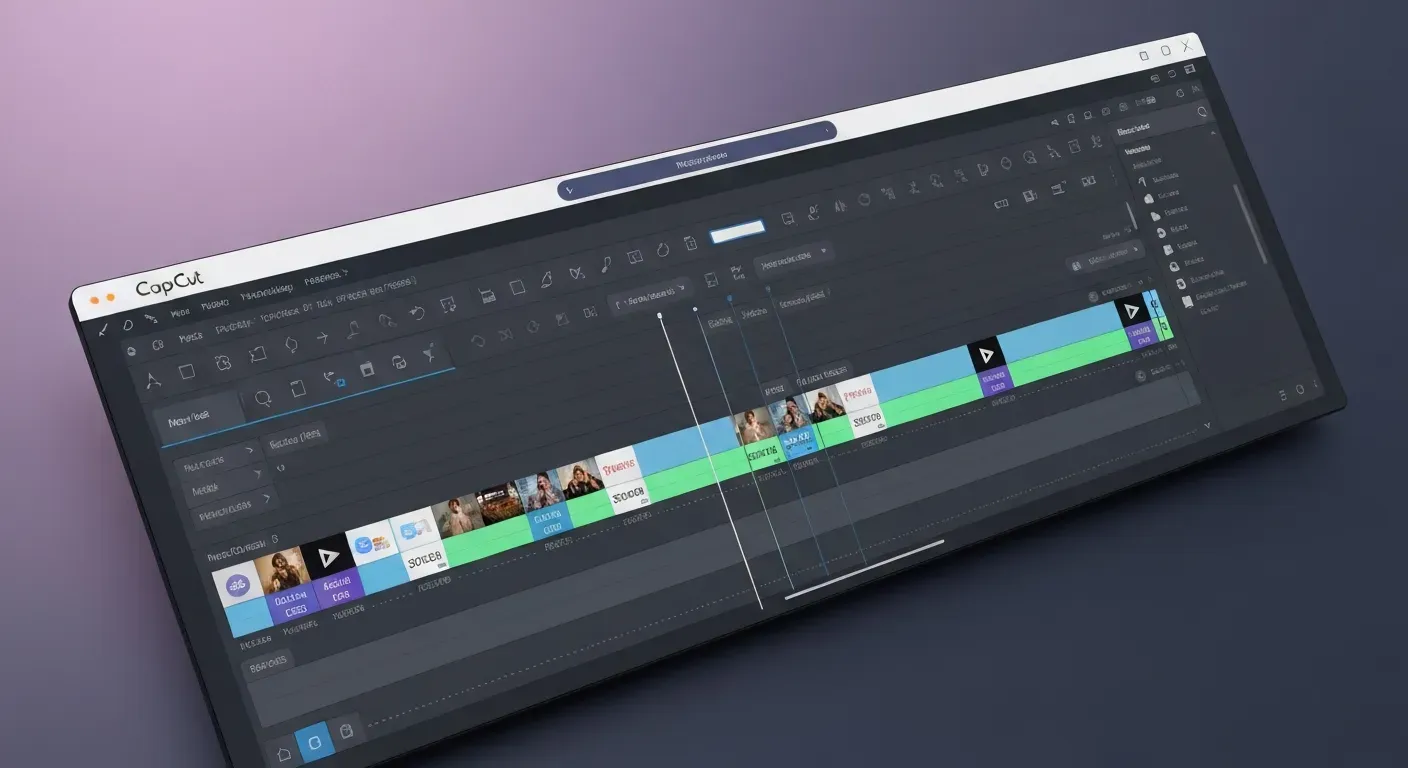
Creating professional-quality video content shouldn't feel like rocket science, yet finding the perfect software often does. As a creator, you likely crave the simplicity and speed that made mobile editing apps so popular. However, sticking to the status quo might mean missing out on the massive technological shifts currently reshaping the industry.
The digital landscape is evolving rapidly, and the demand for efficient, powerful production tools is higher than ever. If you are currently searching for good video editors like CapCut, you need to look beyond standard features and embrace the future. Artificial intelligence is no longer just a buzzword; it is quickly becoming the backbone of modern content production.
This guide explores the next generation of video creation software that promises to streamline your workflow in 2026. You will discover top-tier alternatives and learn how cutting-edge AI features can effortlessly transform your creative vision into reality. Get ready to redefine your editing process with innovative tools designed for the future of content.
Top 5 Alternatives to CapCut for Seamless Video Editing in 2026
In 2026, creators demand efficient and powerful video editing tools. While CapCut offers a familiar experience, several alternatives provide distinct advantages. This guide explores five top contenders, each catering to different creator needs and workflows, ensuring you find the perfect fit for your next project.
Auraclip: The Next-Gen AI Video Editing Agent
Auraclip emerges as a leading AI video editing agent, essential for accelerating content creation. Its core strength lies in conversational command editing, allowing users to direct edits through spoken language. This agent automates silence removal and generates instant captions, transforming raw footage into polished vertical videos suitable for social media. Auraclip simplifies complex editing tasks, making it a prime alternative for rapid social media video production.
CapCut: The Familiar and Versatile Choice
CapCut is a popular choice. It is great for social media videos and Instagram Reels. It has many templates. Its editing tools are easy to use. CapCut is free. This makes it good for beginners. It also helps people make content fast. You can make exciting videos easily with CapCut.InShot: Powerful Mobile Video Editing
InShot offers a comprehensive suite of mobile video editing features. Its intuitive interface simplifies video editing for users on the go. The application supports various social media video formats, ensuring compatibility across platforms. InShot provides a powerful yet accessible mobile editing solution.
Adobe Premiere Rush: Professional Features on the Go
Adobe Premiere Rush makes editing easy on phones and computers. It works well with other Adobe apps. Creators get pro video tools. They need flexibility and advanced features. Rush offers mobile ease and pro results.
DaVinci Resolve: Free Professional Video Editing Software
DaVinci Resolve stands as a professional video editing powerhouse. Its free version includes advanced tools for complex projects. While it presents a steeper learning curve, it provides unparalleled control for high-end video production. Resolve is the ultimate choice for those seeking deep creative control.
To help you choose, consider this comparison:
| Feature/Editor | Auraclip | CapCut | InShot | Premiere Rush | DaVinci Resolve |
|---|---|---|---|---|---|
| Primary Platform | AI Agent | Mobile/Desktop | Mobile | Mobile/Desktop | Desktop |
| Key Strength | Conversational AI Editing | Templates, Ease of Use | Mobile Editing Suite | Adobe Integration, Cross-Platform | Professional Tools, Free Version |
| Ideal For | Social Media, Quick Edits | Beginners, Social Media | On-the-Go Creators | Mobile Professionals | Advanced Users, Pro Production |
Picking the right video editor in 2026 is key. It depends on what you need. Auraclip uses AI to work fast. CapCut has easy templates. InShot is great for phones. Premiere Rush offers pro tools and lets you work on the go. DaVinci Resolve gives you full control like a pro. Think about how you work and what your projects need. Then choose the best tool.
1. Auraclip: The Next-Gen AI Video Editing Agent
Auraclip's conversational editing means you can drastically cut down on manual editing time. Instead of searching for specific tools or performing complex multi-step actions, you can simply tell the AI what you want. This is particularly beneficial for social media content where speed is crucial.
Experiment with voice commands to get comfortable speaking your editing instructions to Auraclip. Try simple commands like "remove all silences" or "add a fade to black" to see how quickly it responds. With the technical aspects automated, dedicate more time to refining your story, pacing, and overall message.
2. CapCut: The Familiar and Versatile Choice
CapCut's strength lies in its vast template library and user-friendly interface, making it excellent for creators who need to produce visually appealing content quickly without extensive editing knowledge. It's a go-to for staying on top of social media trends.
Regularly check CapCut's template section for inspiration and to quickly adapt to popular video styles. While templates are great, learning to apply CapCut's built-in transitions and effects can elevate your content beyond generic templates.
3. InShot: Powerful Mobile Video Editing
InShot is ideal for creators who are constantly on the move and need to edit videos directly from their smartphones. Its comprehensive mobile features ensure you don't sacrifice quality for convenience.
InShot lets you layer video and sound. You can make complex edits right on your phone. InShot helps you get videos ready for social media. Use its export options.
4. Adobe Premiere Rush: Professional Features on the Go
Premiere Rush offers a bridge between mobile ease-of-use and professional desktop editing. Its integration with the Adobe ecosystem means you can start editing on your phone and seamlessly transfer to Premiere Pro for more advanced work.
Start projects on Rush and then open them in Premiere Pro for more intricate editing, color grading, or audio mixing. Rush comes with professional-looking templates that can save you time while maintaining a polished look.
5. DaVinci Resolve: Free Professional Video Editing Software
DaVinci Resolve offers free pro tools. It's a great choice. You can deeply control edits, color, and audio. You won't spend much money. It's perfect for new pros and serious hobbyists.
DaVinci Resolve is powerful but can be overwhelming. Start by mastering the Cut page, then move to the Edit page, and then explore the advanced Color and Fairlight pages. Blackmagic Design offers extensive free tutorials and training materials for DaVinci Resolve, which are invaluable for learning its advanced features.
Post-Production: Streamlining Your Workflow with AI in 2026
AI video editors will be needed in 2026. They won't be new. Creators make their editing faster. This helps them make more content. Smart programs now do boring jobs. Humans used to do them. This means work gets done quicker. You guide the creative work. The software does the hard parts.
The Rise of AI Video Editing Agents
The definition of editing software has evolved. Previously, creators relied on good video editors like CapCut for manual timeline adjustments. Now, AI agents manage the entire workflow. These tools understand context and content structure, executing complex edits without requiring frame-by-frame manipulation.
This shift moves the editor from a manual operator to a director. The AI analyzes footage and suggests cuts based on pacing. It handles the technical execution, allowing creators to focus strictly on the narrative and visual style.
Auraclip: Your Conversational Editing Partner
Auraclip enters the market as a Next-Gen AI Video Editing Agent, fundamentally changing how users interact with editing software. You do not drag clips or search through menus; you enable edits through simple conversational commands.
Users instruct Auraclip to "remove the bad takes" or "add a transition here." The agent interprets these natural language requests and applies them, speeding up the editing process significantly. Complex adjustments become accessible to users of all skill levels.
Automated Efficiency: Silence Removal and Captioning
AI features make video making easy. Auraclip removes silence from audio. It scans sound and cuts pauses. No one needs to do this work. This saves a lot of time editing podcasts and interviews.
The tool makes captions right away. It writes down what people say. Then, it puts the text on the video. Your content is ready for social media fast. The table below shows how old ways of working compare to using the Auraclip agent.
| Feature | Traditional Manual Editing | Auraclip AI Agent |
|---|---|---|
| Command Input | Mouse/Keyboard Shortcuts | Natural Language Voice/Text |
| Silence Removal | Manual Cutting & Rippling | Automated Detection & Deletion |
| Captioning | Manual Typing & Syncing | Instant Auto-Generation |
| Skill Requirement | Technical Software Knowledge | General Communication |
Transforming Raw Footage into Vertical Videos
AI makes format changes easy. Auraclip changes raw landscape video to fun vertical videos. It finds the speaker. Then it changes the shot.
This plan helps Instagram Reels and TikTok. Smart processing keeps pictures clear. Creators make good videos for each platform. They don't have to resize or adjust every scene. Videos are made fast. This keeps people watching.
Post-production in 2026 prioritizes speed and intelligent automation. Tools like Auraclip redefine the standard for content creation. By integrating conversational AI, creators reclaim hours of work. The workflow shifts effectively from manual labor to strategic creative direction.
Choosing the Right Video Editing Software for Your Needs
First, know what you want to do. People making short social media clips need different tools. They are not the same as those making marketing videos or vlogs. Your goals show you the best apps. Knowing your needs saves you time. It stops you from using wrong tools.Understanding Your Editing Goals
Identify your output platform first. TikTok and Instagram Reels require vertical 9:16 formats and fast transitions. Corporate presentations often demand 4K export settings and detailed color grading tools. Knowing these specific requirements guides the selection process.
Factors to Consider: Ease of Use vs. Advanced Features
Your experience level dictates the best tool choice. Beginners often prefer good video editors like CapCut or InShot. These apps provide drag-and-drop interfaces and pre-set templates for immediate results, lowering the barrier to entry for new creators.
Editors who are good at their job want to control many small details. DaVinci Resolve and Adobe Premiere Rush let you edit many videos at once. You can also set exact points for changes and fix colors in detail. Pick software that fits what you know now and what you need for your project. Don't just get the software with the most tools.
Mobile vs. Desktop Editing Platforms
Mobile apps are fast. They work anywhere. InShot and CapCut let you edit videos right after you film them on your phone. This is good for fast social media posts and trends that change quickly.
Desktop software remains the standard for intensive projects. It utilizes higher CPU and GPU power for rendering high-bitrate files and supports precise frame-by-frame cuts and complex audio mixing.
| Feature | Mobile Apps (CapCut/InShot) | Desktop Software (DaVinci/Premiere) |
|---|---|---|
| Primary Use | Quick social media updates | Professional/Long-form projects |
| Processing Power | Limited by device hardware | High power for 4K/8K rendering |
| Interface | Touch-optimized, simplified | Keyboard shortcuts, multi-track |
| Precision | Frame-accurate | Sub-frame audio/video alignment |
Budget: Free vs. Paid Video Editing Tools
High costs do not always ensure better results. The market offers powerful free tools. DaVinci Resolve provides professional-grade features, including node-based color grading, at zero cost, offering value without initial investment.
The free tier of CapCut handles most standard editing tasks. Premium options usually unlock specific capabilities like increased cloud storage limits or specialized AI-driven effects.
Note: Many paid tools offer trial periods. Test the workflow before committing to a subscription.
Select the tool that fits your workflow and budget. Start with free versions to test interface compatibility. Upgrade to paid plans only when your projects demand specific advanced capabilities or higher storage limits.
FAQ (Frequently Asked Questions)
Q1: What makes AI video editors like Auraclip different from traditional editors like CapCut?
AI editors take commands in plain English. They do tasks like removing silence and adding captions. Old editors move things on a timeline. They use menus to make changes.
Q2: Is DaVinci Resolve truly free, and is it suitable for beginners?
A2: DaVinci Resolve offers a powerful free version with professional tools. While free, it has a steeper learning curve and is best suited for users seeking advanced control.
Q3: Can I edit videos on my phone as effectively as on a desktop?
A3: Mobile editors like InShot and CapCut are excellent for quick edits and social media content. Desktop software offers more power and precision for complex, long-form projects.
Q4: How quickly can I learn to use an AI video editor?
A4: AI video editors are designed for ease of use. Conversational interfaces allow users to start editing with simple voice or text commands, significantly reducing the learning curve.
Conclusion
The landscape of content creation is rapidly evolving, with AI-driven tools like Auraclip setting new standards for efficiency in 2026. While traditional apps remain useful, finding good video editors like CapCut is essential for maintaining a competitive edge in this digital world. Mastering these innovative platforms allows creators to produce high-quality content significantly faster than before.
Stay ahead. Look at how you edit now. Find places where computers can save you time. Use AI tools with your apps. This helps you create more. Try different tools. Find the best one for your work.
Now is the best time to improve your video quality. Embrace the future of digital stories. Try these new AI video editors. They will boost your creativity. They will help you reach more people. Start today. Find tools that change how you edit videos.