

Unlock Your Creativity with These Top Free AI Video Editors for Beginners
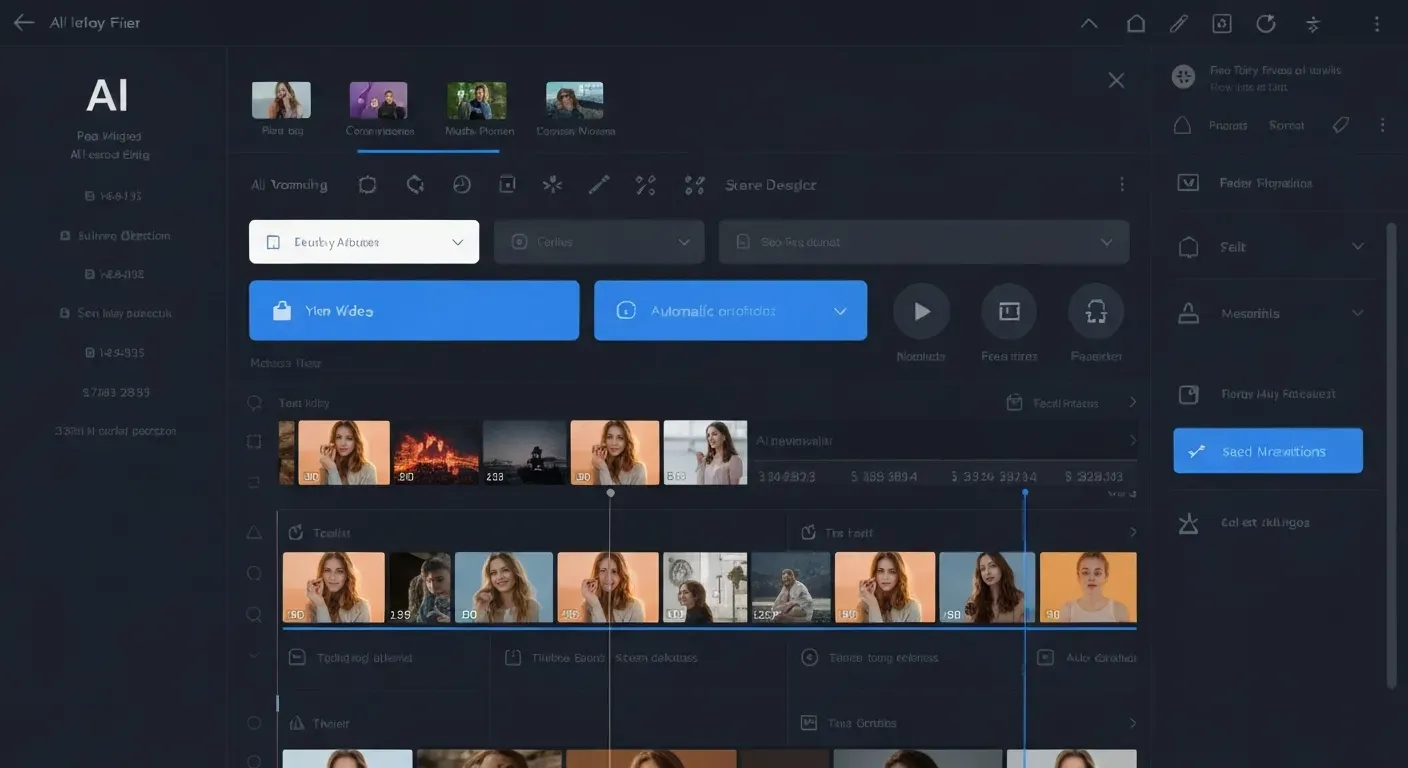 Ever dreamt of crafting captivating videos that rival professional productions, but felt intimidated by complex software and expensive subscriptions? What if you could transform your raw footage into polished gems with ease, unlocking your creative potential without breaking the bank?
The revolution in video creation is here, and it's more accessible than ever thanks to the power of Artificial Intelligence. This guide introduces you to the best free AI video editor tools designed specifically for beginners, making video editing a breeze.
We'll explore how these innovative platforms automate tedious tasks like captioning and silence removal, offer smart transitions, and provide AI-powered assistance to help you produce engaging content effortlessly. Get ready to elevate your YouTube channel, vlogs, and all your creative projects!
Top 10 Free AI Video Editors for Beginners
Discover powerful, free AI video editor tools that simplify content creation for beginners. These tools leverage artificial intelligence to automate complex tasks, making professional-looking videos accessible without extensive editing skills.
AuraClip
AuraClip acts as your personal AI video editing agent. It transforms raw footage into polished videos using simple chat commands. The AI automatically removes silence, adds captions, and inserts background music and smart transitions instantly. This allows for multi-round revisions without any editing experience. It's an ultimate content creation tool for YouTubers and vloggers.
Canva Video Editor
Canva Video Editor offers an intuitive interface with a vast library of templates and stock footage. Its AI-powered tools and drag-and-drop functionality make it easy for beginners to create social media videos and presentations.
CapCut
CapCut is a popular mobile and desktop editor. It provides AI-driven effects, automatic captions, background removal, and numerous filters and transitions, all for free.
DaVinci Resolve
DaVinci Resolve is a professional suite with a robust free version. It has a steeper learning curve but offers unmatched free features for color correction, visual effects, and audio post-production.
OpenShot
OpenShot is a free, open-source editor with a simple yet powerful interface. It's ideal for beginners needing basic trimming, cutting, and effects with broad format support.
VSDC Free Video Editor
VSDC Free Video Editor is a non-linear editor for Windows. It offers visual/audio effects, color correction, and supports various formats, enabling complex projects.
Clipchamp
Microsoft's Clipchamp provides a browser-based editor. Its AI features, like text-to-speech and auto-captioning, help beginners create polished videos easily.
Adobe Express
Adobe Express offers a streamlined, free editing experience with AI features and templates. It's perfect for quick social media video creation and integrates with other Adobe products.
Lightworks
Lightworks is a professional non-linear editor with a free version. It includes multi-cam editing and many effects, suited for users willing to learn its advanced interface.
Blender
Blender, a 3D suite, includes a capable video editor. It features cutting, splicing, and masking, offering a powerful option for those familiar with its interface or seeking advanced compositing.
These free AI video editors empower beginners to produce high-quality content efficiently, democratizing video creation for a wider audience.
1. AuraClip
Practical Implications: AuraClip's chat-based interface and automated features significantly lower the barrier to entry for video editing. You can achieve professional results without learning complex timelines or tools.
Actionable Tips:
2. Canva Video Editor
Practical Implications: Canva's strength lies in its template-driven approach and vast asset library, making it excellent for social media content and quick projects.
Actionable Tips:
3. CapCut
Practical Implications: CapCut is ideal for mobile-first creators and those who want a feature-rich editor that's easy to use on the go. Its AI effects are particularly impressive.
Actionable Tips:
4. DaVinci Resolve
Practical Implications: While having a steeper learning curve, DaVinci Resolve's free version offers professional-grade tools that are unmatched in other free editors, especially for color grading and audio.
Actionable Tips:
5. OpenShot
Practical Implications: OpenShot is a straightforward, open-source option perfect for beginners who need essential editing functions without overwhelming complexity.
Actionable Tips:
6. VSDC Free Video Editor
Practical Implications: VSDC offers a non-linear editing experience for Windows users, providing a good range of effects and format support for more involved projects.
Actionable Tips:
7. Clipchamp
Practical Implications: Clipchamp's browser-based nature makes it accessible from any device, and its AI features like text-to-speech are very convenient for quick content creation.
Actionable Tips:
8. Adobe Express
Practical Implications: Adobe Express is excellent for rapid social media video creation, offering a user-friendly interface and integration with the Adobe ecosystem.
Actionable Tips:
9. Lightworks
Practical Implications: Lightworks provides a professional editing environment with a free tier, suitable for those willing to invest time in learning its interface for more advanced projects.
Actionable Tips:
10. Blender
Practical Implications: While primarily a 3D creation suite, Blender's built-in video editor is surprisingly powerful for those who are already familiar with its interface or need advanced compositing.
Actionable Tips:
Choosing the Right Free AI Video Editor for Your Needs
Selecting a free AI video editor hinges on balancing ease of use with desired functionality. The best choice depends on your technical skill, project complexity, and preferred editing environment. Understanding these factors ensures you find a tool that streamlines your creative process.
Ease of Use vs. Advanced Features
For absolute beginners, editors like Canva Video Editor, CapCut, and Clipchamp offer intuitive interfaces and rapid learning curves. They prioritize simplicity for basic edits and social media content. If professional-grade features are needed for complex projects, DaVinci Resolve and Lightworks provide unparalleled power in their free versions, especially for color grading and advanced editing, despite steeper learning curves.
| Editor | Target User | Primary Strength | Learning Curve |
|---|---|---|---|
| Canva Video | Beginner | Simplicity, Speed | Low |
| CapCut | Beginner/Social | Mobile-first, Templates | Low |
| Clipchamp | Beginner | User-friendly, Browser | Low |
| DaVinci Resolve | Professional | Advanced Editing, Color | High |
| Lightworks | Professional | Robust Features | High |
Platform Availability (Desktop vs. Mobile)
Consider where you edit most often. Mobile-first editors like CapCut are perfect for on-the-go adjustments. Desktop applications like DaVinci Resolve or OpenShot offer more screen real estate and processing power for extensive projects.
Specific AI Capabilities to Look For
Key AI features to seek include automatic silence removal, intelligent caption generation, and smart transition insertion. Tools like AuraClip leverage natural language commands for editing, acting as an AI agent to transform raw footage into polished videos. This conversational approach allows multi-round revisions without prior editing skills, making it an ultimate content creation tool for YouTubers and vloggers.
Maximizing Your Content Creation with AI Video Editing in 2026
By 2026, AI video editing transforms content creation, offering unprecedented efficiency. Tools like AuraClip, your personal AI video editing agent, leverage conversational commands to turn raw footage into polished videos. This shift allows creators to focus on narrative, not technicalities, making advanced editing accessible to all.
Leveraging AI for Efficiency in 2026
In 2026, AI-powered features become indispensable. Automatic silence removal, smart scene detection, and AI-generated summaries drastically cut editing time. This efficiency allows creators more bandwidth for creative storytelling, enhancing the overall quality of their output.
Future Trends in AI Video Editing for Creators in 2026
The future points to sophisticated AI agents. These agents will understand complex editing requests via natural language. They will generate entire video sequences from scripts and even personalize content for different audience segments automatically. This evolution promises a more intuitive and powerful editing experience.
Essential AI Features for Content Creators in 2026
For creators in 2026, prioritizing AI tools is key. Seamless auto-captioning, intelligent background music syncing, and one-click style transfers enable efficient, high-quality content production. Tools like AuraClip offer these features, making it easier to stay competitive. For those seeking a free AI video editor, exploring options with similar capabilities will be crucial.
| Feature | AuraClip Capability | Benefit for Creators |
|---|---|---|
| Silence Removal | Automatic | Saves significant time in post-production. |
| Captioning | AI-generated, automatic | Enhances accessibility and viewer engagement. |
| Music/Transitions | Smart insertion and syncing | Streamlines production, adds professional polish. |
| Editing Interface | Conversational commands (chat-based) | Eliminates the need for complex editing skills. |
FAQ (Frequently Asked Questions)
Q1: Are there truly free AI video editors with advanced features?
A1: Yes, several free AI video editors offer surprisingly advanced capabilities. Tools like DaVinci Resolve, CapCut, and AuraClip provide powerful features without requiring a subscription. AuraClip, for instance, acts as a personal AI video editing agent, transforming raw footage into professional videos through simple chat commands. It automates silence removal, adds captions, and inserts background music and smart transitions instantly, making professional editing accessible.
Q2: Can AI video editors replace human editors for complex projects?
A2: While AI significantly enhances efficiency and automates tasks, it cannot fully replace human editors for complex projects. Highly creative, nuanced, or strategic storytelling still requires subjective artistic judgment. AI excels at repetitive tasks and basic edits, but human insight remains crucial for developing a compelling narrative and emotional connection with the audience.
Q3: What is the best free AI video editor for YouTube beginners?
A3: For YouTube beginners seeking a balance of ease of use and AI features, CapCut, Clipchamp, and AuraClip are excellent starting points. These platforms offer intuitive interfaces and helpful AI functionalities. AuraClip's chat-based editing and automatic features like silence removal and caption generation are particularly beneficial for those new to video production.
Q4: How can AI help remove background noise from videos?
A4: Many AI video editors assist in removing background noise. They analyze the audio track and intelligently filter out unwanted ambient sounds. Dedicated noise reduction tools or AI-powered audio enhancement features within editors like AuraClip can significantly improve audio clarity by isolating dialogue from background distractions.
Q5: Will AI video editors become more common in 2026?
A5: Yes, AI video editors are expected to become even more prevalent and sophisticated by 2026. Advancements in natural language processing and generative AI will lead to more intuitive and powerful automated editing capabilities. Tools like AuraClip, which utilize conversational AI for editing, exemplify this trend, promising greater efficiency for creators.
Conclusion
The advent of AI has profoundly transformed video editing, democratizing the process with powerful, free AI video editor tools accessible to everyone. These platforms remove traditional barriers, enabling beginners to unleash their creative potential and produce professional-quality videos with unprecedented ease.
Now is the perfect time to dive in and explore the fantastic free AI video editor options discussed. Experiment with their intuitive interfaces and innovative features to discover which tool best aligns with your unique style and project aspirations. Don't hesitate to try multiple editors to find your perfect fit.
Don't let complexity hold you back any longer; embrace the future of content creation today! Start experimenting with these free AI video editor solutions and begin crafting your next visual masterpiece with the empowering capabilities of artificial intelligence. Your creative journey awaits!