

Zero to Pro with Easy Free AI Video Editors Like CapCut in 2026
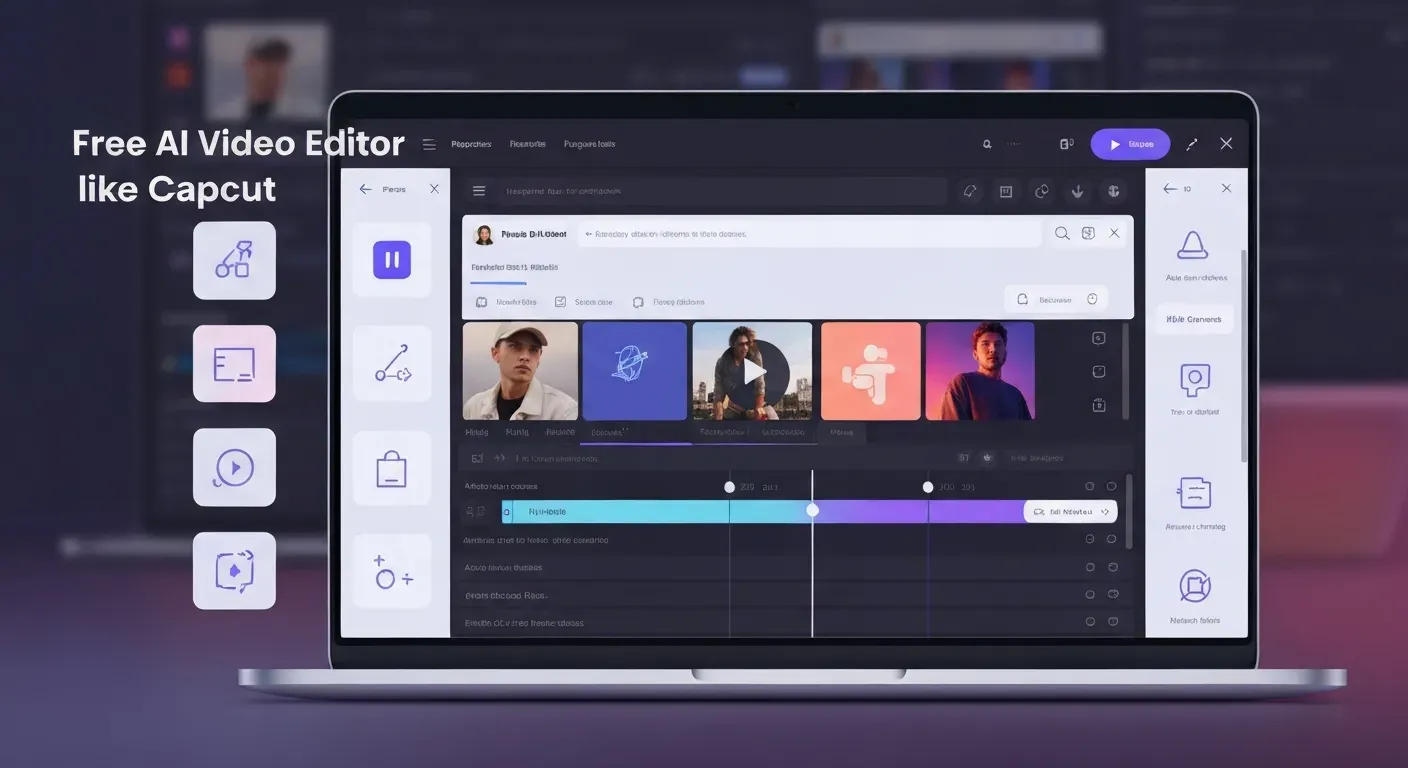 Ever dreamed of crafting stunning videos that captivate your audience but felt intimidated by complex software and hefty price tags? Imagine transforming your raw footage into polished masterpieces with just a few clicks, making your content stand out effortlessly. In 2026, this dream is not only possible but incredibly accessible for everyone.
The future of video creation is here, and it's powered by intelligent, user-friendly tools. Whether you're aiming for viral dance routines or polished vlogs, discover how a free AI video editor like CapCut, or an easy free AI video editor specifically for free AI dance video editor needs, can elevate your game. These platforms are democratizing professional-level editing, putting powerful capabilities directly into your hands.
This guide will explore the most innovative and intuitive free AI video editors available this year. We'll delve into their standout features, ease of use, and how they stack up against established giants, empowering you to go from zero to pro without any cost. Get ready to unlock your creative potential and produce videos you'll be proud to share.
Top 10 Free AI Video Editors Like CapCut in 2026
In 2026, AI automates complex video editing. Creators now access powerful tools without cost. This list covers the best options, from conversational agents to professional suites, making it easy to find a free AI video editor like CapCut.
1. AuraClip: Your AI Video Editing Agent
AuraClip revolutionizes editing by acting as your personal AI agent. Through simple chat commands, it transforms raw footage into professional videos. The system automatically removes silences, adds captions, and inserts background music with smart transitions. Its multi-round revision capability makes it an easy free AI video editor for modern content creators.
2. CapCut (Free Version)
CapCut continues its dominance with a robust free version. It is packed with AI-powered features like auto-captions and text-to-speech. Its vast library of effects and templates is perfect for social media, serving as an effective free AI dance video editor.
3. Canva Video Editor
Integrated within its design platform, Canva’s video editor offers an intuitive drag-and-drop interface. It provides a wealth of templates, stock footage, and AI tools for creating engaging marketing or social videos quickly.
| Feature Focus | AuraClip | CapCut (Free) | Canva Video Editor |
|---|---|---|---|
| Primary AI Function | Conversational AI Agent | Auto-Captions & Effects | Template-based AI Design |
| Best For | YouTubers, Vloggers | Social Media Trends | Quick Marketing Videos |
| Learning Curve | Minimal (Chat-based) | Low | Very Low |
4. Clipchamp
Microsoft's Clipchamp offers a user-friendly, browser-based experience with features like text-to-video generation and screen recording.
5. OpenShot
This powerful, open-source editor is known for its cross-platform compatibility and AI-assisted effects and transitions.
6. DaVinci Resolve (Free Version)
The free version of this professional suite is incredibly capable, offering advanced color correction and AI-enhanced workflows.
7. VSDC Free Video Editor
VSDC provides a non-linear editing environment with a wide array of tools and is known for its low system requirements.
8. Lightworks (Free Version)
A veteran editor, its free version includes advanced tools but has some limitations on export options.
9. Shotcut
This open-source editor boasts wide format support and advanced capabilities, all available for free.
10. Adobe Express (Free Version)
Adobe's free tier offers quick creation tools, AI-powered resizing, and seamless integration with other Adobe products.
The Rise of AI in Video Editing for 2026
In 2026, Artificial Intelligence is no longer a novelty in video editing; it's a fundamental necessity. Tools now integrate advanced AI to streamline workflows, making professional-quality video creation accessible to a wider audience. This shift empowers creators to focus on narrative and artistic vision.
AI-Powered Automation: Saving Time and Effort
AI features significantly reduce manual workloads. Automatic silence removal, smart captioning, AI-driven scene detection, and intelligent transitions are standard. For instance, AuraClip acts as a personal AI video editing agent. It transforms raw footage into polished videos using simple chat commands, automatically handling tasks like removing silences and adding captions. This allows creators to bypass tedious editing processes.
Intuitive Interfaces: Editing for Everyone
The barrier to entry for video editing has lowered dramatically. Tools like Canva and CapCut offer intuitive, template-driven interfaces. AuraClip leverages natural language processing, allowing users to edit through chat. This empowers individuals with no prior editing experience to produce professional-looking content, making tools akin to an easy free AI video editor or even a free AI dance video editor accessible to all.
Enhanced Creativity: Pushing Boundaries
Beyond efficiency, AI unlocks new creative avenues. Creators can explore AI-generated effects and style transfers. Predictive editing suggestions help refine projects. These capabilities enable experimentation and the achievement of complex visual styles that were previously resource-intensive, pushing the boundaries of visual storytelling.
Choosing the Right Free AI Video Editor in 2026
In 2026, the market for AI video editors offers diverse tools for every creator. The best choice depends entirely on your project's goals and complexity. Selecting the right software ensures an efficient workflow, whether you are creating a short clip for social media or producing a detailed vlog.
Assessing Your Needs: From Simple Edits to Complex Projects
Your project scope dictates the ideal tool. For quick social media content, an easy free ai video editor like Canva or CapCut provides templates and streamlined features. For more involved projects, traditional editors like DaVinci Resolve offer deep functionality but require more learning time.
A new category of conversational tools has also emerged. Editors like AuraClip allow creators to edit using simple chat commands. This approach automates tasks like silence removal and B-roll insertion, which is ideal for YouTubers and vloggers who prioritize speed.
| Editor Type | Best For | Learning Curve | Example |
|---|---|---|---|
| Template-Based | Quick Social Media | Low | Canva |
| Mobile-First AI | Viral Clips, Trends | Low | CapCut |
| Conversational AI | Vlogs, Talking Heads | Very Low | AuraClip |
| Professional NLE | Complex Projects | High | DaVinci Resolve |
Key Features to Look For
When evaluating any free ai video editor like capcut, prioritize features that accelerate your work. Automatic captioning is essential for accessibility and engagement. An intuitive timeline remains crucial for precise control. Also, look for a good library of royalty-free music and effects.
AI-powered enhancements are a key differentiator. Tools now offer automatic silence removal, smart transitions, and intelligent B-roll suggestions. For a free ai dance video editor, features that sync cuts to music beats are valuable. Always verify compatibility with your operating system and required file formats.
Understanding Limitations of Free Versions
Free versions in 2026 often have specific constraints. Be aware of common limitations such as watermarks on exported videos or restricted export resolutions, often capped at 1080p. Free tiers may also limit access to advanced AI features, premium stock assets, or cloud storage space. Understanding these trade-offs helps you manage expectations and select a tool that aligns with your project's needs without unexpected roadblocks.
FAQ (Frequently Asked Questions)
Q1: What are the best free AI video editors for YouTubers in 2026?
A1: For YouTubers in 2026, top free AI video editors include AuraClip for its automated workflow. CapCut stands out for its user-friendly interface and social media features. DaVinci Resolve, in its free version, offers advanced editing capabilities for those needing more control.
Q2: Can I create professional videos with free AI editors like CapCut in 2026?
A2: Yes, you can create professional videos with free AI editors like CapCut in 2026. Free tools now offer advanced features sufficient for high-quality content creation, especially for online platforms. These editors empower creators to produce polished videos without significant investment.
Q3: How does AuraClip's chat-based editing work?
A3: AuraClip's chat-based editing allows users to type commands like 'remove silences' or 'add music'. The AI then automatically performs these edits on your raw footage. This eliminates the need for manual manipulation on a traditional editing timeline.
Q4: Are there free AI video editors that automatically remove background noise?
A4: Yes, several free AI video editors in 2026 offer features to automatically remove background noise or enhance audio quality. Tools like CapCut and Clipchamp often include AI-powered audio cleanup options. These features help ensure your audio is clear and professional.
Q5: What is the difference between free and paid versions of AI video editors in 2026?
A5: Free versions often have limitations on export quality and may include watermarks. Paid versions typically offer higher resolution exports, no watermarks, access to premium assets, and advanced AI features. They also usually provide better customer support.
Conclusion
In 2026, the digital landscape has been revolutionized by accessible tools that allow anyone to produce high-quality content instantly. Whether you are searching for a robust free ai video editor like capcut or a dynamic free ai dance video editor, the technology is now at your fingertips. An easy free ai video editor is all you need to bridge the gap between amateur footage and professional mastery.
To find your perfect match, start by exploring the specific features of tools like AuraClip and their unique chat-based editing capabilities. You should actively experiment with the free versions of these platforms to identify which interface best suits your personal workflow and specific content goals. Testing these diverse options ensures you select a software solution that truly enhances your creative process without cost barriers.
There has never been a better time to step up your content game and captivate your global audience. Start your journey from zero to pro today with the best free AI video editors of 2026 and finally bring your unique vision to life. Download your favorite tool right now and begin creating professional-quality videos with absolute confidence and ease.