

How to Create Professional Videos Using Free Online Editing Tools
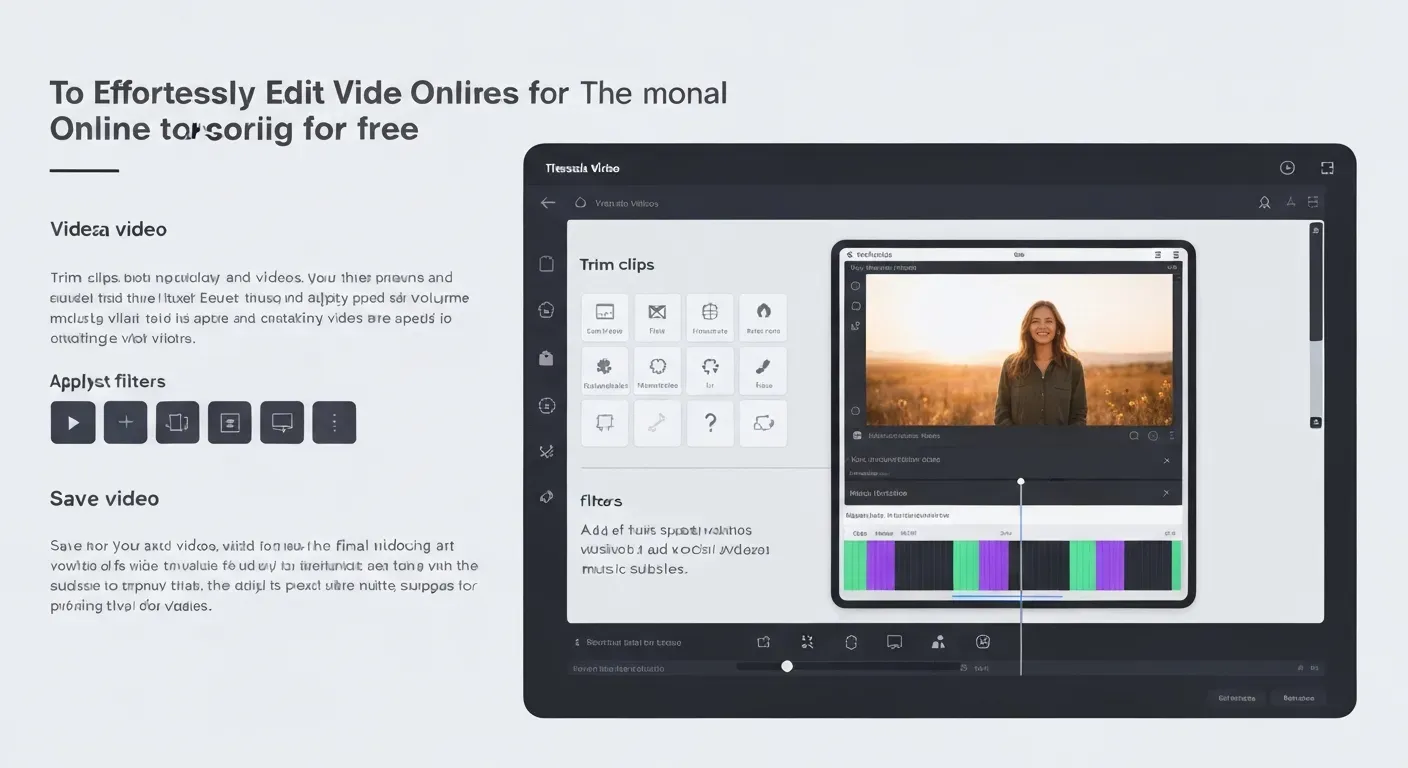
In 2026, the expensive barriers to entry for high-quality video production have completely vanished. You no longer need a massive budget, heavy hardware, or years of technical training to produce cinematic content that captivates audiences. Whether you are an aspiring social media influencer or a business professional, stunning visual results are now instantly accessible.
The current digital landscape offers robust cloud-based solutions that effectively rival traditional, costly desktop software. It has never been easier to edit video online free of charge while still retaining access to premium features like AI-driven effects and 4K rendering. These versatile tools empower you to create wherever inspiration strikes, regardless of your specific device.
This comprehensive guide explores the best platforms available today to help you master the art of browser-based editing. We will walk you through essential features to prioritize and share expert tips for optimizing your workflow to create engaging videos efficiently. Get ready to bring your unique vision to life without spending a single dime.
Top Free Online Video Editing Tools for 2026
Finding powerful tools to edit video online free is essential for creators. This guide highlights three top-tier platforms that offer robust features without a price tag. While CapCut and InVideo AI offer distinct workflows, Auraclip introduces a revolutionary approach as an AI agent video editing platform. These tools combined help you produce polished video content efficiently.
CapCut: Your Go-To Free Video Editor
CapCut offers a complete free video editing experience across mobile, Mac desktop, and its web editor. This platform simplifies adding music to your projects. You can import your own audio files or extract sound from existing videos. A large audio library also provides ready-to-use tracks.
The interface prioritizes user-friendliness, making CapCut ideal for social media content and users needing quick edits. The tool allows you to edit video online free with a straightforward workflow.
| Feature | CapCut Web Editor | CapCut Mobile App | CapCut Desktop (Mac) |
|---|---|---|---|
| Music Import | Yes | Yes | Yes |
| Audio Library | Yes | Yes | Yes |
| Social Media Focus | Yes | Yes | Yes |
| Export Options | Multiple | Multiple | Multiple |
InVideo AI: AI-Powered Online Video Creation
InVideo AI functions as a comprehensive platform for online video creation and editing. It allows users to build and refine videos directly from web pages. The service provides access to over 16 million stock videos and images from iStock, along with a rich collection of music and sound effects.
Advanced features like Genmoji and Visual Intelligence streamline the editing process, simplifying the creation of professional-looking content. Users can begin creating videos without providing a credit card, making InVideo AI an accessible option to edit video online free.
Auraclip: The Future of Conversational Editing
Auraclip represents the cutting edge of 2026 technology as a dedicated AI agent video editing platform. Unlike traditional editors that require you to manipulate timelines manually, Auraclip allows you to handle most of your editing tasks simply through conversation.
You don't need to hunt for the "cut" tool or search for complex effect settings. Instead, you interact with the AI just like you would with a human assistant. The AI will understand your intentions and edit the video accordingly, whether you ask it to "remove all silence gaps," "add cinematic color grading," or "match the visuals to the beat of the music."
Practical Implications: Auraclip eliminates the learning curve entirely. If you can send a text message or chat, you can edit a professional video. This is perfect for users who know what they want to see but don't want to learn how to achieve it technically.
Actionable Tips:
Be descriptive: Treat Auraclip like a human editor. Instead of clicking buttons, simply type commands like "Make the intro more energetic" or "Highlight the key points with text overlays."
Iterate with dialogue: If the first cut isn't perfect, just tell the AI agent what to fix (e.g., "The music is too loud, make it subtle"), and it will adjust instantly.
| Feature | InVideo AI |
|---|---|
| Stock Media Library | 16M+ videos/images (iStock) |
| AI Assistance | Genmoji, Visual Intelligence |
| Web Page Integration | Yes |
| Free Trial | Yes, no credit card required to start |
| Target Audience | Beginners to intermediate creators |
CapCut, InVideo AI, and Auraclip empower creators to edit video online free. CapCut excels with its interface for social media, while InVideo AI leverages stock media. However, Auraclip stands out for its ease of use, where you handle tasks simply through conversation. Choose the tool that best fits your project needs.
1. CapCut: Your Go-To Free Video Editor
Practical Implications: CapCut's cross-platform availability and user-friendly design mean you can start editing on your phone and finish on your desktop without a learning curve. Its focus on social media makes it perfect for creators needing to produce content quickly for platforms like TikTok and Instagram.
Actionable Tips:
Leverage the audio library: Instead of searching for royalty-free music elsewhere, explore CapCut's extensive built-in library for quick and legal audio additions.
Utilize templates for speed: For common video types (e.g., intros, promotional clips), explore CapCut's templates to save significant editing time.
2. InVideo AI: AI-Powered Online Video Creation
Practical Implications: InVideo AI's integration with web pages and vast stock media library significantly reduces the time spent on asset gathering and initial video structuring. Its AI features are particularly beneficial for those who want to create polished videos with minimal manual effort.
Actionable Tips:
Start with a web page: If you have existing content or a blog post, use InVideo AI's web page integration to quickly generate a video draft.
Experiment with AI features: Don't shy away from Genmoji and Visual Intelligence. These tools can automate complex tasks and add unique visual flair to your videos.
Essential Features for Your 2026 Video Editing Workflow
Streamlining your video creation process in 2026 demands tools that offer efficiency and power. Look for platforms that integrate essential assets and provide an intuitive editing environment. This ensures you can focus on creative execution, whether you're a beginner or an experienced editor.
Access to Stock Media and Templates
Platforms offering extensive libraries of pre-recorded videos, images, and music accelerate project timelines. Utilizing video templates provides a professional starting point for diverse content needs, significantly speeding up your creation process. This access is key for maintaining a consistent output.
Intuitive Editing Interface
A user-friendly interface is crucial. While drag-and-drop is standard, the best tools in 2026, like Auraclip, allow you to edit via natural language. The AI understands your intentions, making complex tasks accessible without touching a timeline.The ease of arranging clips and effects directly impacts workflow speed.
Advanced Editing Functions
Beyond basic cuts and transitions, seek out advanced editing functions. Features like color correction, text overlays, and animation enhance visual appeal. AI-powered tools that simplify tasks such as background removal or content generation offer significant time savings.
Social Media Optimization
Ensure your chosen tools are optimized for social media video editing. Features like aspect ratio adjustments for TikTok, Instagram Reels, and YouTube Shorts are essential. Easy export options for these platforms simplify distribution, making it easier to edit video online free and share your work.
FAQ (Frequently Asked Questions)
Q1: What is the best free online video editor for beginners in 2026?
A1: For beginners in 2026, CapCut is highly recommended. Its intuitive interface and straightforward workflow make learning to edit video online free simple. It offers a full suite of features without any cost.
Q2: Can I add my own music to free online video editing tools?
A2: Yes, most free online video editors allow you to upload your personal music files. Tools like CapCut and InVideo AI support this feature. This is essential for customizing your video projects with your preferred soundtracks.
Q3: Are there any AI-powered free video editors available?
A3: Yes, there are AI-powered free video editors. InVideo AI is a prime example, integrating artificial intelligence to assist with video creation and editing. These tools offer a glimpse into future content production capabilities.
Q4: How can I edit videos online for free without watermarks?
A4: Many free tools offer watermark-free exports. CapCut, for instance, allows you to edit video online free without any branding. Always check the platform's terms of service for confirmation on watermark policies.
Q5: What are common limitations of free video editing software in 2026?
A5: Free editors in 2026 may have limitations on premium stock media access and advanced features. Export resolutions might be capped, and AI tool usage could be restricted. However, core editing functionalities remain robust.
Conclusion
In 2026, the barrier to producing high-quality content has vanished, empowering creators of all skill levels to succeed. Advanced platforms now make it effortless to edit video online free without sacrificing professional quality or spending a fortune. Whether you are a hobbyist or a seasoned marketer, these accessible tools offer the sophisticated features needed to captivate your audience.
To maximize your potential, dive into platforms like CapCut, InVideo AI, and Auraclip. Whether you prefer manual control or want to edit the video accordingly through simple conversation, these accessible tools offer the sophisticated features needed to captivate your audience.. Take the time to experiment with advanced functions, such as AI-driven effects and automated transitions, to refine your unique style. By testing these features yourself, you will quickly discover how simple it is to transform raw footage into a masterpiece.
Don't wait any longer to start bringing your creative video ideas to life with these powerful resources. Begin your video creation journey today and leverage the best technology available in 2026 to grow your brand. Step into the director's chair now and unleash your full potential with the ultimate free editing solutions