

Discover Easy Free AI Video Editors Like CapCut for Effortless Content Creation
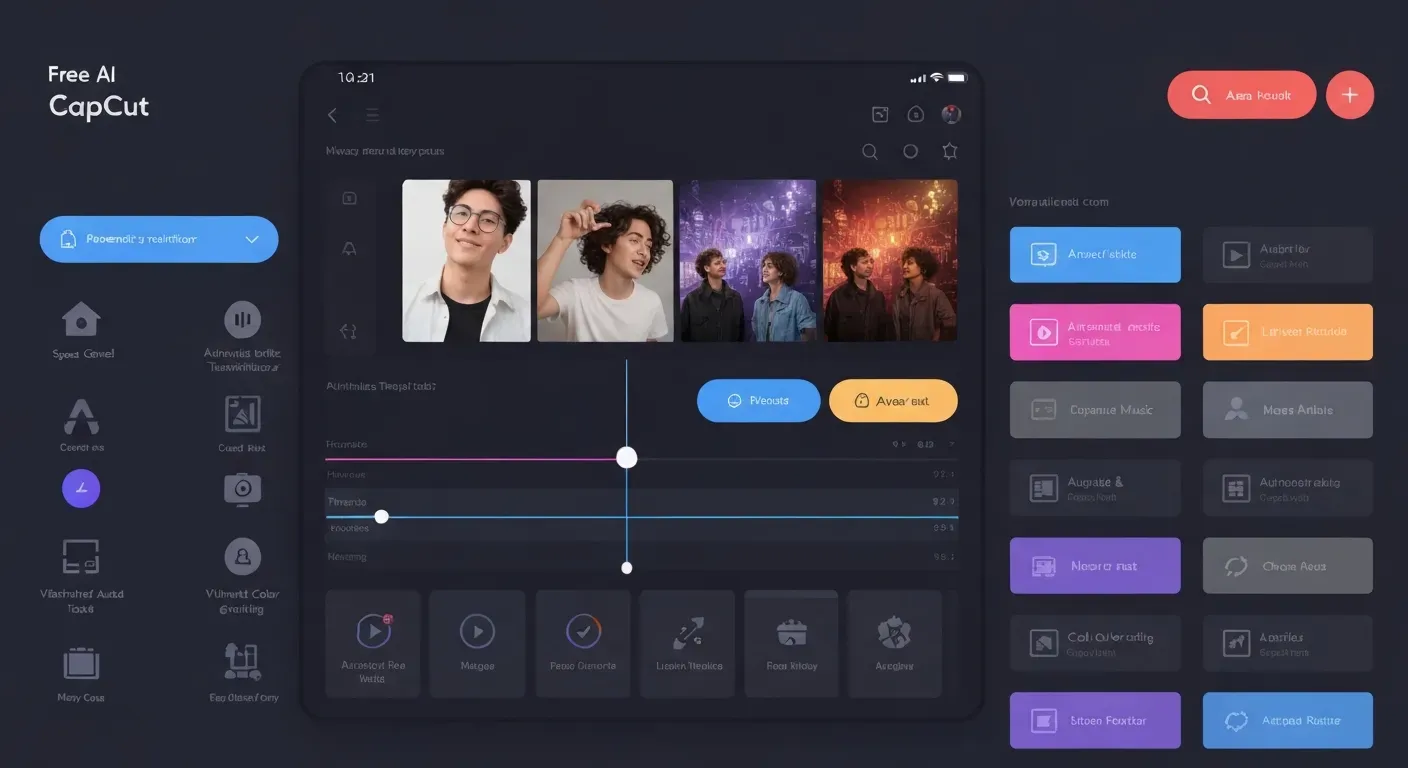 Tired of wrestling with complex editing software or paying hefty subscription fees just to create engaging videos? Imagine producing polished, professional-looking content that captivates your audience, all without the steep learning curve or the expense. The future of content creation is here, and it's more accessible than ever.
In 2026, the digital realm offers a treasure trove of powerful yet user-friendly tools. You can now find an incredible free AI video editor like CapCut, perfect for everything from quick social media clips to more elaborate projects, including a fantastic free AI dance video editor. These solutions make being a creator easier than you ever thought possible.
This guide will unveil the best easy free AI video editor options available, focusing on intuitive platforms that leverage AI to simplify your workflow. We'll explore how these intelligent editors can automate tasks, offer smart suggestions, and empower you to bring your creative visions to life effortlessly.
Top 5 Free AI Video Editors Like CapCut in 2026
The demand for a free AI video editor like CapCut continues to grow in 2026. AI now automates complex tasks, making video creation faster and more accessible. These tools empower creators to produce professional content without steep learning curves or expensive software, fundamentally changing how we approach video production.
1. AuraClip: Your Personal AI Video Editing Agent
AuraClip emerges as a revolutionary AI editing agent. Users transform raw footage by issuing simple chat commands. The AI automatically removes silence, generates intelligent captions, and inserts background music with smart transitions. Its multi-round revision capability requires no prior editing skills, making it an ultimate easy free AI video editor for YouTubers and modern creators seeking an effortless workflow.
2. CapCut (Mobile & Desktop)
CapCut remains a dominant force with robust features on mobile and desktop. Its intuitive interface, extensive template library, and powerful AI tools make it a go-to choice. Features like auto-captions, text-to-speech, and background removal simplify sophisticated editing. Regular updates keep it at the forefront, making it a popular free AI dance video editor due to its trendy effects.
3. Canva Video Editor
Known for graphic design, Canva now offers a formidable free video editor. Its drag-and-drop system, combined with a vast library of stock footage and music, streamlines production. AI features for background removal and auto-captioning enable quick, creative video creation. This makes it ideal for social media managers and marketers who need to produce content efficiently.
4. Clipchamp
Microsoft’s Clipchamp provides a compelling free tier for AI-powered editing. It offers a user-friendly experience with unique features like text-to-video and AI-driven text-to-speech. Automatic video formatting for different platforms and a solid stock asset library help users produce engaging content with minimal effort, catering to a wide range of content needs.
5. Adobe Express
Adobe Express leverages Adobe's creative legacy in a free, AI-enhanced platform. It offers easy-to-use tools, templates, and stock assets for dynamic video creation. AI features simplify tasks like animation and background removal. This accessibility allows a broad audience to produce professional-looking videos without needing to master complex software.
| Key AI Feature | AuraClip | CapCut | Canva | Clipchamp | Adobe Express |
|---|---|---|---|---|---|
| Primary Interface | Chat-based Agent | Timeline Editor | Drag-and-Drop | Timeline Editor | Template-based |
| Auto Silence Removal | Yes (Automatic) | No | No | No | No |
| Auto Captions | Yes | Yes | Yes | Yes | Yes |
| Text-to-Video | No | No | No | Yes | No |
Why AI Video Editors Are Essential for Content Creators in 2026
By 2026, AI video editors have become indispensable tools for content creators. These platforms offer a powerful combination of speed, accessibility, and creative enhancement, fundamentally changing how videos are produced. They address key challenges faced by creators, from tight deadlines to budget constraints, making professional-quality video creation achievable for everyone.
Efficiency and Speed
AI video editors drastically cut down production time. They automate repetitive tasks like removing silence, adding subtitles, and applying transitions. This allows creators to focus more on the creative aspects of their content and publish more frequently. Tools like AuraClip, for instance, transform raw footage into professional videos through simple chat commands, automating silence removal and caption generation instantly.
Accessibility for Beginners
These tools democratize video creation. With intuitive interfaces and AI handling complex processes, individuals with no prior editing experience can produce high-quality videos. This lowers the barrier to entry for aspiring YouTubers and social media influencers. An easy free AI video editor, similar to the user-friendly approach of CapCut, empowers new creators to enter the market confidently.
Enhanced Creativity
AI features like smart object tracking, automatic scene detection, and AI-powered effects inspire new creative directions. They help creators achieve polished looks that might otherwise require advanced technical skills or expensive software. This means a free AI dance video editor can help users generate dynamic visuals without needing complex choreography editing knowledge.
Cost-Effectiveness
The availability of powerful free AI video editors in 2026 means creators can achieve professional results without significant financial investment. This cost-effectiveness is crucial for individuals and small businesses managing tight budgets while aiming for high-impact visual content. A free AI video editor like CapCut exemplifies this trend, offering robust features at no cost.
Choosing the Right Free AI Video Editor for Your Needs in 2026
Selecting the ideal free AI video editor in 2026 involves aligning tool capabilities with your specific content creation goals. As the landscape evolves, understanding what constitutes an "easy free AI video editor" or a "free AI dance video editor like CapCut" requires a focused approach to feature assessment and usability.
Consider Your Project Type
Your primary video project type dictates the best editor. For short, engaging social media clips like TikToks or Reels, editors optimized for speed and trendy effects are crucial. If you create longer content for platforms like YouTube, look for tools that offer more robust timeline editing and advanced AI features. Professional corporate presentations demand polished visuals and seamless integration, where AI can automate tedious tasks.
Evaluate Ease of Use
For beginners, an intuitive interface is paramount. Tools like AuraClip, which transforms raw footage into professional videos via simple chat commands, exemplify this. AuraClip's AI automatically removes silence, adds captions, and inserts background music and smart transitions, enabling multi-round revisions without prior editing skills. CapCut also receives praise for its user-friendly design, making it a strong contender for those prioritizing a smooth workflow.
Check Platform Availability
Ensure your chosen editor is accessible on your preferred devices. While many offer cross-platform syncing, some free AI video editors might be mobile-only or desktop-only. This impacts how and where you can edit, so confirm compatibility with your smartphone, tablet, or computer.
Review AI Feature Set
The core value of a free AI video editor lies in its AI capabilities. Assess if the tool offers essential features like advanced auto-captioning, efficient background removal, smart transitions, or AI-generated voiceovers. Compare the specific AI functionalities of different editors, such as AuraClip's conversational editing and automatic B-roll insertion, to ensure they meet your content creation demands.
| AI Feature | AuraClip (Example) | CapCut (General) | Other Free Editors |
|---|---|---|---|
| Auto-Captioning | Yes | Yes | Varies |
| Silence Removal | Yes | Yes | Varies |
| Smart Transitions | Yes | Yes | Varies |
| Conversational Edit | Yes | No | No |
| Background Removal | Yes | Yes | Varies |
FAQ (Frequently Asked Questions)
Q1: What makes AuraClip a unique AI video editor in 2026?
A1: AuraClip stands out as a personal AI video editing agent. Its unique conversational, chat-command-based interface allows for multi-round revisions without requiring traditional editing skills. This positions AuraClip as an intuitive, AI-powered assistant for creators.
Q2: Are there truly free AI video editors with advanced features like CapCut?
A2: Yes, in 2026, several free AI video editors offer advanced features. Tools like CapCut, AuraClip, Clipchamp, and Adobe Express provide sophisticated functionalities previously exclusive to paid software, democratizing advanced editing.
Q3: How can I ensure my video content stands out using these free tools in 2026?
A3: To make your content stand out, leverage AI features for unique effects and efficiency. Focus on compelling storytelling and maintain a consistent brand aesthetic. Engage with your audience through comments and community features to foster connection.
Q4: What are the limitations of free AI video editors compared to paid software?
A4: Free AI video editors in 2026 may have limitations. These can include watermarks (though less common), restricted access to premium templates or stock assets, and lower resolution export options. Fewer advanced AI functionalities might also be present compared to paid versions.
Q5: Can I use these free AI video editors for commercial purposes in 2026?
A5: Many free AI video editors, including CapCut and Clipchamp, permit commercial use of content created with their free versions in 2026. However, always verify the specific terms of service for each platform to confirm licensing details.
Conclusion
In 2026, the video editing world is transformed by accessible AI, making professional content creation easier than ever. Tools like CapCut, AuraClip, Canva, Clipchamp, and Adobe Express prove that a free AI video editor like CapCut, even a free AI dance video editor, is readily available for everyone. These platforms democratize powerful editing capabilities, proving that a truly easy free AI video editor is within reach.
Now is the time to explore these incredible platforms and their innovative AI features. Experiment with each to discover which easy free AI video editor best suits your unique creative vision and comfort level. Don't shy away from leveraging these powerful, free resources to significantly streamline your content creation process.
Don't wait any longer to elevate your videos! Dive into the world of free AI video editing today and start crafting your next masterpiece with confidence. Your creative journey awaits, powered by these game-changing tools.