

AI Video Editing Software 2.0: Why "Chat-to-Edit" is the Future of Content Creation
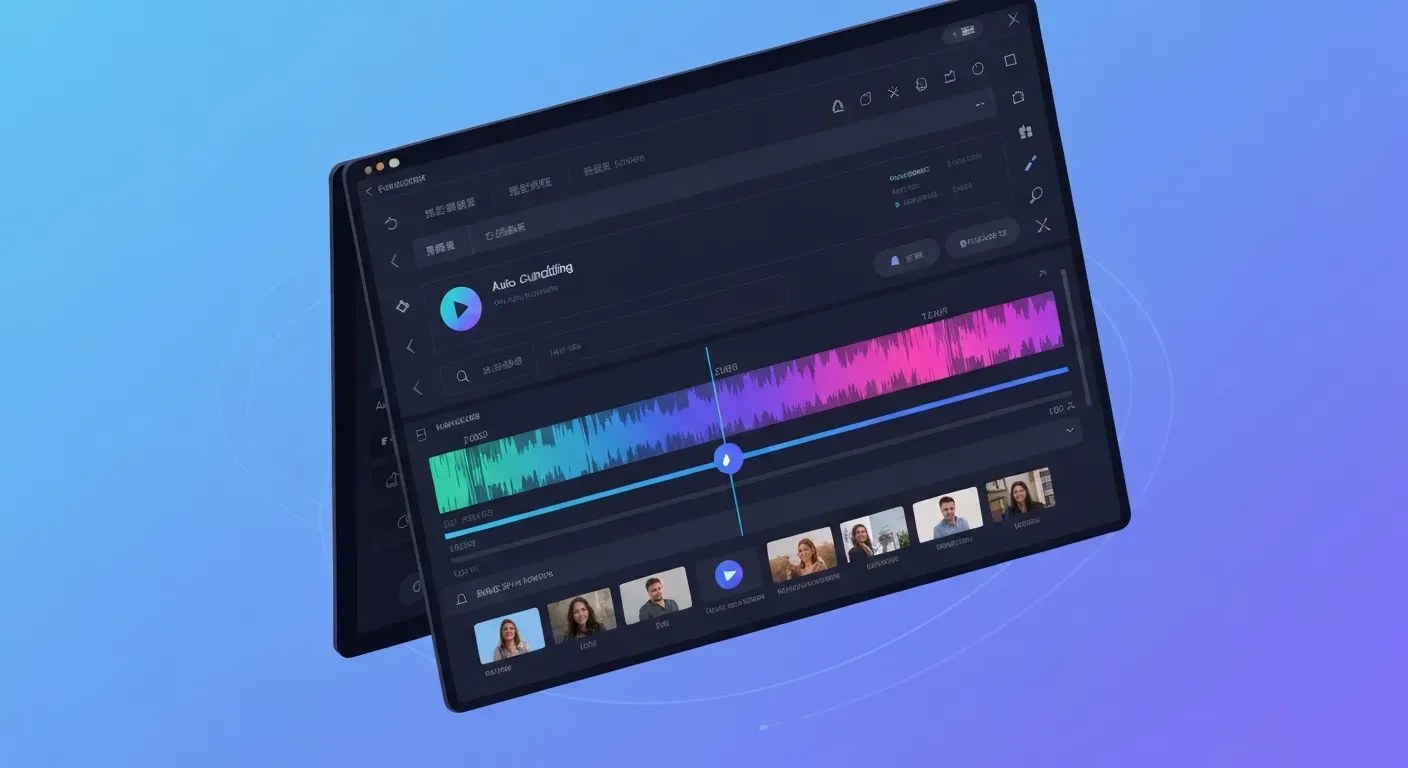
Are you exhausted by the endless hours spent meticulously cutting footage, syncing audio, and painstakingly adding captions frame by frame? The traditional video editing workflow is rapidly becoming obsolete, often leading to creative burnout rather than inspiration. Fortunately, a massive disruption is here to reclaim your time and energy.
The future is conversational, powered by advanced ai video editing software that understands your vision through simple text prompts. Imagine making complex edits as easily as sending a message, effectively turning your software into an intelligent creative partner. This "Chat-to-Edit" technology is not just an upgrade; it is a total revolution.
In this article, we explore how groundbreaking tools like AuraClip are dominating the landscape in 2026 and streamlining the creator economy. We will walk you through this intuitive new workflow and highlight transformative use cases that save you hours of work. Read on to discover why your voice is the only tool you need.
The Problem: The "Burnout" of Manual Video Editing
Creators often face a daunting ratio: hours of editing for mere minutes of usable footage. Manual tasks like cutting silence, syncing audio tracks, and generating captions consume valuable time. This repetitive labor leads directly to burnout. Instead of focusing on storytelling, you are forced to wrestle with technical minutiae.
The demand for content is relentless. Viewers expect high-volume output, yet traditional editing software hinders rapid iteration. It requires extensive manual input for even simple adjustments. This steep learning curve creates a bottleneck. You need a tool that accelerates the process, not one that slows you down.
"The pressure to deliver high-volume output places immense strain on video editors and content creators."
AuraClip enters the market to solve this specific pain point. We address the paralysis of "blank timeline anxiety." You do not stare at an empty screen; you chat with an AI agent. Tell the agent what you need, and it builds the foundation instantly.
This ai video editing software introduces a distinct workflow. Use Chat commands for speed, then switch to the Timeline for precision. This flexibility suits Vlogs, Commentary, and Gaming formats perfectly, allowing you to control granular details only when necessary.
| Workflow Aspect | Traditional Editing | AuraClip Approach |
|---|---|---|
| Starting Point | Empty project file | Chat with AI Agent |
| Primary Input | Mouse clicks & shortcuts | Natural language commands |
| Adjustment Method | Manual timeline manipulation | Switch between Chat & Timeline |
| Learning Curve | High (Technical skills required) | Low (Conversational) |
Eliminate the drudgery of manual editing. AuraClip is currently free to use during this beta phase. Test the waters without risk and reclaim your time to focus on creating content that connects.
The Shift: Conversational AI Video Editing Software
Video editing often begins with a daunting obstacle: "blank timeline anxiety." Creators stare at an empty interface, unsure where to place the first clip. The industry is now moving away from complex drag-and-drop interfaces toward a "Chat-to-Edit" paradigm. This evolution allows you to interact with ai video editing software through natural language commands. You simply type instructions, and the system executes the technical work.
Generative AI powers this new workflow. It interprets user intent to automate complex tasks instantly. Instead of manually cutting silence or syncing audio, you "talk" your edits into existence. These AI agents act as intelligent assistants that understand context, drastically reducing the time required to turn raw footage into a polished video. This shift makes sophisticated production accessible without specialized training.
AuraClip enters this space as a next-gen innovator. While many tools automate everything and remove user control, AuraClip addresses this limitation directly. The interface features a unique toggle system:
1. Chat Mode: Use commands for speed to build the structure.
2. Timeline Mode: Switch to the timeline for precision adjustments.
This hybrid model solves the frustration of losing creative oversight. Whether you produce Vlogs, Commentary videos, or Gaming highlights, the workflow adapts to your needs. You command the AI to assemble the base layer, then refine the specific cuts manually.
| Workflow Aspect | Traditional NLE | AuraClip Approach |
|---|---|---|
| Input Mechanism | Mouse & Keyboard Shortcuts | Natural Language Chat |
| Editing Style | Manual Drag-and-Drop | Generative Automation |
| Precision Control | Frame-by-frame (Manual) | Hybrid (Chat + Timeline) |
| Setup Time | High (Complex Setup) | Low (Instant Start) |
Testing this technology requires zero financial risk. AuraClip is currently free to use during its beta phase. You can download the Free Trial today to experience the difference. Eliminate the anxiety of the blank page and start collaborating with your editor.
The 2026 Workflow: How "Chat-to-Edit" Works
"Blank timeline anxiety" stops many creators before they even start. AuraClip eliminates this friction. We do not force you to drag clips onto an empty track. You simply start a conversation. This approach redefines ai video editing software by prioritizing interaction over manual labor. You act as the director; the software acts as the editor.
Step 1: Uploading Raw Footage
Creators upload raw files to begin the session. The system accepts diverse formats including 4K Vlogs, multi-track Podcast recordings, and high-frame-rate Gaming sessions. The software indexes the content immediately upon receipt, recognizing audio waves and visual scene changes.
You bypass the folder organization step entirely. The platform prepares the footage for analysis without requiring manual bin creation, allowing you to move from shooting to editing in minutes.
Step 2: Giving Instructions via Chat
The core workflow revolves around the text sidebar. You issue specific commands to the AI agent. Instructions like "Remove silences longer than 0.5 seconds" or "Cut to the highlights based on audio peaks" trigger instant actions. The AI processes these instructions and executes the rough cuts.
The AI picks scenes. It adjusts the sound. It understands the context.
The system distinguishes between dialogue and background noise. You can also command it to "Add background music" or "Generate captions." The AI applies these elements to the sequence automatically, replacing hours of repetitive cutting and dragging.
| Feature | Traditional Editing | Chat-to-Edit (AuraClip) |
|---|---|---|
| Input Method | Mouse & Keyboard Shortcuts | Text Commands |
| Rough Cut Time | 1-4 Hours | 2-5 Minutes |
| Silence Removal | Manual Ripple Delete | Automatic Command |
| Skill Requirement | High (Timeline Management) | Low (Natural Language) |
Step 3: The "Hybrid" Approach: AI Rough Cut & Manual Refinement
AI provides speed, but creators require precision. AuraClip functions as a next-gen innovator by offering a "Hybrid" interface. Users toggle between the Chat command window and a traditional Timeline view instantly.
You use the Timeline for granular adjustments. You can trim a clip by three frames or adjust audio keyframes manually. This allows you to refine the AI-generated rough cut, combining the velocity of AI tools with the specific control of manual editing.
This ensures the final output meets strict technical requirements. AuraClip is currently free to use during this beta phase. You can test this hybrid workflow today without financial risk.
Tool Spotlight: AuraClip – The Future is Here
AuraClip enters the market as a market disruptor, not another corporate giant. It introduces a "Chat-to-Edit" philosophy that transforms ai video editing software. Many creators face "blank timeline anxiety" when opening a new project. AuraClip eliminates this fear. You simply chat with an AI agent to generate your initial edit. This innovator bridges the gap between automated speed and manual creativity.
AuraClip: Chat + Timeline = Fast & Precise
The interface features a unique toggle system. You use Chat commands for speed. Type instructions like "cut all pauses" or "add b-roll," and the system executes them immediately. This accelerates the rough cut process significantly.
When you need specific adjustments, you switch to the Timeline. This standard view offers granular control for frame-perfect cuts. This combination ensures you never sacrifice precision for speed.
| Feature | Chat Mode | Timeline Mode |
|---|---|---|
| Primary Function | Rapid assembly & automation | Fine-tuning & detailed edits |
| User Input | Text commands | Mouse clicks & drags |
| Best For | Rough cuts, removing silence | Frame accuracy, transition timing |
| Speed | High (seconds) | Variable (manual control) |
Key Features of AuraClip
AuraClip streamlines the workflow from file ingest to final export. It supports diverse content types including Vlogs, Commentary, and Gaming videos. The AI agents interpret complex prompts to automate repetitive rendering tasks. This allows you to focus on the narrative rather than the technical grind.
"AuraClip lowers the barrier to entry, empowering you to build professional content regardless of your prior editing experience."
The platform currently offers a Free Trial during its beta phase. This allows you to test the features without financial risk. You can experience the hybrid workflow of chat and timeline editing today.
Use Cases: Who Benefits from "Chat-to-Edit" in 2026?
"Blank timeline anxiety" often paralyzes creators before they make their first cut. AuraClip eliminates this staring contest. You simply chat with an AI agent to build your project foundation. This next-gen innovator solves the "cold start" problem by turning text prompts into immediate video timelines.
Vloggers and YouTubers
Vloggers often manage over 50GB of raw footage daily. AuraClip transforms these hours of recording into structured narratives instantly. You focus on content creation while the software handles the assembly. Users toggle seamlessly between Chat commands for speed and the Timeline for frame-perfect precision.
This hybrid workflow supports various formats. Creators type instructions like "Cut silence and stabilize footage," and the system executes the task, reducing post-production time significantly.
Gamers and Streamers
Streamers recording 8-hour gameplay sessions need efficient extraction tools. AuraClip acts as an ai video editing software that isolates key moments through simple text prompts. You command the AI to "Compile all victory clips," and it generates a highlight reel.
| Feature | Traditional Editing | AuraClip Workflow |
|---|---|---|
| Input Method | Manual Mouse/Keyboard | Text Chat + Timeline |
| Clip Selection | Manual Scrubbing | AI Contextual Search |
| Speed | Hours per Project | Minutes per Project |
| Skill Barrier | High (Technical) | Low (Conversational) |
Gamers create tutorials and engaging clips without manually scrubbing through terabytes of video data. The tool identifies high-action sequences automatically, allowing for rapid turnaround on social media content.
Marketing Agencies
Agencies must deliver polished promotional videos under tight deadlines. Teams leverage AuraClip to boost production output without increasing headcount. The tool automates rough cuts and formats content for multiple social platforms simultaneously.
Agencies deliver client updates and final assets faster than competitors. This efficiency opens bandwidth for more creative strategy and client acquisition.
Democratizing Creation
The "Chat-to-Edit" workflow democratizes advanced video editing for all skill levels. This technology supports a faster digital workflow and enables more frequent uploads. Test the waters without risk; AuraClip currently offers a Free Trial during this beta phase.
FAQ (Frequently Asked Questions)
Q1: What is 'Chat-to-Edit' AI in video editing?
A1: It's an AI video editing software approach where you use text commands to make edits instead of manual controls. This conversational method simplifies complex tasks and speeds up your workflow.
Q2: Can AI video editing tools replace human editors?
A2: AI tools are designed to augment editors by automating repetitive tasks. They allow human creators to focus more on creative direction and storytelling.
Q3: How does Generative AI benefit video editing?
A3: Generative AI analyzes footage and user prompts to automate tasks like scene selection, captioning, and rough cuts. It significantly reduces the time spent on manual editing processes.
Q4: Is AuraClip a free ai video editing software?
A4: AuraClip is currently offering a Free Trial during its beta phase. This allows you to test its advanced features without any initial financial commitment.
Q5: What are the basic requirements to use AI video editing software like AuraClip?
A5: You'll need a stable internet connection for cloud processing and a computer with sufficient processing power for rendering. Basic computer literacy is also helpful.
Conclusion
The "Chat-to-Edit" revolution is fundamentally reshaping how we approach digital storytelling in 2026, making professional production accessible to everyone. By leveraging advanced ai video editing software, creators can finally bypass tedious manual cuts to focus entirely on their unique creative vision. Tools like AuraClip offer a compelling glimpse into a future where high-quality editing is intuitive, incredibly fast, and limitless.
To stay ahead of the curve, you must embrace a hybrid workflow that seamlessly combines your human creativity with machine efficiency. Start experimenting with these intelligent editors today to discover exactly how conversational commands can drastically streamline your specific daily tasks. Adopting these innovations now ensures you remain at the absolute cutting edge of the rapidly evolving media landscape.
Don't let this massive technological shift leave you behind; instead, step confidently into the future of video production right now. Utilize the free trial of AuraClip to experience the transformative power of conversational editing firsthand and revolutionize your workflow. Unlock your full creative potential with AI in 2026 and see just how effortless content creation can truly be.