

No Green Screen? No Problem. How to Change Video Backgrounds Using AI Chat Commands
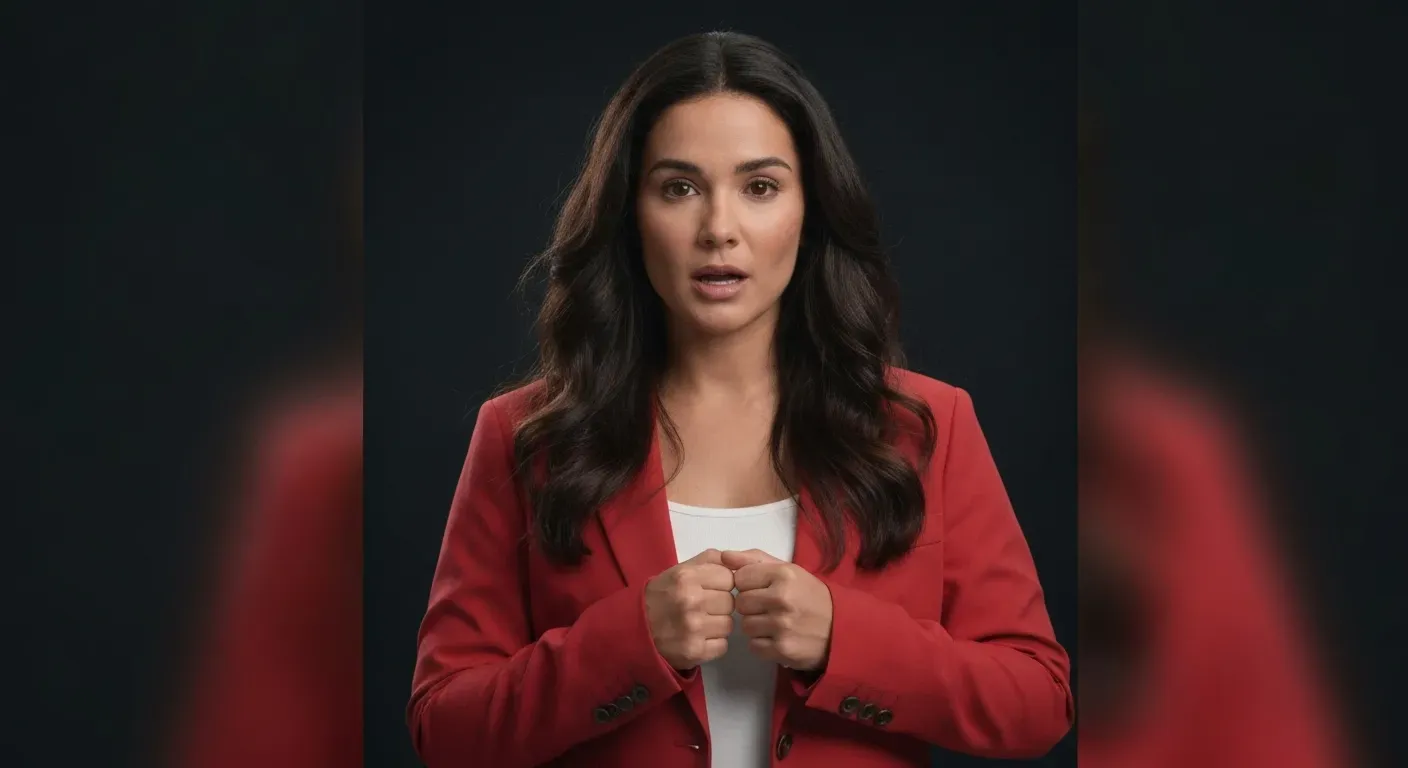
Setting up a traditional green screen studio is often expensive, time-consuming, and incredibly frustrating. You frequently struggle with uneven lighting, wrinkles in the fabric, or simply lack the space for a backdrop. Fortunately, the days of relying on this cumbersome hardware for a professional look are finally over.
New advancements in artificial intelligence now allow you to bypass these technical hurdles using simple text prompts. Whether you want a modern office or a fantasy world, learning how to change background in a video is easy. This innovative approach removes the need for complex editing software or expensive equipment.
We will explore how AI chat commands are revolutionizing the post-production workflow for creators of all levels. We will guide you through the technology, the chat workflow, and critical fine-tuning techniques. Get ready to ditch the green screen and transform your footage with just a few keystrokes.
The Struggle: Expensive Studios and Complex Chroma Keying
Setting up a home studio requires dedicated square footage and multi-point lighting kits. Traditional chroma keying demands precise illumination to prevent color spill or jagged edges. Without these resources, trying to change background in a video often results in amateurish visuals.
Furthermore, older editing software forces users to spend hours masking frames manually. This process requires technical skills that many creators simply lack.
| Feature | Green Screen Setup | Basic Web Tools | AuraClip |
|---|---|---|---|
| Equipment | Lights, Stands, Cloth | Browser Only | AI Software |
| Output Quality | High (if lit correctly) | Compressed/Low Bitrate | Original Raw Quality |
| Complexity | High | Low | Low |
AuraClip bridges the gap between pixelated web tools and complex Non-Linear Editing (NLE) systems. Instead of fiddling with lights, you simply type conversational prompts like "Remove the messy room behind me." Unlike basic online removers, AuraClip maintains the professional integrity of your raw footage.
AI Subject Segmentation: The Future of Background Removal
Modern AI algorithms analyze individual pixels to identify foreground subjects with precision. Unlike older chroma keying that demands specific color ranges, AI differentiates subjects within complex environments.
This means you no longer need studio lighting or green screens to change background in a video. This automation removes manual masking tasks, saving hours of post-production time.
| Feature | Traditional Chroma Key | Basic Web Tools | AuraClip AI |
|---|---|---|---|
| Method | Color Range (Green Screen) | Basic Edge Detection | Advanced Pixel Analysis |
| Output Quality | High (Manual Setup) | Compressed (Lossy) | Original Raw Footage |
| Lighting Needs | Controlled Studio | Moderate | Uncontrolled/Complex |
While basic online tools often compress files, advanced AI tools maintain the raw footage resolution. You instruct the AI agent directly with conversational prompts. Stop stressing over your physical recording space and trust AI agents for your set design.
The Conversational Workflow: Chat Your Way to New Backgrounds
Imagine uploading your video clip and simply typing a command. You might write, "Change the background to a beach scene." This intuitive process removes the need for complex green screen setups or manual masking.
AI chat interfaces allow you to describe your desired setting. The system automatically processes the request instantly. This approach makes it easy to change background in a video regardless of your technical skill level.
Key Benefits of the Chat Workflow:
Cross-Device Functionality: Works on iPhone, iPad, and Mac.
Natural Language: No need to learn code or complex menu systems.
Automated Logic: The AI agent handles the technical masking and compositing logic for you.
| Feature | Basic Online Tools | AuraClip |
|---|---|---|
| Output Resolution | Often capped at 720p/1080p | Retains raw source resolution |
| Compression | High compression (lossy) | Lossless export options |
| Control Method | Manual clicks/sliders | Natural language prompts |
Unlike basic web tools that heavily compress video files, professional AI editors prioritize fidelity. They function as dedicated video editors that preserve the quality of your raw footage. This allows you to modify the environment without sacrificing visual standards.
Fine-Tuning: Perfecting Your Edits with Chat + Timeline
AI handles the heavy lifting, but fine-tuning delivers professional results. You start with a conversational prompt like, "Remove the messy room behind me and add a gradient blur." The AI executes this command instantly.
This approach simplifies the process to change background in a video while maintaining high standards. However, for broadcast-quality results, you may need to refine the output.
AuraClip allows you to use a timeline to:
1. Refine Edges: Clean up any hair or motion blur issues.
2. Correct Imperfections: Fix momentary segmentation glitches.
3. Color Match: Adjust the subject's lighting to match the new environment.
| Feature | Basic Online Tools | AuraClip |
|---|---|---|
| Output Quality | Compresses/Lowers Resolution | Preserves Raw Quality |
| Adjustment Control | One-Click Automation | Chat + Timeline Precision |
| Edge Handling | Often Pixelated | Refined & Seamless |
With the Chat + Timeline feature, you secure studio-quality visuals. This ensures professional results regardless of where you record.
Ideal Use Cases for AI Background Changes
You can change background in a video to match any narrative instantly. Here is how different creators utilize this technology:
Vloggers: Transport yourself to global locations without leaving your desk.
Content Creators: Use dynamic backgrounds to maintain viewer retention.
Remote Professionals: Unify interview participants with a consistent, professional look.
Unlike basic online tools that compress resolution, professional AI software maintains full quality. This ensures your final export looks crisp and authoritative.
FAQ (Frequently Asked Questions)
Q1: How does AI background removal compare to traditional green screens?
A1: Traditional green screens require specific lighting and physical backdrops. AI segmentation adapts to your current environment without hardware. This allows you to change background in a video using natural light and complex settings.
Q2: Do I need special software to use AI chat commands?
A2: You need a tool that interprets natural language, like AuraClip. It bridges the gap between basic web tools and complex NLE systems. This functions as a dedicated AI video editor for high-quality results.
Q3: Can I use this technology on mobile devices?
A3: Yes, modern mobile chipsets process AI tasks effectively. You can edit directly on an iPhone or iPad. This eliminates the need for file transfers to a desktop computer.
Q4: What if the AI segmentation makes a mistake?
A4: Automated segmentation can occasionally miss details. Use the timeline feature to fine-tune edges or adjust color matching manually. This ensures a clean, professional look.
Q5: Is this feature available for free?
A5: Basic features often come with free trials. However, high-resolution exports and advanced AI capabilities typically require a paid subscription. Paid plans ensure the best quality for your projects.
Conclusion
The integration of intuitive AI chat commands into video editing workflows marks a revolutionary leap for creators. This innovation eliminates the need for cumbersome green screens entirely. It is now effortless to change background in a video while maintaining professional quality.
By leveraging these advanced tools, you can transform ordinary footage into captivating visual stories. Remember to utilize fine-tuning features to refine edges for a realistic look. Stop letting technical limitations hold back your creative vision.
Ready to upgrade your content? Download AuraClip today and start editing with the power of AI. Create studio-quality videos instantly, no matter where you are.