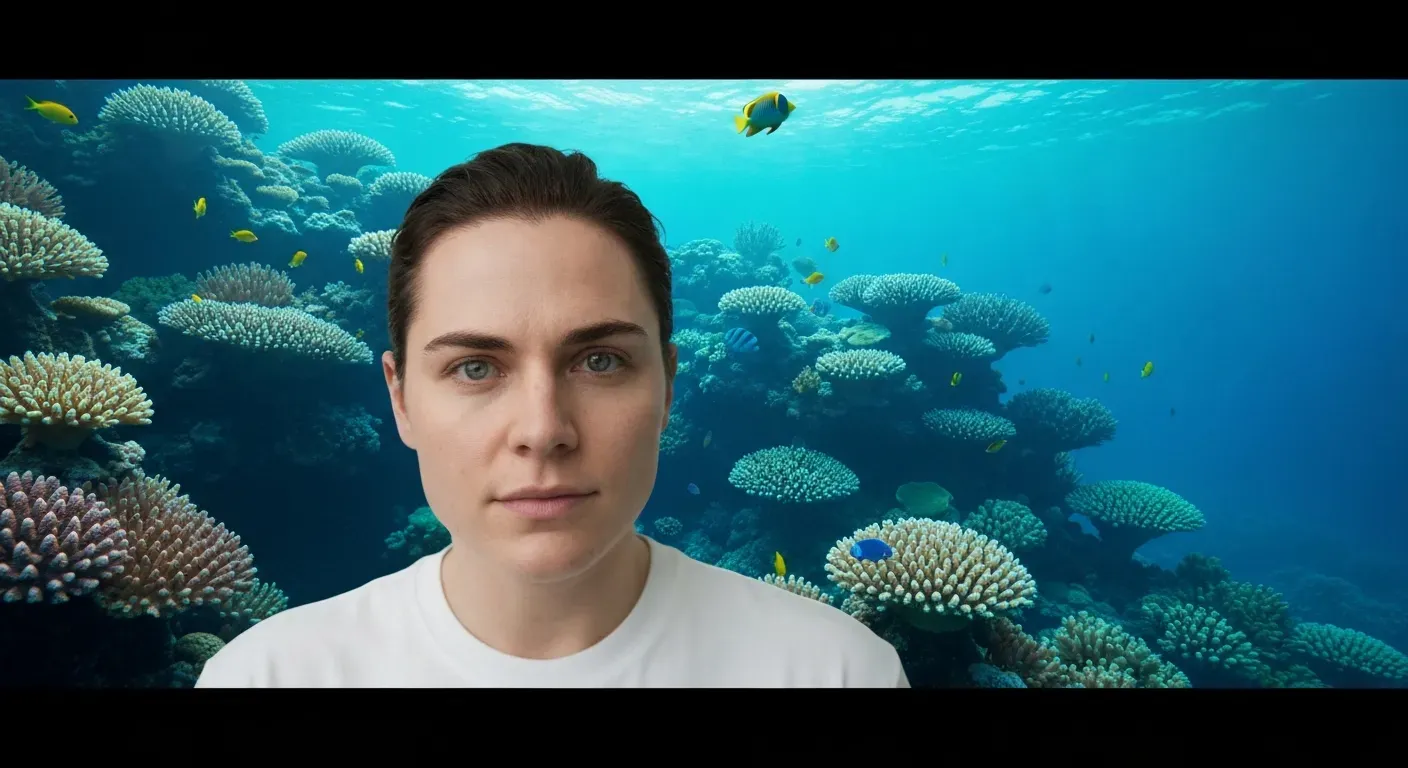
Imagine transforming your footage from a cluttered, messy room to a sleek, high-end corporate office in mere seconds. In the competitive digital landscape of 2026, delivering polished visuals is absolutely crucial for capturing and retaining viewer attention. Whether you are a creative vlogger or a business leader, the background of your video plays a massive role in establishing your professional authority.
Gone are the days of requiring expensive green screens or mastering complex software to achieve cinematic quality. By utilizing a powerful AI video editing agent, you can effortlessly change background in a video to suit any mood or theme. These intelligent tools handle the complex masking tasks automatically, allowing you to focus entirely on delivering your core message.
This comprehensive guide explores the top AI tools that are redefining content creation for marketing and social media. You will discover how to generate stunning custom environments and leverage real-time effects to make your YouTube or business videos truly extraordinary. Get ready to unlock these secrets and elevate your production quality to a professional level today.
The Rise of AI Video Background Changers in 2026
In 2026, AI video editing revolutionizes content creation. Advanced techniques are now accessible to everyone. These tools function as necessities for staying competitive, rather than novelties. An AI video editing agent automates complex masking tasks instantly.
Understanding AI Video Editing
Accessibility drives this technological shift. Users can access high-end capabilities on standard devices. The technology lowers entry barriers significantly. Creators can produce broadcast-quality clips without expensive studio setups.
Why Video Background Replacement Matters
Background replacement creates professional visuals. Marketers can transport subjects to specific environments or enhance product photography. Businesses can maintain brand consistency across all marketing assets. You can change background in a video to match specific campaign aesthetics efficiently.
Key Features of AI Background Changers
Modern changers offer automatic subject detection. Algorithms handle seamless background replacement and real-time editing. Users can select custom backgrounds supported by generative technology.
| Feature | Traditional Editing | AI Background Changer |
|---|---|---|
| Subject Selection | Manual Rotoscoping | Auto Detection |
| Processing Time | Hours per minute of footage | Real-time / Seconds |
| Skill Requirement | Professional Training | Entry-level |
| Hardware Needs | High-performance GPU | Standard Device / Cloud |
Top AI Video Background Tools for 2026
Video content creation in 2026 demands speed and technical precision. Creators now rely on software that can change background in a video without manual rotoscoping. An AI video editing agent automates complex tasks like masking, scaling, and rendering. This section reviews seven platforms offering distinct capabilities, ranging from static asset preparation to full-scale 4K video generation.
1. AI Ease for Asset Preparation
AI Ease operates as a free online photo editor. It focuses specifically on static asset preparation for video projects. The tool includes a robust background remover. This function isolates subjects from their original environment with high accuracy.
Users can generate AI images directly within the platform. These images serve as clean assets for video editing or product photography. It simplifies the initial steps of the production workflow. Creators use AI Ease to prepare elements before importing them into complex video timelines.
Practical Implications: AI Ease is ideal for quickly isolating subjects or creating transparent PNGs to be used as elements in more complex video projects. It's a great starting point for anyone needing clean visual assets without a steep learning curve.
Actionable Tip: Before starting your video editing, use AI Ease to remove backgrounds from any key subjects or objects you plan to use. This saves significant time later in the editing process.
2. Dream Screen for Dynamic Backdrops
Dream Screen utilizes Google DeepMind's Veo AI architecture. This integration allows creators to generate video backgrounds through text prompts. The software produces dynamic clips at 1080p resolution.
YouTube creators use this tool to build immersive environments. It eliminates the need for physical green screens or stock footage subscriptions. The AI interprets text descriptions to build motion-based backdrops. This provides a specific solution for users seeking 1080p clips for online content.
3. Higgsfield: A Comprehensive AI Platform
Higgsfield integrates multiple advanced models, including Sora 2 and Google Veo. This combination supports versatile video creation tasks beyond simple background swaps. Users can access image-to-video generation features to animate static concepts.
The platform allows specific character manipulation within scenes. It enhances standard AI tools for video production by offering granular control. Creators can adjust movement and setting details with high precision. This makes Higgsfield a comprehensive solution for generating complex video components.
4. Vmake: AI Generation and Editing Suite
Vmake functions as an AI video generator with built-in editing tools. It supports seamless video background replacement for various aspect ratios. The system includes AI-based hook generation to grab viewer attention in the first few seconds.
Users can upscale footage to 4K resolution using Vmake. This ensures professional quality for final exports on high-definition displays. The suite combines generation and refinement in one interface. It targets users who need both creative generation and technical finishing tools.
| Tool | Core Technology | Primary Output | Key Feature |
|---|---|---|---|
| Dream Screen | Google DeepMind's Veo | 1080p Video Clips | Text-to-Video Backgrounds |
| Higgsfield | Sora 2, Google Veo | Image-to-Video | Character Manipulation |
| Vmake | Proprietary AI | 4K Upscaled Video | AI Hook Generation |
| Auraclip | Advanced AI Engine | Real-time Editing | Custom Background Config |
5. MagicHour AI for Creative Edits
MagicHour AI primarily serves as an image editor. However, it includes specific "Image to Video" features. These tools animate static concepts into motion assets for video projects.
The software performs automated background cleanup. This utility prepares elements for virtual backgrounds. It aids sophisticated content creation by refining source materials before video integration. Editors use MagicHour to ensure assets are artifact-free before animation.
6. Auraclip's AI Video Background Tool
Auraclip provides a professional video editing experience. The tool features advanced AI-powered video background replacement. Editors can view changes through real-time editing capabilities.
The platform offers extensive customization options. Users can configure custom backgrounds to match specific branding requirements. It functions as a specialized AI video editing agent for precise control. This tool targets professionals requiring immediate visual feedback during the editing process.
Practical Implications: Auraclip is designed for professionals who need precise control and immediate visual feedback. Its real-time editing capabilities are crucial for fast-paced production environments where adjustments need to be made on the fly.
Actionable Tip: When working on a project with strict branding guidelines, leverage Auraclip's customization options to ensure your virtual backgrounds perfectly match your brand's aesthetic.
7. Fotor: Powerful Photo and Video AI Features
Fotor supports video projects with specific cleanup tools. The AI background remover isolates subjects effectively from complex sceneries. A Magic Eraser tool removes unwanted objects from frames without leaving visual distortions.
Creative AI features within Fotor generate unique visual assets. Editors can use these generated images as custom backgrounds for video overlays. The platform bridges the gap between photo manipulation and video asset creation. It provides essential utility for cleaning and prepping visual elements.
Conclusion
Selecting the right tool depends on specific project requirements, from 4K upscaling to real-time editing. Tools like Dream Screen and Higgsfield offer generative capabilities, while Auraclip focuses on professional replacement. Creators must evaluate these specifications to effectively change background in a video and streamline their 2026 production workflows.
Editing Like a Pro: Best Practices for AI Video Backgrounds in 2026
To change background in a video effectively, creators must prioritize context. A YouTube vlog requires different visuals than a corporate Q3 report. Select custom backgrounds that align strictly with the specific platform and audience demographics.
Choosing the Right Virtual Background
Match the background resolution to your source footage. If shooting in 4K, use 4K background assets to prevent pixelation. For business videos, select neutral office environments to maintain focus. Marketing videos often utilize specific brand color codes (Hex codes) to reinforce identity.
Optimizing Lighting and Green Screens
Clean separation requires consistent lighting. Set key lights to 5600K for daylight balance. While software works without screens, a physical green screen improves edge detection accuracy in complex scenes.
| Method | Setup Time | Edge Precision | Hardware Load |
|---|---|---|---|
| Physical Green Screen | 15-30 Mins | High (Hair/Glass) | Low |
| AI Background Removal | < 1 Min | Standard | Medium/High |
Ensuring Seamless Integration
Focus on edge refinement tools within your software. Adjust color temperature to match the foreground subject with the new background. Apply color grading to unify the visual elements. This creates a cohesive final product without visual artifacts.
Leveraging AI for Real-Time Editing
An AI video editing agent allows on-the-fly adjustments. Modify backgrounds during live streams without rendering delays. This capability streamlines workflows and reduces post-production time significantly.
FAQ (Frequently Asked Questions)
Q1: What is the easiest AI video background changer?
A1: Tools like Auraclip and Fotor offer user-friendly interfaces. They simplify video background replacement for varying skill levels.
Q2: Can AI truly replace professional video editors?
A2: AI tools augment editors by automating tasks. Human creativity and judgment remain essential for professional content.
Q3: How do I create custom backgrounds for my videos?
A3: Use AI generators like Vmake or Higgsfield with text prompts. AI image editors like AI Ease and Fotor can also prepare assets.
Q4: Is real-time editing with AI possible for video?
A4: Yes, many AI solutions offer real-time editing. This allows immediate adjustments to backgrounds and effects, speeding up workflows.
Q5: What are the best AI tools for content creation in 2026?
A5: Leading tools include advanced AI video generators and editors. Auraclip and Vmake are recognized for their efficacy and AI capabilities.
Conclusion
In 2026, the ability to seamlessly change background in a video is no longer just a luxury, but a necessity for professional content creation. Utilizing an advanced AI video editing agent allows creators to elevate their storytelling without the need for expensive studio setups or green screens. Mastering these innovative tools ensures your visuals remain competitive and engaging in an increasingly crowded digital landscape.
To truly edit like a pro, start by exploring the top-rated AI tools discussed in this guide and experimenting with different visual styles. Practice integrating custom backgrounds into your YouTube videos, marketing clips, and business presentations to find exactly what resonates best with your specific audience. Consistent experimentation with video background replacement techniques will quickly refine your skills and significantly boost your production value.
Don't wait to upgrade your content strategy; start transforming your videos today with the immense power of AI technology. Embrace these cutting-edge solutions to captivate viewers and achieve professional results with just a few simple clicks. Your journey toward cinematic quality begins now, so dive in and let your creativity flow without limits.