

Why CapCut AI Video Editor is Your Secret Weapon for Viral Content Creation in 2026
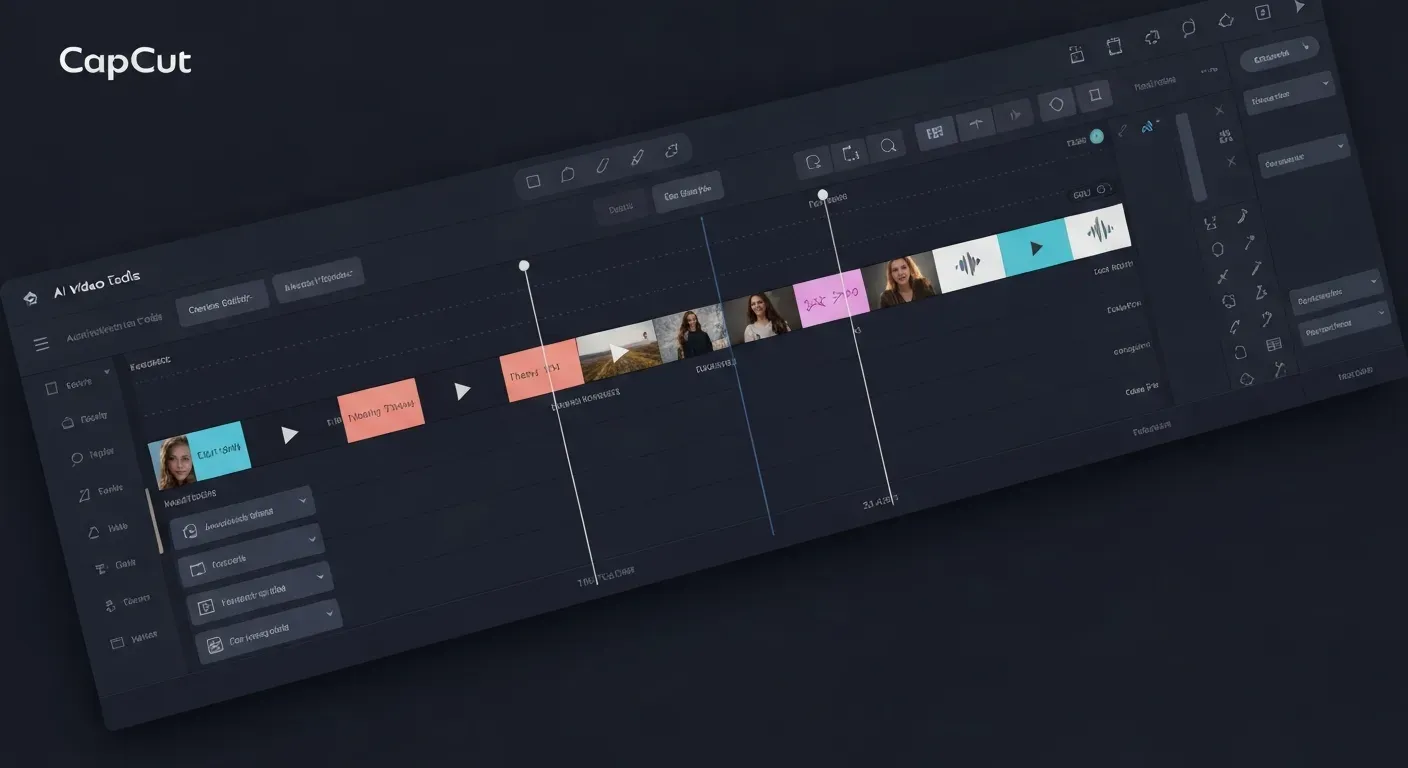 The digital world of 2026 is a relentless scroll, and capturing fleeting attention is your ultimate challenge. If your video content isn't instantly captivating, it risks getting lost in the noise. You need tools that can elevate your vision from good to groundbreaking, fast.
This is where the power of the CapCut AI video editor becomes your indispensable ally. Forget hours spent on complex edits; CapCut's intelligent features are designed to streamline your workflow and unlock your creative potential like never before.
In this article, we'll dive deep into how CapCut's cutting-edge AI is revolutionizing video creation. Discover how you can leverage these innovative tools to transform your footage into shareable, viral sensations and dominate the content landscape.
The Power of CapCut AI for Viral Content in 2026
In 2026, the landscape of content creation is being reshaped by intelligent tools. The CapCut AI video editor emerges as a pivotal force, democratizing professional video production. This platform acts as a personal video editing agent, transforming raw footage into polished, viral-ready content through simple chat commands. It makes sophisticated editing accessible to everyone, significantly lowering the barrier to entry for aspiring creators.
AI-Powered Automatic Editing
CapCut's AI engine streamlines the editing process. Creators can issue chat commands to direct the AI, which then automatically applies complex edits. This intelligent automation means raw footage can be transformed into professional-grade videos without requiring extensive technical knowledge. The focus shifts from mastering software to articulating creative vision, enabling faster content turnaround.
Practical Implications: This AI-driven automation dramatically reduces the time spent on tedious editing tasks, allowing creators to focus on conceptualizing and producing more content.
Actionable Tips:
1. Experiment with different prompts: Clearly describe the desired edits to the AI to achieve the best results.
2. Use it for rapid prototyping: Quickly generate multiple versions of a video to test different editing styles or narrative flows.
Seamless Silence Removal and Caption Generation
Ensuring a smooth viewing experience is crucial for engagement in 2026. CapCut's AI automatically identifies and removes dead air and unwanted pauses from your videos. This creates a more dynamic and professional feel. Simultaneously, the platform instantly generates accurate captions. This feature significantly boosts accessibility for a wider audience and enhances overall content engagement.
Practical Implications: Eliminating awkward silences and providing accurate captions makes your videos more polished, professional, and accessible to a broader audience, including those who watch with sound off.
Actionable Tips:
1. Review AI-generated captions: While accurate, always do a quick review to catch any minor errors or context-specific nuances.
2. Leverage captions for SEO: Search engines can index the text in your captions, potentially improving your video's discoverability.
Intelligent Background Music and Smart Transitions
Setting the right mood and maintaining visual flow are vital for captivating audiences. CapCut's AI intelligently inserts background music that complements your video's tone and pacing. It also applies smart transitions that enhance visual continuity, making your content more dynamic. These AI-powered enhancements ensure your videos achieve an optimal, professional aesthetic with minimal effort.
Practical Implications: AI-selected music and transitions elevate the production value of your videos, making them more engaging and professional without requiring deep knowledge of music licensing or complex transition effects.
Actionable Tips:
1. Provide mood cues: If possible, give the AI context about the desired mood or emotion of your video to help it select more appropriate music.
2. Experiment with transition styles: Explore the different smart transition options to find what best suits your video's pacing and style.
Multi-Round Revisions Without Editing Skills
Refining a video often requires multiple adjustments. CapCut's AI facilitates this through conversational commands, allowing for multiple rounds of revisions. Creators can simply describe the changes they want, and the AI implements them. This eliminates the need for complex editing skills and enables efficient video refinement, empowering creators to achieve their desired final product.
Practical Implications: The ability to make multiple revisions through simple chat commands democratizes the editing process, allowing anyone to fine-tune their videos without needing to learn intricate editing software.
Actionable Tips:
1. Be specific with revision requests: Clearly articulate what you want to change, such as "make this scene shorter" or "add a zoom effect here."
2. Iterate and refine: Don't be afraid to ask for multiple revisions until you achieve the perfect result.
Tailored for YouTubers, Vloggers, and Modern Creators
CapCut is specifically engineered to meet the demands of today's top content creators. YouTubers and vloggers, in particular, benefit from its ability to produce high-quality, viral-ready videos with unprecedented ease. The platform empowers these creators to focus on their content strategy and audience connection, rather than getting bogged down in technical editing challenges. This makes the CapCut AI video editor an essential tool for modern content creation in 2026.
Practical Implications: This editor is built with the specific needs of popular content creators in mind, offering features that directly address their workflow and output requirements.
Actionable Tips:
1. Integrate into your existing workflow: See how CapCut's features can complement your current content creation process.
2. Focus on storytelling: With editing simplified, dedicate more energy to crafting compelling narratives and engaging with your audience.
Maximizing Your Content Strategy with CapCut in 2026
In 2026, leveraging AI for video editing is no longer a luxury but a necessity for staying competitive. The evolution of the CapCut AI video editor shifts a creator's focus from manual, technical tasks to high-level strategy. This change enables faster content production and deeper audience engagement.
Understanding the AI Advantage
CapCut's suite of AI tools provides a significant advantage by automating time-consuming tasks. In 2026, features like automatic silence removal, instant subtitle generation, and smart transitions enhance production value without requiring advanced editing skills. This automation fundamentally changes the editing workflow for all creators.
| Manual Task | CapCut AI Automation (2026) |
|---|---|
| Cutting dead air | Auto Silence Removal |
| Typing subtitles | AI-Generated Captions |
| Finding B-roll | Smart B-roll Insertion |
| Choosing transitions | Contextual Transition Suggestions |
Workflow Enhancements for Creators
This AI integration streamlines your entire video production process. Creators can transform raw footage into a polished video with simple commands, enabling multi-round revisions efficiently. This speed allows for a much faster turnaround from initial concept to final publication on any platform.
By offloading technical work to the AI, you can dedicate more time to content strategy, performance analysis, and community interaction. The focus moves from how to edit to what story to tell, directly impacting your channel's growth throughout 2026.
FAQ (Frequently Asked Questions)
Q1: Is CapCut suitable for beginners in 2026?
A1: Absolutely. CapCut's intuitive design and AI-driven features are engineered for users of all skill levels. Its conversational interface makes it an ideal entry point for beginners entering the content creation space in 2026.
Q2: What makes CapCut's AI different from other editors?
A2: CapCut distinguishes itself with its unique chat-based command system. This approach, alongside a comprehensive suite of AI tools that automate complex editing tasks, offers an efficient user experience.
Q3: Can CapCut handle professional video projects in 2026?
A3: Yes. While exceptionally beginner-friendly, CapCut's advanced AI capabilities deliver professional output quality. Features that automate tasks like smart transitions and multi-round revisions empower creators to meet professional project demands.
Conclusion
In 2026, the CapCut AI video editor is no longer just an option, but your essential advantage for crafting viral content. Its intelligent features streamline the creation process, empowering you to transform raw footage into captivating, professional-grade videos with unprecedented ease and speed.
Don't wait to elevate your content strategy; explore CapCut's cutting-edge AI capabilities today to understand their power firsthand. Experiment with its intuitive tools and discover how they can amplify your creativity and efficiency in producing standout videos.
Download CapCut now and unlock your true viral content potential this year. Start your journey to engaging your audience and achieving remarkable success with the ultimate CapCut AI video editor at your fingertips!