

5 AI Features in CapCut to Supercharge Your Video Production
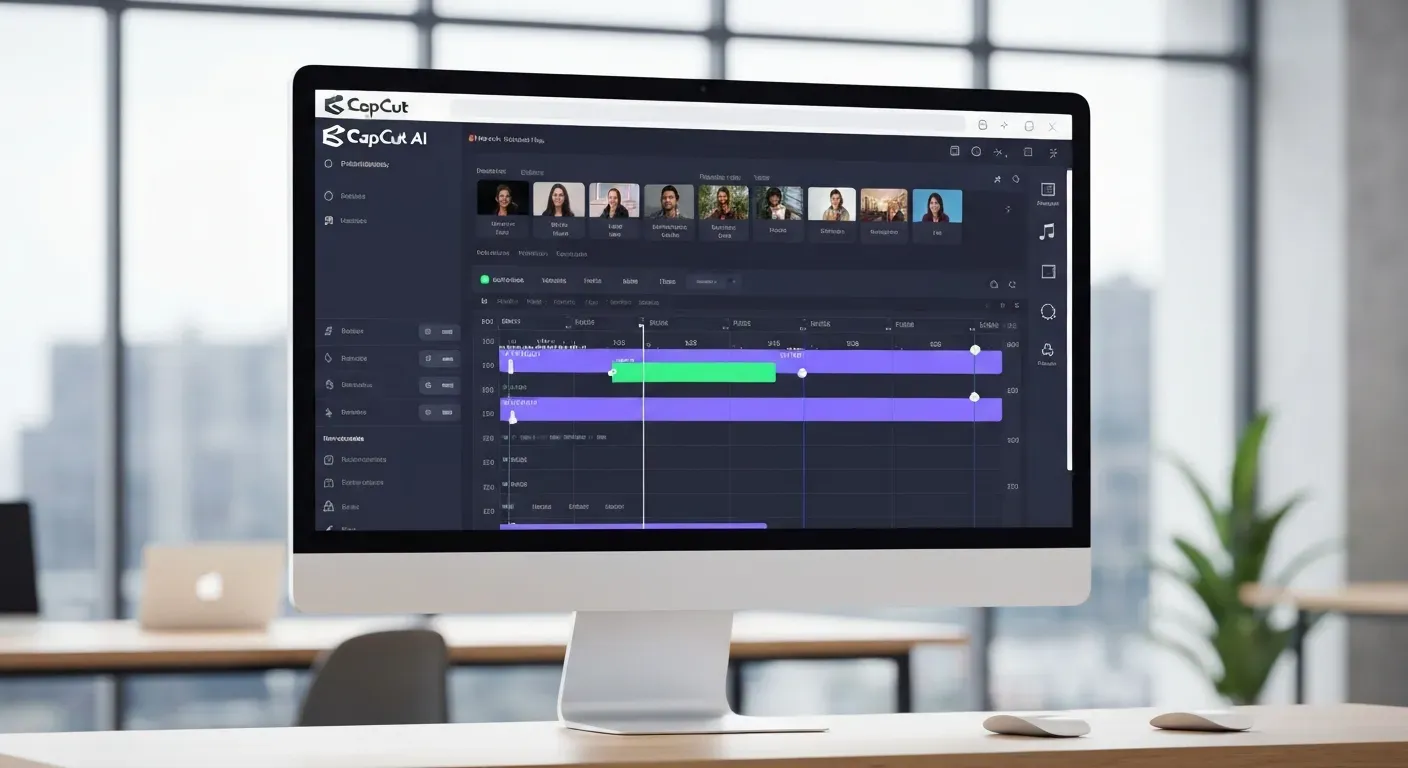 Feeling overwhelmed by the demands of video creation? Imagine transforming your raw footage into polished, professional videos with incredible ease. What if you could significantly cut down editing time and elevate your content without needing a Hollywood budget?
The future of video editing is here, and the powerful CapCut AI video editor is at its forefront. This intuitive platform is packed with intelligent tools designed to streamline your workflow and unlock creative possibilities you never thought possible.
This article dives into five game-changing AI features within CapCut that will revolutionize how you produce videos. Get ready to discover how these innovations can truly supercharge your content in 2026 and beyond.
Top 5 AI Features in CapCut for Enhanced Video Production
CapCut integrates powerful AI tools to elevate your video editing workflow. This CapCut AI video editor empowers creators to produce professional-quality content efficiently. Explore five key AI features that streamline production and boost engagement.
AI Auto Captions
CapCut's AI Auto Captions automatically generate accurate subtitles for your videos. This feature saves significant manual transcription time. It enhances accessibility and viewer engagement, ensuring your content reaches a broader audience by making it understandable for everyone.
AI Background Removal
Effortlessly remove backgrounds from your subjects with CapCut's AI Background Removal tool. This allows seamless integration of footage into different scenes. You can create green screen effects without specialized equipment, offering creative flexibility for any project.
AI Smart Cut
The AI Smart Cut feature intelligently identifies and removes silences or unwanted segments. This streamlines the editing process, keeping your audience engaged. It eliminates dead air, ensuring a polished and dynamic viewing experience for your content.
AI Text-to-Speech
Transform your scripts into natural-sounding voiceovers with CapCut's AI Text-to-Speech. Choose from a variety of voices and languages. This adds professional narration to your videos without the need for recording your own voice, saving time and resources.
AI Style Transfer
Experiment with artistic styles using CapCut's AI Style Transfer. Apply the aesthetic of famous paintings or other visual styles to your videos. This adds a unique and creative flair, making your content stand out visually and artistically.
Getting Started with CapCut's AI Features in 2026
CapCut's AI-powered tools streamline video creation for content creators. This guide explores how to leverage these features within the intuitive CapCut AI video editor interface. Accessing these intelligent functions is straightforward, enhancing your workflow from editing to final output.
Step 1: Accessing AI Features
Locate the AI-powered tools within CapCut's interface. These are typically found in the 'Text', 'Effects', or 'Edit' menus. CapCut integrates these intelligent functions seamlessly, making advanced editing accessible.
Step 2: Utilizing AI Auto Captions
Upload your video to CapCut. Navigate to the 'Captions' option. CapCut's AI automatically generates and syncs subtitles. Review and edit these captions for accuracy to ensure clear communication.
Step 3: Applying AI Background Removal
Select your clip. Find the 'Remove Background' option within the editing tools. The AI isolates your subject from the background. Adjust the mask if necessary for precise results, perfect for dynamic visual effects.
Step 4: Leveraging AI Smart Cut
Apply the 'Smart Cut' feature to automatically trim silences or pauses. This is ideal for interviews, vlogs, and presentations. It efficiently refines your footage, saving valuable editing time.
Step 5: Experimenting with AI Text-to-Speech and Style Transfer
Input your desired text in the 'Text-to-Speech' feature to generate voiceovers. Explore the 'AI Effects' or 'Filters' section for Style Transfer options. These tools allow for creative voiceovers and unique visual transformations.
Maximizing Your Video Production Efficiency with CapCut AI
CapCut AI empowers creators by streamlining video editing. This powerful CapCut AI video editor automates tedious tasks, allowing more time for creative storytelling. Its intelligent features enhance viewer engagement and deliver professional results, making high-quality video production accessible.
Time Savings with Automation
CapCut's AI significantly reduces manual effort. Features like automatic transcription and silence removal eliminate hours of tedious work. This allows creators to focus on refining their narrative and visual style, rather than getting bogged down in repetitive editing processes.
Enhancing Viewer Engagement
Intelligent features like auto-captions and smart cutting boost viewer retention. Auto-generated captions make content accessible and understandable across various viewing environments. Smart cutting intelligently identifies and removes filler words or pauses, creating a more dynamic and engaging viewing experience that encourages longer watch times and audience interaction.
Professional Polish on a Budget
Achieve broadcast-quality results without professional editing skills or expensive software. CapCut AI democratizes high-quality video production. Creators can produce polished content that rivals professional studios, all within an accessible platform.
Creative Possibilities with AI
Explore innovative visual effects and narration options previously difficult to achieve. CapCut AI pushes creative boundaries, offering unique tools that enhance storytelling. These AI-driven capabilities unlock new avenues for artistic expression.
CapCut AI for Different Content Types
Whether you create vlogs, tutorials, social media clips, or professional presentations, CapCut's AI offers versatile solutions. Its adaptability elevates any video project. This makes the CapCut AI video editor a go-to tool for diverse content creation needs.
FAQ (Frequently Asked Questions)
Q1: Are CapCut's AI features free to use?
A1: Many core AI features are free. Some advanced functionalities or premium assets may require a subscription.
Q2: Can I edit AI-generated captions manually?
A2: Yes, you can edit AI-generated captions manually within CapCut for precise adjustments and synchronization.
Q3: What is the quality of CapCut's AI background removal?
A3: CapCut's AI background removal is generally high quality for well-defined subjects. It effectively isolates your subject from its original background.
Q4: How does CapCut's AI Smart Cut differ from manual trimming?
A4: AI Smart Cut automates silence and pause removal. This saves significant time compared to manually identifying and deleting these segments.
Q5: Is CapCut's AI Text-to-Speech suitable for commercial use?
A5: Review CapCut's terms of service for specific commercial use guidelines. It's generally for creators, but direct commercial licensing may have stipulations.
Conclusion
In essence, CapCut’s AI features have revolutionized video creation, making professional enhancements accessible to everyone. The power of this CapCut AI video editor lies in its ability to streamline complex tasks, from generating accurate captions to effortlessly removing backgrounds, significantly boosting your production quality. Embracing these intelligent tools is no longer a luxury, but a strategic advantage for any creator.
To truly supercharge your workflow, actively integrate these AI functionalities into your editing process. Experiment with smart cutting for dynamic pacing, leverage automatic captions for wider reach, and utilize background removal for polished visuals. By dedicating time to explore and apply these features, you'll unlock new levels of efficiency and creativity in your projects.
Don't wait to transform your video production; start creating smarter, not harder, today. Dive into CapCut's AI-powered editing suite and witness firsthand how it elevates your content, saves valuable time, and captivates your audience. Explore CapCut now and unleash your creative potential with its AI video editor!