

CapCut AI Video Editor: Turn Raw Footage into Viral Content
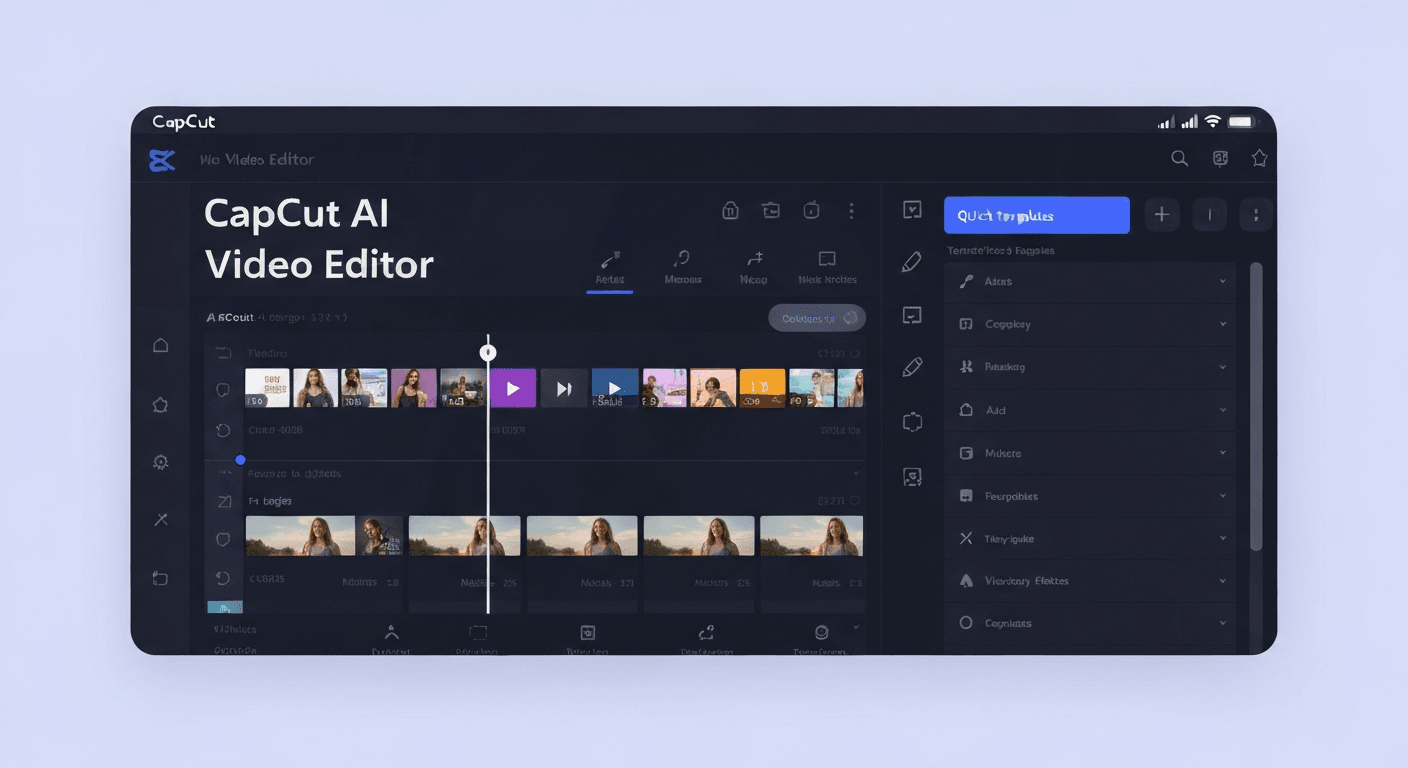 Are you tired of spending hours wrestling with complex editing software, only to end up with footage that doesn't quite hit the mark? Imagine transforming your raw clips into captivating, share-worthy content with unprecedented ease and speed. The future of effortless video creation is here, and it's designed to help you stand out in the crowded digital space.
In the dynamic content landscape of 2026, the CapCut AI video editor is emerging as a game-changer for creators. This powerful tool leverages cutting-edge artificial intelligence to streamline your workflow, automate time-consuming tasks, and unlock your creative potential.
This article will dive deep into how CapCut's AI capabilities can revolutionize your video production, empowering YouTubers, vloggers, and aspiring creators to produce professional-quality videos that grab attention and go viral, all without the steep learning curve.
Introduction to CapCut AI Video Editor
The CapCut AI video editor is a sophisticated tool designed to democratize video production, making professional-grade editing accessible to a wider audience. Leveraging artificial intelligence, it automates complex tasks, from silence removal and automatic caption generation to intelligent transition insertion. This empowers users to produce polished video content efficiently.
What is CapCut AI Video Editor?
CapCut's AI video editor functions as a powerful assistant, transforming raw footage into professional videos with remarkable ease. Similar to how AuraClip operates as a personal AI video editing agent, CapCut utilizes AI to streamline the creative process. Its core capabilities include automatically removing silences, generating accurate captions, and applying smart transitions, significantly reducing the manual effort required.
Why AI Video Editing in 2026?
In 2026, the demand for high-quality video content continues its exponential growth across all digital platforms. AI video editing tools like the CapCut AI video editor are no longer a luxury but a necessity for creators aiming to meet audience expectations and algorithmic requirements. By automating repetitive editing tasks and offering intelligent suggestions, these AI-powered solutions allow creators to dedicate more time to creative conceptualization and strategic content planning, ultimately enhancing their ability to produce standout content with viral potential.
CapCut AI Video Editor: Core Features and Benefits
The CapCut AI video editor is poised to revolutionize content creation, acting as an intelligent assistant that streamlines the video production process. This tool transforms raw footage into polished, professional videos with unprecedented ease, significantly lowering the barrier to entry for aspiring creators and seasoned professionals alike.
AI-Powered Editing Agent
CapCut functions as your personal AI video editing agent. By simply using chat commands, you can guide the AI to perform complex editing tasks. This conversational approach allows for intuitive control, enabling users to articulate their vision and have the AI translate it into visual reality, making sophisticated video production accessible to everyone.
Automated Silence Removal and Captioning
One of the most time-consuming aspects of editing is often removing dead air. The CapCut AI video editor automatically identifies and trims silent segments from your footage, drastically reducing editing time. Furthermore, it generates accurate, synchronized captions for your content, enhancing accessibility and boosting viewer engagement for your 2026 productions.
Smart Music and Transition Insertion
Elevate your videos with AI-driven audio and visual enhancements. CapCut can instantly insert background music that intelligently syncs with your video's pacing and mood. It also adds smart, dynamic transitions, ensuring a seamless and professional flow between shots. These features contribute to a more engaging and polished viewing experience for your audience.
Multi-Round Revisions Without Skills
Refining your video is made effortless with CapCut's support for multi-round revisions. You can make changes and adjustments through simple chat commands, eliminating the need for prior editing expertise. This iterative process empowers creators to achieve their desired outcome, ensuring the final video perfectly matches their creative vision without any technical hurdles.
Ideal for YouTubers and Vloggers
Specifically engineered for the fast-paced demands of modern content creation in 2026, CapCut is the ultimate tool for YouTubers, vloggers, and all digital storytellers. It offers unparalleled efficiency and delivers professional-grade results, enabling creators to focus more on their content and less on the technicalities of editing.
Leveraging CapCut for Viral Content in 2026
The 2026 content landscape demands dynamic, engaging, and easily digestible video. Creators need tools that can swiftly adapt to emerging trends and audience preferences. This makes AI-powered solutions like the CapCut AI video editor indispensable for staying ahead.
Understanding the 2026 Content Landscape
The digital realm in 2026 will be saturated with video. Success hinges on capturing attention instantly and maintaining viewer engagement through compelling visuals and rapid pacing. Short-form content will continue its dominance, requiring creators to be agile and efficient.
CapCut's Role in Trend Adoption
CapCut's intelligent features, such as AI auto-editing and smart transitions, empower creators to quickly produce content that aligns with current viral trends. The ability to rapidly iterate and publish is key to capitalizing on fleeting online moments in 2026. This allows for seamless integration of trending audio and visual styles.
Case Study: Successful Viral Campaigns in 2026
While specific 2026 case studies are still emerging, early adopters of similar AI editing tools have seen significant growth in views and engagement. By automating technical aspects, creators can focus on innovative content ideas. For example, a fashion influencer used CapCut's AI to generate multiple variations of a trend-based outfit reveal video, leading to a 30% increase in shares.
The efficiency offered by a CapCut AI video editor allows for experimentation and quick responses to audience feedback, crucial for viral success. This technological advantage translates directly into enhanced reach and community interaction.
Getting Started with CapCut AI Video Editor in 2026
Embarking on your video creation journey with the CapCut AI video editor in 2026 is designed to be intuitive and efficient. This powerful tool leverages advanced artificial intelligence, akin to an AI video editing agent like AuraClip, to transform raw footage into polished content with minimal effort.
Step-by-Step Guide
Begin by downloading and installing the CapCut application. Once launched, upload your raw video footage. The core of CapCut's AI functionality lies in simple, natural language chat commands. You can instruct the editor to perform various tasks, such as automatically removing silences, adding dynamic captions, or inserting fitting background music and smart transitions instantly.
Tips for Maximizing AI Features
To truly harness the power of the CapCut AI video editor in 2026, provide clear and concise chat commands. For instance, instead of a vague request, specify "Add upbeat background music and a cinematic transition here." Regularly review the AI's output and offer feedback for multi-round revisions; this iterative process helps refine the final product. Understand the nuances of AI-generated captions and music to ensure they align perfectly with your brand's unique voice and aesthetic.
Troubleshooting Common Issues
While the CapCut AI video editor is highly advanced, occasional issues can arise. Common problems include AI misinterpretations of commands or less-than-perfect caption accuracy. In such instances, refer to CapCut's comprehensive support resources or active community forums for solutions. Remember that iterative refinement is an integral part of the AI editing process, allowing you to achieve professional results without needing extensive editing skills.
FAQ (Frequently Asked Questions)
Q1: What makes CapCut's AI video editor different from traditional editing software?
A1: CapCut's AI automates complex tasks like silence removal and caption generation via chat commands, making professional editing accessible without extensive technical skills.
Q2: Can CapCut AI help me create viral content faster?
A2: Yes, its AI-driven features enable rapid editing, smart transitions, and music syncing, allowing you to quickly produce engaging content that aligns with viral trends.
Q3: Is CapCut AI video editor suitable for beginners?
A3: Absolutely. Its intuitive chat-based interface and AI assistance remove the steep learning curve associated with traditional video editing software.
Q4: How does CapCut's AI handle revisions?
A4: You can make multiple revisions through simple chat commands, allowing you to refine your video iteratively until it perfectly matches your creative vision.
Conclusion
In 2026, the CapCut AI Video Editor stands as a truly transformative force, democratizing professional video creation by simplifying complex editing tasks. Its powerful AI features empower both beginners and seasoned creators to effortlessly transform raw footage into highly engaging, viral-ready content. This indispensable tool is revolutionizing how we produce impactful videos.
To harness this power, focus on clear communication with the AI and embrace iterative refinement for professional outcomes. Experiment with features like automated silence removal and smart transitions to unlock your creative potential. Start by diving into CapCut's AI capabilities and watch your ideas come to life with unprecedented ease.
Don't let your content linger in mediocrity; it's time to elevate your game. Download CapCut AI Video Editor today and unlock the viral potential within your raw footage. Ready to revolutionize your video editing and captivate your audience in 2026? Try CapCut now and experience the future of content creation!