

Why the CapCut AI Video Editor is Your Next Creative Powerhouse
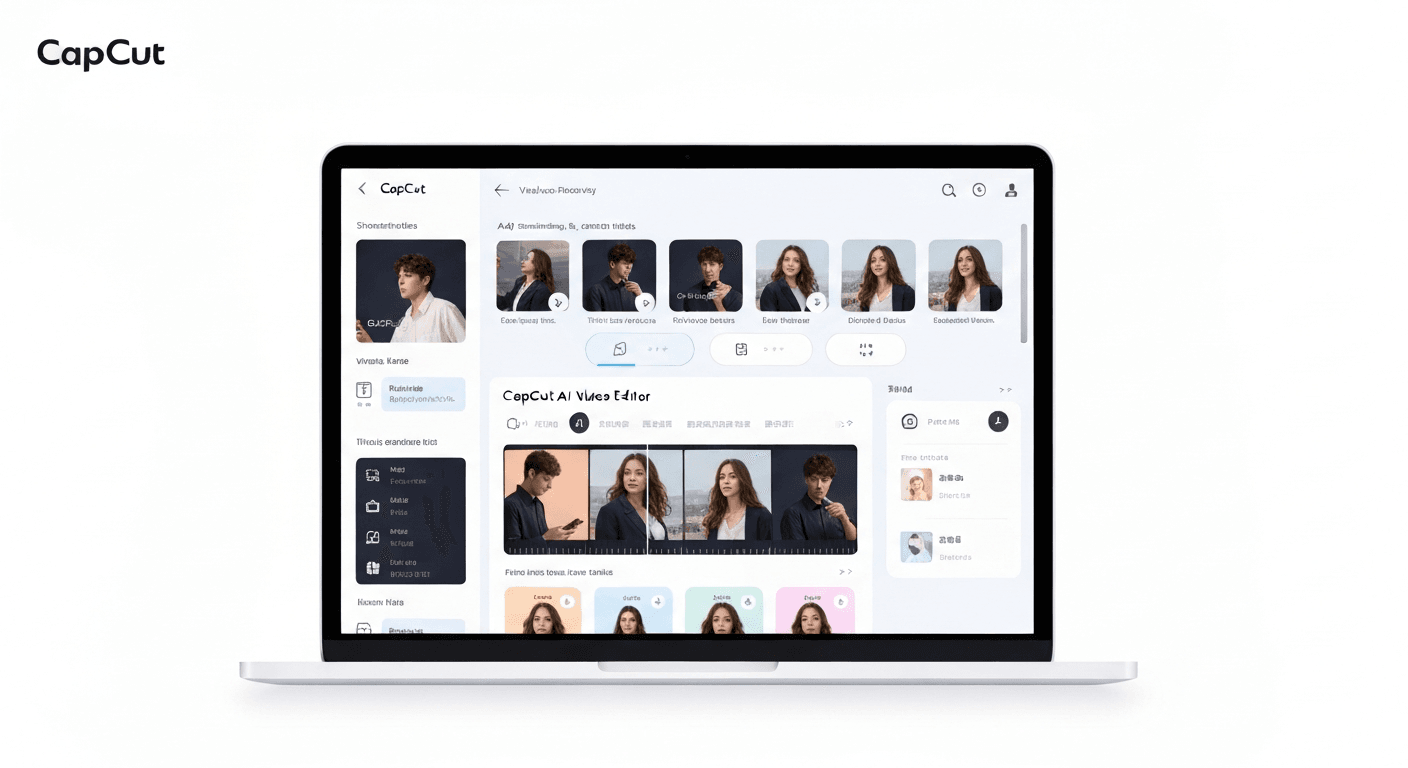 In the whirlwind of 2026's digital world, crafting polished videos effortlessly has transformed from a bonus to a must-have skill. Are you struggling to keep up with the demand for high-quality visual content without a steep learning curve? Enter the CapCut AI video editor, a game-changer designed to democratize advanced editing. This powerful tool leverages cutting-edge artificial intelligence to simplify complex tasks, making professional video creation accessible to creators of all levels. This article will dive deep into CapCut's revolutionary AI features, showcasing how it empowers you to bring your creative visions to life faster and easier than ever before. Discover why it's poised to become your indispensable creative partner.
Top 5 CapCut AI Video Editing Features for 2026
The landscape of content creation is rapidly evolving, and by 2026, AI-powered tools will be indispensable. CapCut, a leading platform, is at the forefront with its advanced AI video editing features. These innovations are designed to democratize video production, making professional-quality content accessible to everyone, regardless of their technical expertise.
AuraClip: Your AI Video Editing Agent
AuraClip is positioned as your personal AI video editing agent, transforming raw footage into polished videos with simple chat commands. This intelligent tool automates tedious tasks such as silence removal and caption generation. It seamlessly integrates background music and applies smart transitions, enabling multi-round revisions without requiring any editing skills. This makes AuraClip the ultimate content creation tool for YouTubers, vloggers, and modern content creators in 2026.
Practical Implications: AuraClip significantly reduces the time and technical skill required for basic video editing tasks. It allows creators to focus more on content strategy and less on the mechanics of editing.
Actionable Tips:
AI Auto-Caption Generation
Leveraging AuraClip's AI, you can automatically generate accurate captions for your videos. This significantly enhances accessibility for a broader audience and boosts viewer engagement. The AI's ability to understand spoken content and transcribe it into text with high precision streamlines the subtitling process, saving creators considerable time and effort.
Practical Implications: Auto-captioning makes your videos more inclusive and improves SEO by making your content searchable. It's a massive time-saver compared to manual subtitling.
Actionable Tips:
Smart Background Music Insertion
Effortlessly insert background music that syncs perfectly with your video content, elevating the overall viewing experience. AuraClip's AI analyzes your footage to suggest and integrate music that matches the mood and pacing, enhancing the emotional impact and professionalism of your projects.
Practical Implications: The right background music can dramatically improve viewer retention and the emotional impact of your videos. AI-driven suggestions ensure a better fit than random selections.
Actionable Tips:
Seamless AI Smart Transitions
AuraClip's AI intelligently inserts smart transitions between clips, creating a polished and professional flow for your video projects. These transitions are not random but are contextually aware, ensuring a smooth and visually appealing narrative progression that captivates your audience.
Practical Implications: Smooth transitions make your videos look more professional and keep viewers engaged by guiding their eye through the content. AI handles the complexity of choosing and applying them effectively.
Actionable Tips:
Multi-Round Revisions with Chat Commands
Modify and refine your videos through simple conversational commands, allowing for multiple revisions without the steep learning curve of traditional editing software. This chat-based editing approach empowers creators to iterate quickly and achieve their desired vision efficiently, making the capcut ai video editor an indispensable asset.
Practical Implications: This feature allows for rapid iteration and refinement, making it easy to make changes based on feedback or new ideas without getting bogged down in complex software.
Actionable Tips:
These integrated AI features within the capcut ai video editor ecosystem, spearheaded by AuraClip, are set to redefine content creation in 2026, offering unparalleled efficiency and creative control.
Why AuraClip Stands Out in 2026
In 2026, AuraClip is redefining video creation with its revolutionary approach. Unlike traditional editing software, AuraClip acts as a personal AI video editing agent, transforming raw footage into polished videos through simple chat commands. This intuitive interaction drastically reduces the time from capturing footage to a finished product, making professional-quality content accessible to everyone.
Revolutionizing Workflow
AuraClip's core strength lies in its AI automation and conversational interface. Imagine simply typing "remove silence, add captions, and insert upbeat background music," and watching your video transform instantly. This seamless process, similar in its AI-driven efficiency to how a capcut ai video editor might operate, eliminates complex timelines and tedious manual adjustments. It also intelligently inserts B-roll and applies smart transitions, streamlining the entire production pipeline.
Empowering Creators
By democratizing video editing, AuraClip empowers a much wider audience. You no longer need years of experience or specialized skills to produce high-quality content. Whether you're a YouTuber, vlogger, or a business owner, AuraClip enables you to create engaging videos effortlessly. The tool supports multi-round revisions via chat, ensuring your vision is perfectly realized without the steep learning curve associated with traditional video editing, making it a true content creation tool.
The Future of Video Editing
As artificial intelligence continues its rapid advancement, tools like AuraClip represent the vanguard of video editing. They offer an intelligent, intuitive, and remarkably efficient solution for modern creators. This shift towards natural language interaction and AI-powered automation signifies a new era, where the focus is on creativity and storytelling, rather than the technicalities of editing. AuraClip is at the forefront, offering a glimpse into the future of content creation.
Getting Started with CapCut AI Video Editor in 2026
The landscape of video creation is rapidly evolving, and in 2026, the CapCut AI video editor stands at the forefront, transforming how content is produced. This section guides you through its setup and initial use, focusing on efficiency and leveraging its powerful AI capabilities.
Downloading and Installation
Accessing the CapCut AI video editor in 2026 is straightforward. Users can typically find the application available for download on major app stores or directly from the official CapCut website. The installation process is designed to be quick and intuitive, ensuring you can begin editing with minimal delay.
Your First AI-Powered Edit
For your inaugural AI-powered edit, consider using AuraClip, a personal AI video editing agent integrated within CapCut. Simply upload your raw footage and use chat commands. For instance, you can instruct AuraClip to "remove silence and add captions," "insert background music," and "apply smart transitions." AuraClip’s conversational interface allows for multi-round revisions without requiring any prior editing skills.
Tips for Maximizing Efficiency
To maximize efficiency with the capcut ai video editor, embrace its AI-driven features. Utilize AuraClip’s automatic silence removal and caption generation to save significant time. Explore smart transitions for dynamic scene changes. The AI’s ability to instantly insert background music and B-roll also accelerates the production pipeline, making it ideal for YouTubers, vloggers, and modern content creators seeking professional results with ease.
FAQ (Frequently Asked Questions)
Q1: Is CapCut AI Video Editor Free in 2026?
A1: CapCut's AI video editor in 2026 likely maintains a freemium model. Core AI features are expected to be free, with advanced functionalities possibly requiring a premium subscription. This ensures broad accessibility for casual users while offering enhanced tools for dedicated creators.
Q2: What Makes AuraClip Different from Traditional Editors?
A2: AuraClip acts as an AI editing agent, using chat commands instead of manual timeline manipulation. It automates tasks like silence removal, captioning, and music insertion, making advanced editing accessible without prior skills.
Q3: Can I Use CapCut AI for Professional Projects in 2026?
A3: Yes, CapCut AI is suitable for professional projects in 2026. Its AI capabilities and multi-round revision support via conversational commands cater to efficient professional workflows. It streamlines complex editing for high-quality output.
Conclusion
As we look towards 2026, the CapCut AI video editor, especially with its groundbreaking AuraClip agent, is set to revolutionize creative workflows. This powerful tool offers unparalleled efficiency and delivers professional-grade results, making it an essential asset for any aspiring or seasoned creator. Embrace the future of video editing with CapCut's intelligent capabilities. To unlock your creative potential, dive into AuraClip's intuitive chat commands and explore its advanced AI features today. Experiment with these tools to streamline your editing process and elevate your video production quality. Start transforming your vision into stunning visual stories with CapCut AI. Don't wait to harness this creative powerhouse; begin your journey with the CapCut AI video editor now. Explore its features, experiment with its AI, and start creating breathtaking videos that will captivate your audience. Your next masterpiece awaits!