

Why CapCut AI Video Editor is a Game Changer for New Creators
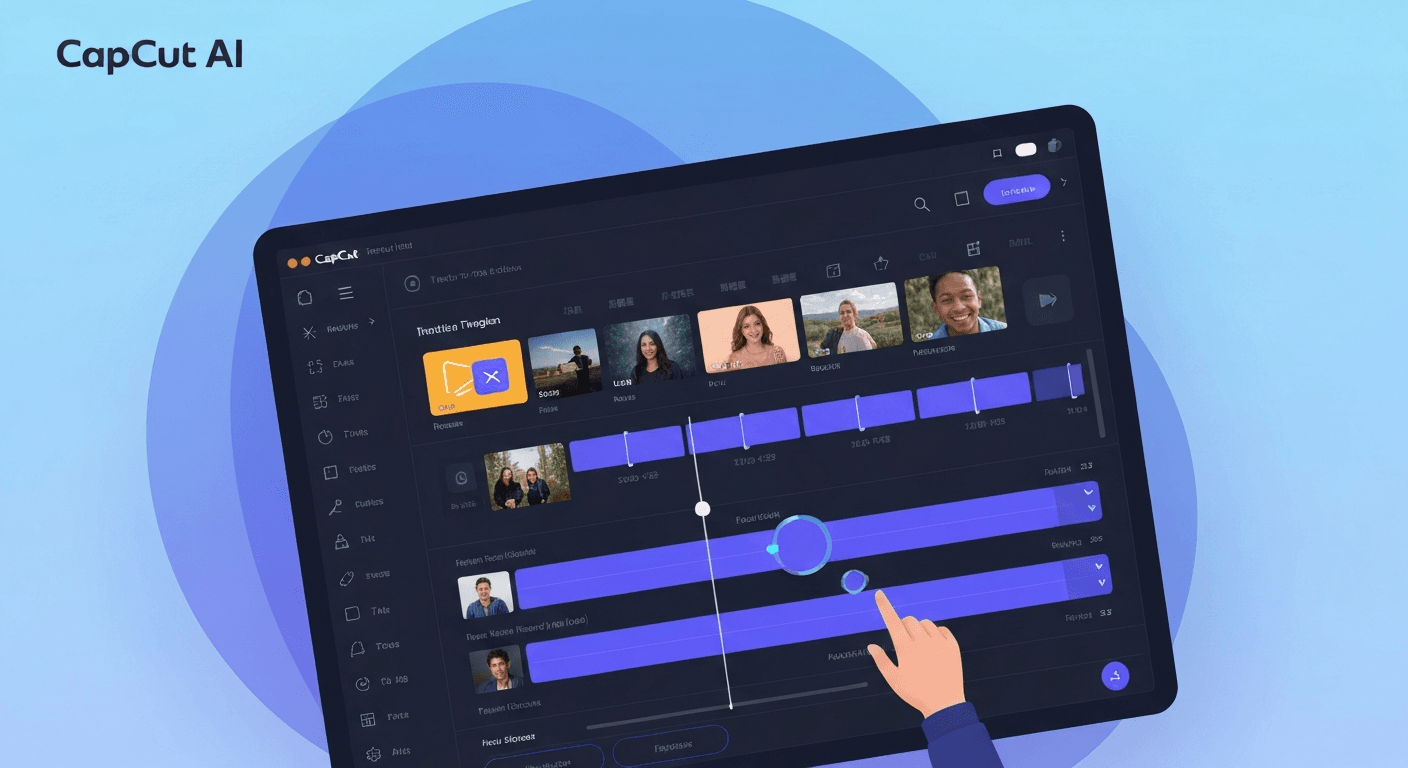 Are you tired of wrestling with complicated video editing software, wishing you could bring your creative visions to life without a steep learning curve? In the dynamic content creation landscape of 2026, mastering video production feels more crucial than ever, yet the traditional path can be daunting for aspiring creators.
This is where the power of artificial intelligence steps in. The CapCut AI video editor is rapidly emerging as the ultimate solution, democratizing high-quality video creation and making it accessible to everyone.
This article will dive into the revolutionary AI features that make CapCut an indispensable tool for new creators in 2026, showcasing how it empowers you to produce engaging content effortlessly and transform your workflow.
The AI Revolution in Video Editing with CapCut
CapCut is redefining video creation with its advanced AI capabilities, making professional editing accessible to everyone. This capcut ai video editor empowers creators to transform raw footage into polished content with unprecedented ease, leveraging intelligent automation and intuitive controls.
CapCut's AI-Powered Editing Agent: AuraClip
At the forefront of this revolution is AuraClip, CapCut's personal AI video editing agent. AuraClip acts as your dedicated assistant, guiding you through the process of turning unedited clips into compelling videos. This sophisticated AI significantly lowers the barrier to entry for aspiring creators, enabling them to achieve professional results without needing extensive technical expertise.
Transforming Raw Footage with Chat Commands
The ability to transform raw footage into professional videos via simple chat commands is a game-changer. This streamlined approach allows creators to focus on their narrative and message, bypassing the complexities of traditional editing software. Instead of intricate timeline manipulation, users can simply describe their desired edits, making the creative process more fluid and efficient.
Automated Silence Removal and Caption Generation
CapCut dramatically accelerates workflows by automatically removing silence from videos and generating accurate captions. This not only saves creators substantial time but also ensures their content is more accessible and engaging for a broader audience, including those who prefer to watch with sound off.
Seamless Background Music and Smart Transitions
Enhancing the viewing experience, CapCut's AI intelligently inserts fitting background music and dynamic smart transitions. This feature imbues videos with a professional, polished feel, adding a layer of polish and dynamism with minimal user intervention.
Effortless Multi-Round Revisions
CapCut facilitates multi-round revisions through simple conversational feedback. This iterative refinement process eliminates the need for complex editing skills, allowing creators to fine-tune their videos until they perfectly match their vision, making the capcut ai video editor a truly indispensable tool.
Why CapCut AI is a Game Changer for New Creators in 2026
In 2026, aspiring content creators are set to witness a revolution in video production, largely thanks to the advanced capabilities of the CapCut AI video editor. This powerful platform is redefining what's possible for beginners, transforming the often-intimidating world of video editing into an accessible and efficient creative process.
Lowering the Barrier to Entry
CapCut's AI features, exemplified by its personal AI video editing agent AuraClip, are democratizing professional video production. Users can now transform raw footage into polished videos simply by using chat commands. This innovative approach significantly lowers the barrier to entry, making sophisticated editing tools available to everyone, regardless of prior experience.
Boosting Content Creation Efficiency
The efficiency gains offered by CapCut AI are profound. Tasks that once consumed hours, such as removing silences, automatically generating captions, and inserting smart transitions, are now handled instantly by the AI. This automation allows new creators to produce more content faster, a crucial advantage in today's fast-paced digital landscape.
Enhancing Video Quality for Beginners
Beginners can now achieve professional-level video quality with unprecedented ease. CapCut's AI tools enable the creation of engaging and polished content that stands out. This empowers newcomers to build a strong online presence and connect with their audience without the steep learning curve traditionally associated with high-quality video production.
The Future of Video Editing for Aspiring Creators
The conversational and automated nature of CapCut's AI editing positions it as the future of video editing for aspiring creators. Platforms like AuraClip offer a powerful yet user-friendly experience, making advanced video creation tools intuitive. This evolution promises a more inclusive and dynamic future for content creation.
CapCut AI Video Editor: A Comprehensive Guide for 2026
CapCut's AI video editor is rapidly evolving, offering creators powerful tools to streamline production. This guide explores its intuitive interface, advanced AI features, and practical applications for 2026, making professional video editing accessible to everyone.
Getting Started with CapCut AI
Embarking on your CapCut AI journey in 2026 is designed for simplicity. Download the latest version from your device's app store. Upon first launch, you'll find a clean, user-friendly interface. Navigating to the AI features is straightforward, often accessible via a prominent "AI Tools" or similar button. For new users, AuraClip, your personal AI video editing agent, acts as a central hub for many automated functions.
Key Features Breakdown
CapCut's AI suite is impressive. AuraClip transforms raw footage into professional videos using simple chat commands. It automatically removes silences and adds captions, saving significant editing time. Smart transitions are inserted instantly, enhancing visual flow.
The multi-round revision capability, powered by AI, allows for iterative improvements without complex manual adjustments. This conversational approach to editing, where you can refine elements through dialogue, is a game-changer.
| Feature | Description | Benefit for Creators |
|---|---|---|
| AuraClip | Personal AI video editing agent | Streamlines complex editing tasks via chat commands. |
| Auto-Captioning | Automatically generates subtitles for spoken content | Improves accessibility and viewer engagement. |
| Silence Removal | Intelligently identifies and removes silent gaps in footage | Creates a more dynamic and concise video. |
| Smart Transitions | AI-powered automatic insertion of seamless transitions | Enhances visual appeal and professionalism. |
| Multi-Round Revisions | Allows for iterative AI-assisted editing adjustments through dialogue | Simplifies refinement and iteration without skill barriers. |
Tips for Maximizing AI Editing in 2026
To truly leverage the capcut ai video editor in 2026, focus on clear communication with AI tools like AuraClip. Provide specific prompts for desired styles or effects. Utilize auto-captioning for all content to broaden reach. Experiment with smart transitions to find unique visual storytelling elements.
Regularly review AI-generated edits, using the multi-round revision feature to fine-tune outputs. Integrating CapCut with other platforms, like social media schedulers, can further optimize your content creation workflow for maximum efficiency.
Troubleshooting Common Issues
When refining automated edits, understand that AI outputs may require human oversight. If AI-generated captions are inaccurate, manual correction is simple. If smart transitions don't fit your vision, you can always revert to manual selections. Integrating CapCut with other platforms is generally seamless, but ensure you're using compatible file formats and export settings for optimal results.
FAQ (Frequently Asked Questions)
Q1: Is CapCut AI free to use in 2026?
A1: CapCut's core AI features are likely to remain free, with premium options for advanced functionalities. This tiered model ensures basic access for all while offering enhanced capabilities for those who need them.
Q2: What makes CapCut's AI unique compared to other editors?
A2: CapCut's AI stands out due to its conversational interface, AuraClip. It allows users to edit using simple chat commands, making advanced video production accessible without technical expertise.
Q3: Can CapCut's AI handle complex editing tasks effectively?
A3: CapCut's AI excels at automating common and time-consuming tasks like silence removal and caption generation. For highly intricate or nuanced creative edits, manual adjustments may still be necessary.
Q4: How does AuraClip specifically speed up the editing process?
A4: AuraClip significantly reduces editing time by automating tasks such as removing dead air and applying smart transitions with simple commands. This allows creators to produce polished videos much faster.
Conclusion
In 2026, the CapCut AI video editor, with innovations like AuraClip, is truly revolutionizing content creation for aspiring video makers. It powerfully democratizes the process, making professional-quality videos accessible through intuitive, AI-driven tools that significantly boost efficiency and elevate output. This technology is undeniably a game-changer, empowering new creators to achieve their vision.
To harness this transformative power, dive into CapCut's remarkable features and begin experimenting immediately. Explore AuraClip and its innovative chat commands to effortlessly transform your raw footage into polished, professional content. Don't just dream about creating great videos; make it happen with these advanced tools.
The future of video editing is here, and it's within your reach. Download CapCut today and experience the unparalleled ease and creative freedom it offers. Embrace the AI revolution and start crafting your next masterpiece with confidence – your video creation journey will never be the same!