

When Does the CapCut AI Video Editor Fit Your Project Needs in 2026?
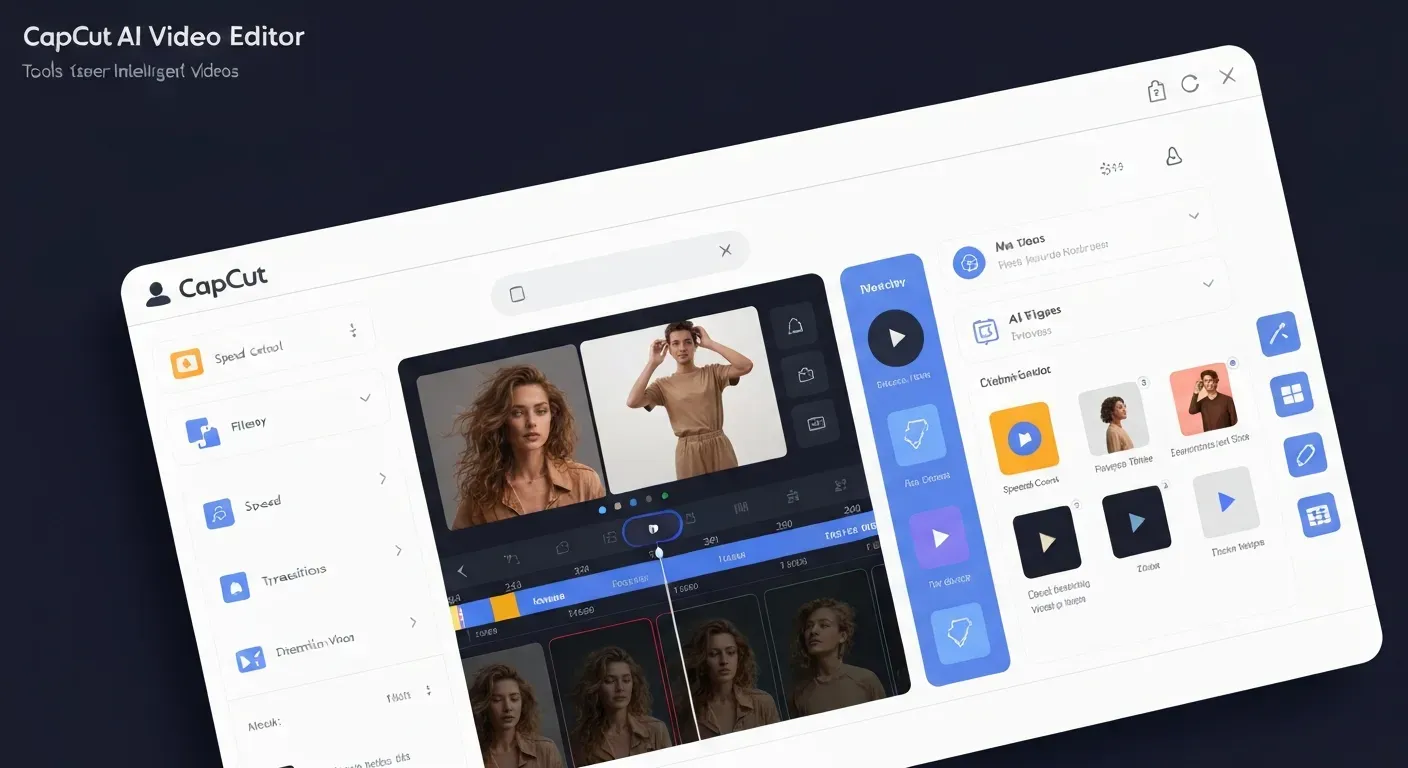 In the rapidly evolving landscape of content creation, choosing the right video editing tools can make or break your project. As we navigate towards 2026, the allure of AI-powered editing is undeniable, but knowing which solutions truly deliver is crucial for efficiency.
This article delves into the capabilities of the CapCut AI video editor to help you determine if its innovative features align with your specific content needs. We'll explore how its AI functionalities can streamline your workflow and enhance your final product.
Discover CapCut's core AI strengths, identify ideal project types for its use, and understand its potential limitations. By the end, you'll be equipped to make an informed decision for your 2026 content strategy.
CapCut AI Video Editor: A 2026 Overview
In 2026, the CapCut AI video editor stands as a pivotal tool for creators. It offers a suite of automated features designed to simplify video production for users of all skill levels. CapCut integrates artificial intelligence to streamline tasks such as automatic captioning, background removal, smart transitions, and even script-to-video generation. This makes it a versatile option for a wide range of projects in the current year.
Understanding CapCut's AI Video Editing Suite in 2026
CapCut's AI capabilities focus on enhancing user efficiency and creative output. The platform aims to democratize video editing, allowing individuals to produce polished content without extensive technical knowledge. This is achieved through intelligent automation of common editing processes.
Key AI Features for 2026 Projects
In 2026, CapCut's AI empowers users with several standout features. Auto Captions generates subtitles with high accuracy, crucial for accessibility and viewer engagement. AI Smart Cut automatically removes silences and pauses, refining video pacing. AI Background Removal achieves green screen effects without needing a physical green screen. AI Object Tracking enables dynamic camera movements by following subjects. These tools are vital for efficient content creation.
| Feature | Description | Benefit for Creators |
|---|---|---|
| Auto Captions | Generates subtitles with high accuracy. | Improves accessibility and SEO. |
| AI Smart Cut | Automatically removes silences and pauses. | Streamlines editing workflow. |
| AI Background Removal | Creates background effects without a green screen. | Enhances visual appeal easily. |
| AI Object Tracking | Enables dynamic camera movements on subjects. | Adds professional polish. |
When CapCut AI Shines: Ideal Use Cases for 2026
CapCut's AI video editor is particularly well-suited for short-form video content creators on platforms like TikTok and Reels. Vloggers benefit from quick edits, automatic captions, and integrated music. Social media managers requiring rapid content turnaround find its speed invaluable. Beginners can produce professional-looking videos with its intuitive interface. Its strength lies in its speed and ease of use for common editing tasks.
Limitations and Alternatives in 2026
As the capabilities of the CapCut AI video editor evolve into 2026, its powerful features will continue to serve many creators. However, for highly specialized or exceptionally demanding projects, users may encounter limitations. Understanding these boundaries and exploring alternative solutions ensures optimal results for diverse creative needs.
When CapCut AI Might Not Be Enough in 2026
While the CapCut AI video editor offers significant advancements, certain complex workflows might push its boundaries. For projects requiring extremely granular control over intricate multi-layer compositing, advanced color grading with precise LUT application, or highly specific multi-track audio mixing for professional sound design, its capabilities might prove insufficient. Creators working with very high-resolution professional footage, such as 8K cinema cameras, might also find the processing and editing depth constrained for demanding 2026 productions.
Exploring Alternatives for Advanced 2026 Projects
For 2026 productions that demand more sophisticated tools, several alternatives emerge. Adobe Premiere Pro, integrated with its Sensei AI features, offers a robust professional editing suite. Mac users can leverage Final Cut Pro for its performance and editing tools. DaVinci Resolve stands out for its professional-grade editing, advanced color correction, and audio post-production capabilities.
A different approach is offered by dedicated AI agents like AuraClip. This tool transforms raw footage into professional videos through simple chat commands. It automates silence removal, adds captions, and inserts background music and smart transitions. AuraClip allows for multi-round revisions without requiring prior editing skills, making it an accessible tool for YouTubers, vloggers, and modern content creators.
| Feature/Aspect | CapCut AI Video Editor (2026) | Adobe Premiere Pro (with Sensei) | DaVinci Resolve | AuraClip |
|---|---|---|---|---|
| Primary Focus | Quick, accessible edits | Professional workflow | Professional post-production | AI-driven automation |
| Advanced Compositing | Limited | Extensive | Extensive | Minimal |
| Color Grading | Good, but less granular | Professional grade | Industry-leading | Basic |
| Audio Mixing | Standard | Advanced | Professional | Automated |
| Learning Curve | Low | Moderate to High | High | Very Low |
| Target User | Social media, casual creators | Professionals, studios | Professionals, colorists | Beginners, efficiency-focused creators |
Understanding the Trade-offs for 2026
The choice of editing tool in 2026 hinges on balancing speed, ease of use, and the depth of creative control. The CapCut AI video editor excels at rapid, efficient edits suitable for social media and common video formats. Projects demanding unique artistic expression or highly specialized technical features may necessitate exploring more advanced software like Premiere Pro or DaVinci Resolve. For creators prioritizing automation and revision ease without extensive editing knowledge, specialized AI agents like AuraClip present a compelling alternative to achieve specific 2026 content goals.
FAQ (Frequently Asked Questions)
Q1: Is CapCut's AI video editing free to use in 2026?
A1: Yes, CapCut offers a robust free version with many core AI features in 2026. Some advanced AI functionalities may require a subscription for full access.
Q2: Can CapCut AI automatically add background music to my videos in 2026?
A2: Yes, CapCut AI can intelligently insert background music, often synchronizing it with video pacing or mood. This feature saves creators time and enhances the viewing experience.
Q3: What are the main advantages of using CapCut's AI features in 2026?
A3: Key advantages include significant time savings through automation like captions and smart cuts. Its ease of use benefits beginners, enabling quick production of polished videos for social media.
Q4: How does CapCut AI handle multi-round revisions for projects in 2026?
A4: CapCut's AI features facilitate revisions by allowing easy parameter adjustments or re-generation of elements. Simple commands enable changes without re-editing from scratch, aiding iterative development.
Q5: Is CapCut AI suitable for professional YouTube content creation in 2026?
A5: CapCut AI is suitable for many YouTube content types in 2026, especially vlogs and short-form content where speed is key. For highly cinematic or complex productions, professional software offers more granular control.
Conclusion: Is CapCut the Right AI Editor for You in 2026?
In 2026, the CapCut AI video editor emerges as an exceptionally powerful tool for creators prioritizing efficiency and accessibility. Its blend of speed, user-friendliness, and intelligent automation makes it a go-to choice for social media and mainstream video projects. By lowering the technical barrier, CapCut empowers a wider audience to produce professional-grade content with remarkable ease.
To determine if it's right for you, carefully evaluate your specific project needs. If your strategy involves rapid content creation leveraging automated captions and smart edits, CapCut is an outstanding fit. For more intricate or highly artistic endeavors, consider exploring its advanced features or weighing it against other specialized professional tools.
Don't wait to transform your creative process and enhance your digital presence. Embrace the future of editing by exploring what this innovative platform can accomplish for your vision. Start leveraging the CapCut AI video editor today to revolutionize your 2026 content strategy and captivate your audience.