

What Makes CapCut AI Video Editor Transformative for Content Creators in 2026
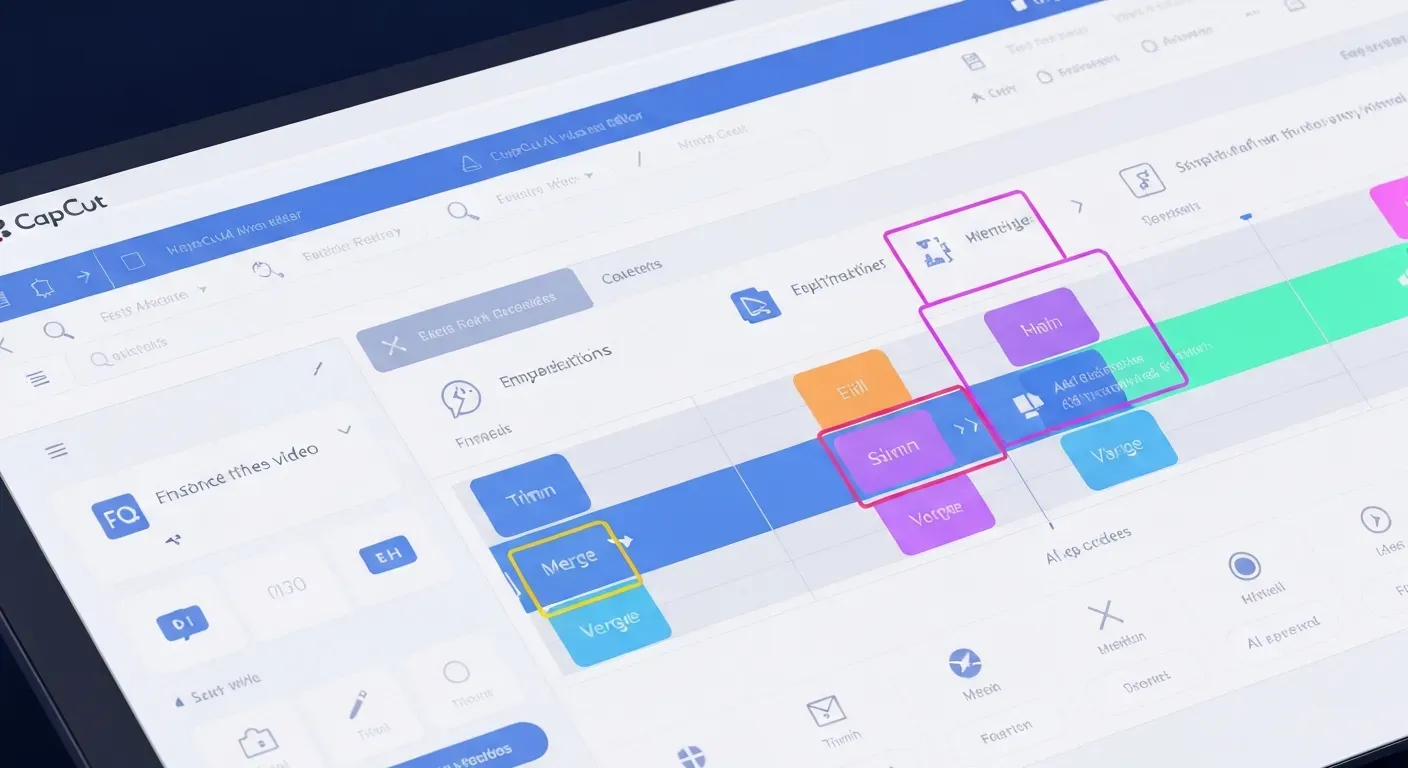 Are you a content creator struggling to keep up with the relentless demand for engaging video? In the dynamic digital landscape of 2026, efficiency and quality are paramount, yet achieving both often feels like an uphill battle. Imagine effortlessly producing polished videos that captivate your audience without hours of complex editing.
This is where the power of AI truly shines, and the CapCut AI video editor is leading the charge. It's no longer a luxury but a necessity for creators aiming to stand out.
This article will explore how CapCut's advanced AI features are revolutionizing your workflow, making professional editing accessible, and boosting your content's performance. Discover how you can leverage these tools to enhance your creativity and productivity in 2026.
Top 10 AI Features Revolutionizing Content Creation in 2026
In 2026, AI is redefining content creation, making professional video production accessible to everyone. The CapCut AI video editor leads this transformation, offering intuitive tools that streamline complex editing tasks. This technology empowers creators to produce polished content with unprecedented efficiency.
AuraClip: Your Personal AI Video Editing Agent
AuraClip functions as your dedicated AI video editing agent. It simplifies professional video creation from raw footage using straightforward chat commands. This tool is designed to be the ultimate content creation solution for today's creators.
Transform Raw Footage with Simple Chat Commands
Turn your raw video clips into polished, professional-quality videos with just a few simple chat commands. This eliminates the need for complex editing software and steep learning curves, making video production accessible to all skill levels.
Automatic Silence Removal for Tighter Edits
Silence sections within your footage automatically disappear. This ensures a more dynamic and engaging viewing experience for your audience. It also saves significant editing time for creators.
Instant Caption Generation for Enhanced Accessibility
Accurate captions are generated instantly for your videos. This improves accessibility and boosts viewer engagement across all platforms. It ensures your content reaches a wider audience.
Smart Background Music Insertion
Effortlessly insert background music that perfectly syncs with your video content. This enhances the mood and professionalism of your final product. The AI selects music that complements your visuals.
Seamless Smart Transitions
Leverage smart transition effects that automatically insert between clips. These transitions create a smooth and professional flow, elevating the visual quality of your videos.
Multi-Round Revisions Without Editing Skills
CapCut's AI enables multi-round revisions through simple conversational prompts. Anyone can refine their videos without prior editing skills. This iterative process ensures your vision is realized.
Ultimate Content Creation Tool for YouTubers
AuraClip and CapCut's AI features significantly boost efficiency for YouTubers. They unlock new creative possibilities, helping creators produce more high-quality content consistently.
Empowering Vloggers with AI Efficiency
Vloggers benefit immensely from these automated features. They can focus more on content creation and less on the technical aspects of editing. This boosts productivity and creative output.
CapCut AI for Modern Content Creators
CapCut's AI video editor is the premier solution for modern content creators in 2026. It offers a comprehensive suite of tools to streamline production and enhance video quality.
1. AuraClip: Your Personal AI Video Editing Agent
Practical Implications: AuraClip acts as a virtual assistant, translating natural language commands into complex editing actions. This means creators can iterate on their videos rapidly without needing to learn intricate software interfaces. It democratizes advanced editing by making it conversational.
Actionable Tips:
2. Transform Raw Footage with Simple Chat Commands
Practical Implications: This feature drastically lowers the barrier to entry for video editing. Creators can focus on their message and performance, leaving the technical assembly to the AI. It turns raw clips into presentable videos with minimal effort.
Actionable Tips:
3. Automatic Silence Removal for Tighter Edits
Practical Implications: This significantly improves the pacing and watchability of videos, especially for spoken-word content like vlogs or tutorials. It removes dead air, making the final product more dynamic and professional.
Actionable Tips:
4. Instant Caption Generation for Enhanced Accessibility
Practical Implications: Auto-generated captions are crucial for accessibility and for viewers who watch videos with the sound off. This feature ensures your content is inclusive and reaches a broader audience, boosting engagement metrics.
Actionable Tips:
5. Smart Background Music Insertion
Practical Implications: Finding the right music and syncing it perfectly can be time-consuming. CapCut's AI simplifies this by suggesting and integrating music that complements the video's mood and rhythm, enhancing its overall impact.
Actionable Tips:
6. Seamless Smart Transitions
Practical Implications: Professional-looking transitions elevate the visual appeal of a video. AI-powered transitions ensure smooth, contextually appropriate cuts between clips, making the video flow naturally and look polished.
Actionable Tips:
7. Multi-Round Revisions Without Editing Skills
Practical Implications: This empowers creators to refine their videos iteratively without needing to learn complex editing techniques. They can simply describe the changes they want, making the editing process collaborative and accessible.
Actionable Tips:
8. Ultimate Content Creation Tool for YouTubers
Practical Implications: For YouTubers, time is a critical resource. CapCut's AI automates many time-consuming tasks, allowing creators to focus on content strategy, audience interaction, and producing more videos consistently.
Actionable Tips:
9. Empowering Vloggers with AI Efficiency
Practical Implications: Vloggers often shoot a lot of footage. AI features like automatic silence removal and smart editing help them quickly turn hours of raw material into engaging daily or weekly vlogs, maintaining a consistent posting schedule.
Actionable Tips:
10. CapCut AI for Modern Content Creators
Practical Implications: In 2026, staying competitive means being efficient and producing high-quality content. CapCut's AI provides a comprehensive toolkit that meets these demands, making professional video creation achievable for a wider range of creators.
Actionable Tips:
The AI Advantage: Streamlining Video Production in 2026
In 2026, AI is revolutionizing video production. Tools like the CapCut AI video editor drastically cut editing time. Creators can now publish content faster than ever before. This shift empowers a new wave of efficient content creation.
How AI Enhances Editing Efficiency
AI-powered features automatically remove silence and insert smart transitions. This significantly reduces manual editing effort. For instance, the CapCut AI video editor can process hours of footage in minutes. This speed allows creators to focus on content strategy.
Boosting Creativity with AI Tools
AI tools within platforms like CapCut suggest creative edits and music. They can spark new ideas for transitions and effects. This enables creators to experiment beyond their usual skill set. It democratizes advanced editing techniques.
Accessibility and Ease of Use
The CapCut AI video editor democratizes video editing. Advanced capabilities become accessible to beginners. Those without formal training can produce professional results. This levels the playing field for all content creators.
The Future of Video Editing in 2026
AI integration sets new standards for video production. It pushes the boundaries of what is possible. The CapCut AI video editor drives innovation in content creation. Expect even more intuitive and powerful AI features.
CapCut AI Video Editor: A Deep Dive for Creators
CapCut's AI video editor streamlines content creation. Its core engine analyzes footage, automating tasks like speech identification for captions and silence detection. This technology empowers creators to produce polished videos efficiently.
Understanding the Core AI Engine
The CapCut AI video editor's AI engine processes raw footage. It automatically identifies spoken words for caption generation and detects silent segments. This intelligent analysis also suggests optimal transitions, significantly reducing manual editing time for creators.
Key Features for YouTubers and Vloggers
For YouTubers and vloggers, CapCut's AI offers invaluable tools. Features like AI auto-captioning ensure accessibility and engagement. Background noise reduction enhances audio quality, while intelligent scene detection helps organize footage. These capabilities are crucial for producing professional-grade content.
Integrating AI into Your 2026 Content Strategy
In 2026, creators should leverage CapCut's AI to automate repetitive tasks. This frees up valuable time for strategic planning and audience engagement. By embracing AI-driven workflows, creators can focus on content innovation and expanding their reach.
FAQ (Frequently Asked Questions)
Q1: Is CapCut's AI video editor suitable for beginners in 2026?
A1: Yes, CapCut's AI editor is beginner-friendly. Its intuitive interface and automated features like chat commands make professional editing accessible without prior experience.
Q2: How does CapCut's AI handle multi-language captioning?
A2: CapCut's AI detects spoken language and generates accurate subtitles in various languages automatically. This greatly improves global reach and content accessibility for wider audiences.
Q3: Can CapCut's AI generate background music based on video content?
A3: CapCut offers AI-powered music syncing and a music library. It does not currently generate custom music based on video content's specific mood or theme.
Q4: What are the main limitations of AI video editing in 2026?
A4: AI editing may have limitations with highly complex creative nuances. Human oversight remains important for artistic direction. Input data quality also affects performance.
Q5: How does AuraClip differ from traditional video editing software?
A5: AuraClip uses conversational chat commands for editing, requiring no skills. Traditional software needs manual operation and editing expertise, making AuraClip a user-friendly alternative.
Conclusion
In 2026, the CapCut AI video editor stands as a true game-changer for content creators, democratizing professional-grade video production and significantly boosting efficiency. Features like AuraClip are unlocking unprecedented creative potential, making sophisticated editing accessible to everyone. This AI-powered tool is not just an editor; it's a catalyst for innovation in the digital content space.
To leverage this transformative power, actively integrate CapCut's AI features into your 2026 content strategy. Dedicate time to experiment with its AI tools to streamline your editing workflow and elevate the quality of your videos. By embracing these advancements, you'll gain a crucial edge in today's competitive online environment.
Don't wait to revolutionize your video creation process! Start crafting smarter, faster, and more captivating content today by embracing the intuitive power of the CapCut AI video editor. Unleash your creativity and achieve your content goals with this essential tool.