

What CapCut AI Video Editor Offers Beyond Basic Edits
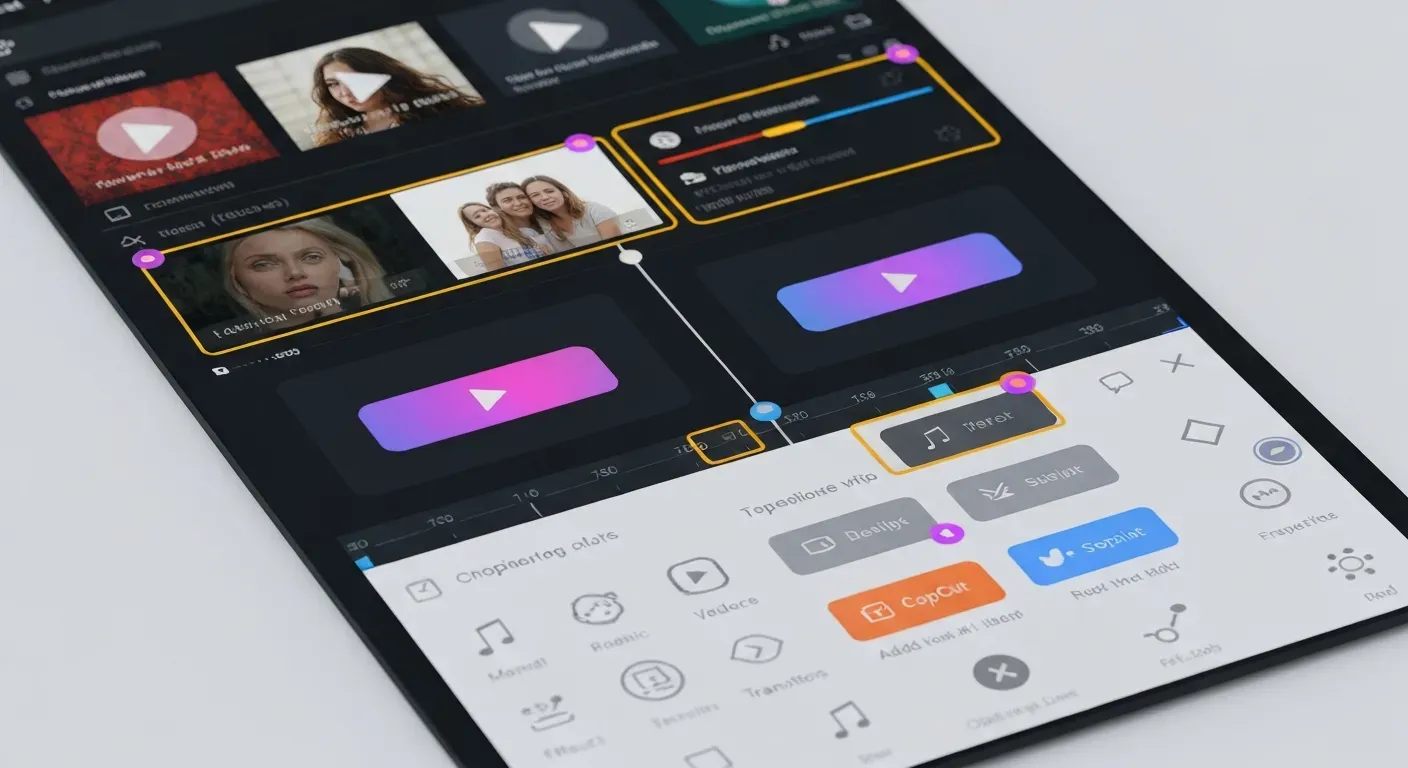 Tired of spending hours on tedious video edits? Imagine transforming your raw footage into polished, professional-quality content with just a few clicks. You can move beyond basic cuts and transitions to truly captivate your audience.
This is where the power of artificial intelligence truly shines, and the CapCut AI video editor is at the forefront of this revolution. It’s no longer just for beginners; these advanced tools are empowering creators of all levels to achieve more.
In this article, we’ll delve into the cutting-edge AI features that elevate CapCut beyond simple editing. Discover how these intelligent capabilities can streamline your workflow and help you produce truly remarkable videos.
Top 7 AI Video Editing Features to Master in 2026
In 2026, AI is revolutionizing video creation. Mastering these top AI video editing features can transform your workflow, making professional results accessible to everyone. This guide focuses on tools designed for efficiency, like the AuraClip AI video editing agent, offering a glimpse into the future of content production.
1. AuraClip AI Video Editing Agent
AuraClip acts as your personal AI video editing agent. It converts raw footage into polished videos using simple chat commands. This tool streamlines content creation for YouTubers and vloggers. It simplifies the entire process, from initial cuts to final output.
2. AI-Powered Silence Removal
Automatically remove awkward silences from your videos with AI. This feature ensures a more polished and engaging viewing experience. It eliminates the need for manual cuts, saving significant editing time. Viewers appreciate the smooth flow this provides.
3. Automatic Caption Generation
Generate accurate captions for your videos instantly. This improves accessibility for all viewers. It also boosts viewer retention, especially for those watching with sound off. This feature is crucial for wider reach and engagement.
4. Smart Background Music Insertion
Seamlessly insert background music that intelligently syncs with your video content. This enhances the mood and professionalism of your final product. The AI analyzes your footage to select appropriate tracks. It creates a cohesive audio-visual experience.
5. Intelligent Transition Application
Apply smart, professional-grade transitions between clips automatically. This creates a fluid and dynamic visual flow. These AI-driven transitions captivate your audience. They elevate the production value of your videos.
6. Multi-Round Revision Capability
AuraClip enables multi-round revisions via simple chat commands. You can refine your video without advanced editing skills. This iterative process ensures your vision is realized. It makes complex adjustments accessible to all users.
7. Zero-Editing Skill Requirement
This ultimate content creation tool is built for users of all skill levels. It makes professional video editing accessible to beginners. YouTubers and vloggers can produce high-quality content easily. The focus is on creativity, not technical hurdles.
Mastering these AI features, exemplified by tools like AuraClip, means unlocking a new era of video production. The integration of AI, akin to advancements seen in the CapCut AI video editor space, promises efficiency and professional results for creators of all backgrounds.
Beyond Basic Edits: The Power of AI in Video Creation
AI is revolutionizing video creation, transforming raw footage into engaging narratives. Tools like the CapCut AI video editor go beyond simple cuts, offering intelligent assistance. This technology empowers creators to elevate their content, making professional-quality videos more accessible than ever before.
How AI Enhances Video Storytelling
AI tools analyze footage to suggest creative cuts, transitions, and effects that align with the narrative. This elevates simple recordings into compelling stories. For instance, AI can identify key moments or emotional beats within a recording, proposing visual enhancements that resonate with viewers. This intelligent suggestion system helps creators craft a more impactful story.
Streamlining the Content Creation Workflow
Automating repetitive tasks like silence removal, captioning, and music syncing dramatically reduces production time. This allows creators to focus on strategy and creativity. Many AI-powered editors, including the CapCut AI video editor, can auto-generate subtitles with high accuracy. They also facilitate quick background music integration, syncing it seamlessly with the video's pacing.
The Future of Video Editing in 2026
In 2026, AI will continue to be integral to video editing. Expect more sophisticated tools for personalization, style transfer, and even generating entirely new video assets. Advanced AI will enable dynamic content adaptation for different platforms and audiences. The CapCut AI video editor is paving the way for these future innovations.
FAQ (Frequently Asked Questions)
Q1: Is CapCut's AI video editor suitable for beginners in 2026?
A1: Yes, CapCut's AI video editor is highly suitable for beginners in 2026. It offers intuitive interfaces and automated features that significantly simplify the editing process. Users can leverage AI for tasks like automatic scene detection and intelligent transitions, reducing the learning curve.
Q2: What makes AuraClip different from traditional video editors?
A2: AuraClip differentiates itself through its conversational, AI-driven approach. Users edit via simple chat commands instead of complex timelines. This makes it exceptionally user-friendly. AuraClip acts as a personal AI video editing agent, transforming raw footage into professional videos automatically.
Q3: Can AI tools like CapCut generate professional-quality videos?
A3: Absolutely. AI tools like CapCut can generate professional-quality videos. They automate complex tasks and offer advanced editing features that were once exclusive to professionals. AI assists in enhancing video quality, color correction, and even applying sophisticated effects with minimal user input.
Q4: How does AI-powered silence removal work?
A4: AI-powered silence removal analyzes audio waveforms to detect periods of silence. It then automatically cuts out these segments. This ensures a more concise and engaging video by removing unnecessary pauses and dead air, improving the overall flow and viewer retention.
Q5: What are the main benefits of using AI for video editing?
A5: The main benefits include significant time savings through automation. AI enhances video quality with intelligent adjustments and effects. It increases accessibility for non-editors, allowing more people to create polished content. Furthermore, AI offers greater creative freedom by handling tedious tasks.
Conclusion
AI-powered video editing, exemplified by tools like the CapCut AI video editor, democratizes content creation. These platforms empower users with sophisticated capabilities, making professional-grade video production achievable for a wider audience than ever before.
The evolution of AI video editing, exemplified by powerful tools like the CapCut AI video editor, is democratizing content creation. These intelligent solutions move far beyond basic cuts, offering sophisticated features that elevate your videos with minimal effort, making professional-grade results achievable for all creators.
To harness this transformative power, actively explore and integrate AI-driven editors like CapCut into your upcoming content strategy for 2026. Experiment with their advanced AI capabilities now to understand their potential and discover how they can streamline your workflow and enhance your video output.
Don't wait to unlock your creative potential; start crafting truly stunning videos today by embracing the cutting-edge capabilities of AI video editing with CapCut!