

Unlock Pro Videos Using the Best Free AI Video Editor for Beginners
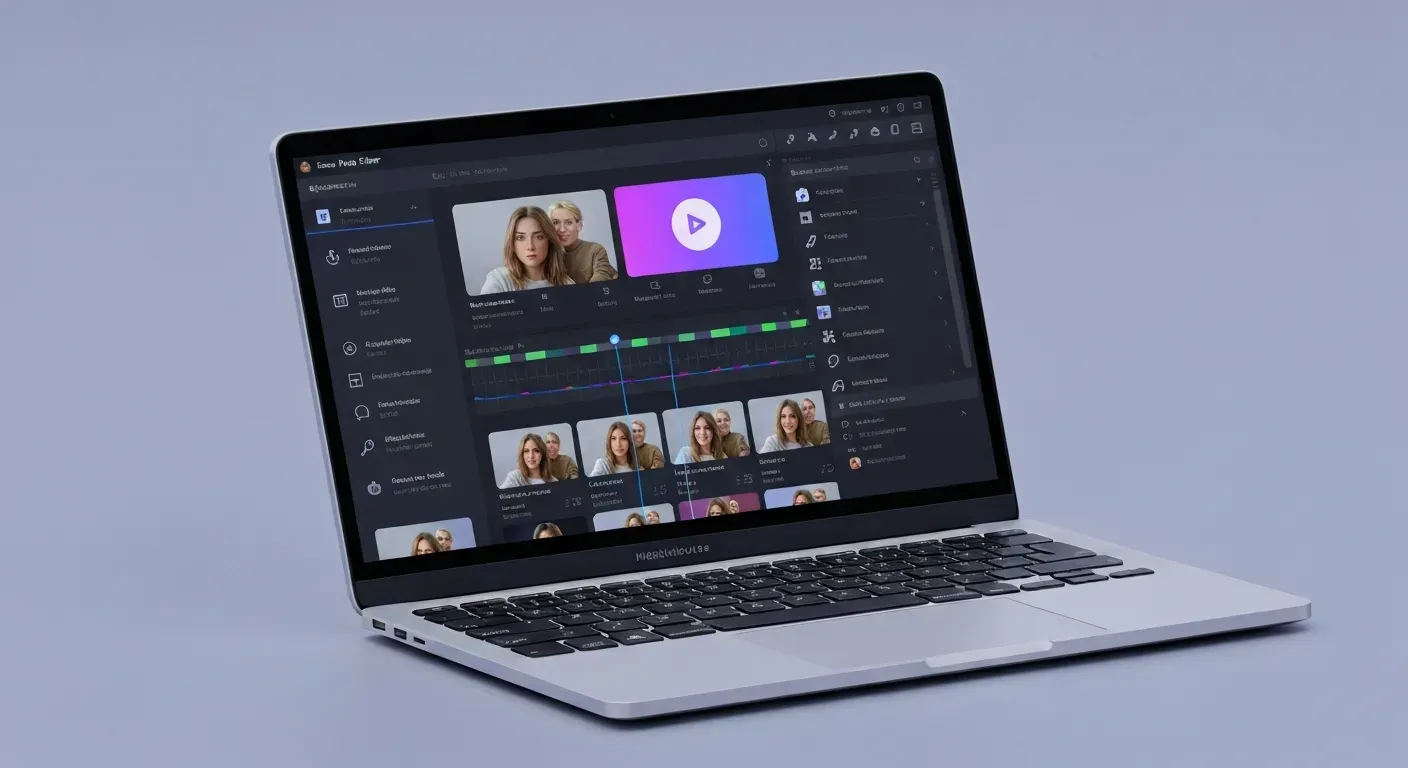 Dreaming of creating stunning videos but intimidated by complicated editing software? You're not alone. The days of wrestling with complex timelines and confusing effects are over, even if you've never edited a video before.
In 2026, the power to produce professional-quality content is at your fingertips, thanks to the rise of the best free AI video editor. These intelligent tools are transforming how beginners approach video creation, making it accessible and enjoyable for everyone.
This guide will reveal the top AI-powered editors that are perfect for newcomers. Get ready to discover how you can effortlessly craft captivating videos with simple commands and unlock your creative potential.
The Best Free AI Video Editor for Beginners in 2026
For aspiring content creators seeking to elevate their video production without a steep learning curve, AuraClip emerges as a revolutionary solution. This platform redefines video editing by acting as a personal AI agent. It transforms raw footage into polished, professional videos through simple, intuitive chat commands. This conversational approach democratizes video creation, making high-quality content accessible to everyone, regardless of prior editing experience.
AuraClip: Your AI Video Editing Agent
AuraClip functions as your dedicated AI video editing assistant. Its core strength lies in its conversational interface, enabling users to edit videos using straightforward chat commands. This innovative method bypasses complex timelines and intimidating software, allowing beginners to achieve professional results quickly.
AI-Powered Captioning
Effortlessly enhance accessibility and engagement with AuraClip's AI-powered captioning. The system automatically transcribes speech with remarkable accuracy, generating professional subtitles. This ensures your content reaches a wider audience and improves viewer retention by making videos easier to follow.
Automatic Silence Removal
Eliminate awkward pauses and filler words seamlessly. AuraClip's AI intelligently detects and removes silence from your video clips. This process results in a more dynamic, polished, and engaging viewing experience, saving you valuable editing time.
Smart Background Music Insertion
Complement your visuals with the perfect audio backdrop. AuraClip intelligently inserts background music that harmonizes with your footage. This feature helps set the appropriate mood and tone, enhancing the overall emotional impact of your videos.
Seamless Smart Transitions
Elevate your video's visual flow with smart transitions. AuraClip automatically integrates smooth transitions between clips, adding a professional polish. This capability would typically require extensive editing knowledge, but AuraClip makes it effortless.
Multi-Round Revisions Made Easy
Refine your video with confidence. AuraClip supports multi-round revisions, allowing you to iterate and improve your project without hassle. You can make adjustments iteratively without needing to restart the entire editing process.
Zero Editing Skills Required
AuraClip is meticulously designed for beginners. It requires absolutely no prior video editing skills. Its intuitive, chat-based approach makes sophisticated video creation achievable for everyone.
Ideal for YouTubers and Vloggers
Whether you are a seasoned YouTuber or just launching your vlogging channel, AuraClip streamlines your production. It is tailored to meet the needs of modern content creators, optimizing the process for maximum impact.
The Ultimate Content Creation Tool
AuraClip consolidates essential editing functions into one user-friendly platform. It is positioned as the ultimate tool to boost your content creation productivity and efficiency.
Transform Raw Footage Instantly
Spend less time editing and more time creating. AuraClip allows you to transform raw, unedited footage into professional-quality videos in a fraction of the time.
1. AuraClip: Your AI Video Editing Agent
Practical Implications: AuraClip's AI agent approach means you can delegate editing tasks through simple language, making complex edits accessible. This is particularly useful for quick content turnaround.
Actionable Tips:
2. AI-Powered Captioning
Practical Implications: Automatic captioning significantly boosts video accessibility and SEO. It ensures your content is understood by a wider audience, including those who are deaf or hard of hearing, or who watch with sound off.
Actionable Tips:
3. Automatic Silence Removal
Practical Implications: Removing silence creates a more dynamic and professional pace, keeping viewers engaged. It eliminates dead air that can make videos feel slow or amateurish.
Actionable Tips:
4. Smart Background Music Insertion
Practical Implications: The right background music can dramatically enhance the mood and emotional impact of your videos. AI-driven insertion ensures the music complements your visuals without overpowering them.
Actionable Tips:
5. Seamless Smart Transitions
Practical Implications: Smooth transitions between clips provide a professional polish that viewers expect. AI handles this automatically, saving you the time and skill required for manual transition creation.
Actionable Tips:
6. Multi-Round Revisions Made Easy
Practical Implications: The ability to make multiple revisions without starting over is a significant time-saver and reduces frustration. It allows for iterative refinement of your video.
Actionable Tips:
7. Zero Editing Skills Required
Practical Implications: This feature democratizes video creation, allowing anyone with an idea to produce professional-looking content. It removes the barrier to entry for aspiring creators.
Actionable Tips:
8. Ideal for YouTubers and Vloggers
Practical Implications: Streamlining production is crucial for content creators who need to publish regularly. AI editors help meet these demands by speeding up the editing process significantly.
Actionable Tips:
9. The Ultimate Content Creation Tool
Practical Implications: Consolidating multiple editing functions into one platform increases efficiency and reduces the need for various software. This makes content creation more streamlined.
Actionable Tips:
10. Transform Raw Footage Instantly
Practical Implications: The ability to quickly turn raw footage into polished videos means creators can spend more time on content strategy and less on the technicalities of editing.
Actionable Tips:
Why AI Video Editors Are Essential for Beginners in 2026
In 2026, Artificial Intelligence (AI) transforms video creation. AI video editors, like AuraClip, leverage machine learning to automate complex tasks. This makes video production accessible to a wider audience, including those new to editing. AuraClip, for instance, acts as a personal AI editing agent.
The Rise of AI in Content Creation
AI is no longer a futuristic concept; it's a practical tool for everyday creators. AuraClip uses simple chat commands to turn raw footage into professional videos. It automatically removes silence and adds captions. This accessibility democratizes content creation for YouTubers and vloggers.
Overcoming the Learning Curve
Traditional video editing software often presents a steep learning curve. AI editors bridge this gap. AuraClip offers intuitive interfaces and automated features. Beginners can focus on their message, not complex technicalities. AuraClip enables multi-round revisions without requiring editing skills.
Time and Cost Efficiency
AI significantly reduces the time and effort for video editing. By automating tasks like cutting, captioning, and transitions, creators produce content faster. This saves valuable time and potentially reduces the need for expensive software or professional editors. AuraClip instantly inserts background music and smart transitions. Exploring the best free AI video editor options can further enhance this efficiency for beginners.
| Feature | AuraClip | Traditional Editors |
|---|---|---|
| Learning Curve | Minimal (chat commands) | Steep |
| Automation | High (silence removal, captions, music) | Low |
| Revision Process | Multi-round, skill-free | Manual, skill-based |
| Time to Edit | Minutes | Hours |
Getting Started with AuraClip: A 2026 Guide
AuraClip offers a streamlined path to professional video creation. This guide outlines the simple steps to transform your raw footage into polished content. Discover how AuraClip functions as your personal AI video editing agent, making advanced editing accessible without prior experience.
Step 1: Upload Your Footage
Begin by uploading your raw video clips directly into the AuraClip platform. The system handles various formats, ensuring this initial step is straightforward. This feature is crucial for users seeking the best free AI video editor that accepts diverse media.
Step 2: Use Chat Commands for Editing
Communicate your editing needs through simple text commands. For example, type 'remove all silences', 'add captions', or 'insert a transition here'. AuraClip's natural language processing interprets your requests accurately, enabling dynamic, conversational editing.
Step 3: Review and Revise
Preview the edited video and provide feedback for further refinements. AuraClip's multi-round revision capability ensures you achieve the desired result without starting over. This iterative process guarantees your vision is realized efficiently.
Step 4: Export Your Masterpiece
Once satisfied, export your final video in your preferred format. AuraClip prepares your creation, ready for sharing on platforms like YouTube, TikTok, or Instagram. This final step ensures your content is optimized for broad distribution.
FAQ (Frequently Asked Questions)
Q1: What makes AuraClip the best free AI video editor for beginners?
A1: AuraClip's conversational interface, zero editing skills requirement, and automated features like captioning and silence removal make it incredibly beginner-friendly. It simplifies complex editing tasks through simple chat commands.
Q2: Can I really create professional-looking videos without any editing experience using AuraClip?
A2: Yes, AuraClip is designed specifically for users with no prior editing knowledge. Its AI handles the technical aspects, allowing you to focus on your content and achieve polished results easily.
Q3: What are the main limitations of using a free AI video editor like AuraClip?
A3: Free versions may have limitations such as watermarks, restricted export quality, or limited access to advanced features and storage. These are common across most free editing tools.
Q4: How does AuraClip's AI help with video engagement?
A4: AuraClip enhances engagement through features like automatic, accurate captioning for accessibility and viewer retention. It also removes silences and adds smart background music to create a more dynamic viewing experience.
Conclusion
In 2026, the era of professional video creation is democratized, making it accessible to all. The best free AI video editor is no longer a luxury but a powerful tool for beginners, simplifying complex processes and unlocking creative potential. These innovative platforms empower you to transform raw footage effortlessly.
Don't wait to elevate your content; start experimenting with tools like AuraClip or similar AI-powered solutions today. Dive in and discover how intuitive and effective these editors are for turning your ideas into polished, engaging videos. The journey to professional-looking content begins with a single click.
Begin your AI-powered video editing adventure now and witness your content reach new heights. Embrace the future of video creation and start producing captivating videos with unprecedented ease. Your most compelling stories are waiting to be told – make them shine!