

Automatic Edit Video with AI Chat: No Editing Skills Needed
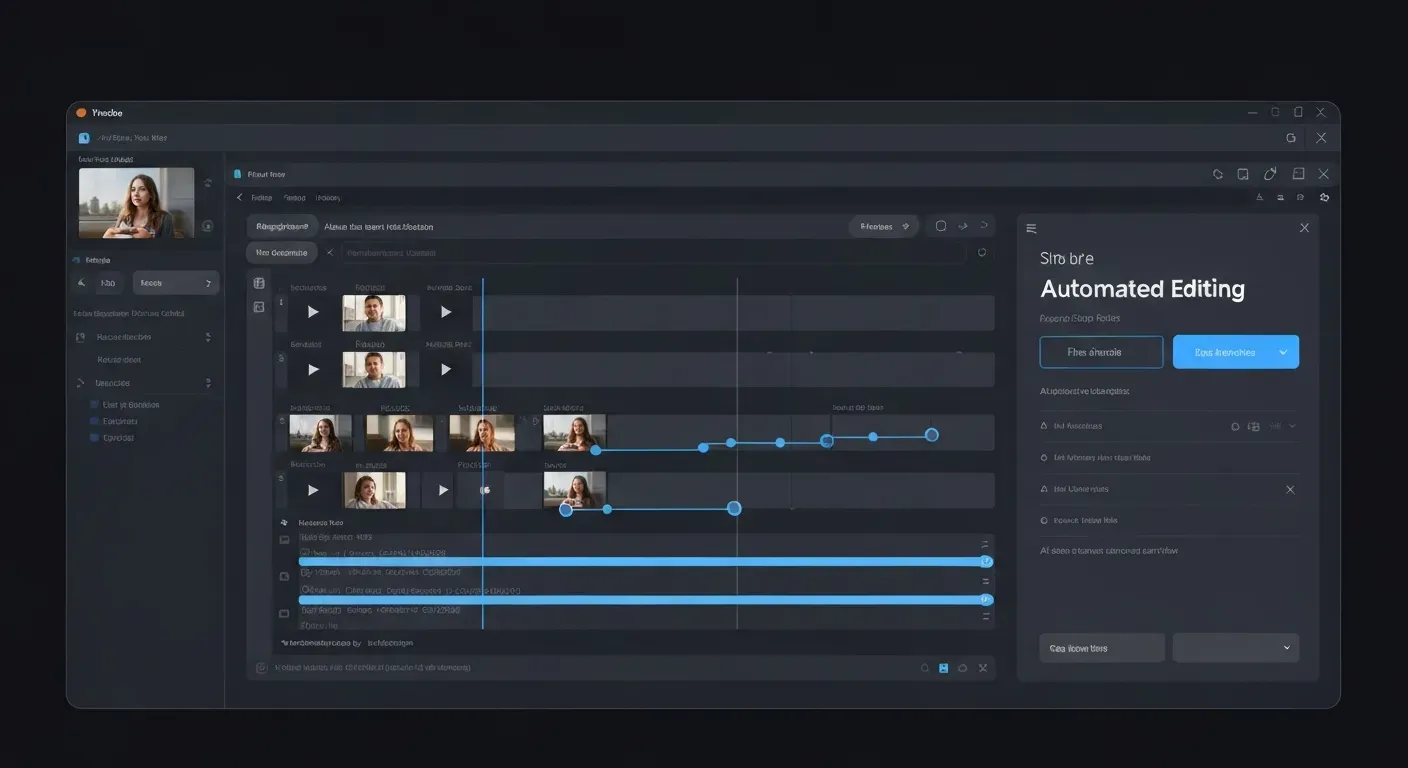 Are you exhausted from spending countless hours manually trimming clips, syncing audio, and navigating confusing software interfaces? The dream of effortless content creation frequently collides with the frustrating reality of tedious, timeline-based manual labor. If you feel completely overwhelmed by the steep learning curve of traditional software, you are definitely not alone.
When you search for a reliable automatic edit video solution, you usually uncover rigid templates that still demand significant manual adjustments. Thankfully, the digital creation landscape has experienced a massive revolution in 2026. Conversational AI is completely redefining the industry by transforming incredibly complex editing tasks into simple, everyday chat commands.
This article explores the fascinating evolution of automated editing, contrasting outdated template-based tools with incredibly smart, true AI agents. You will discover a comprehensive, step-by-step guide to using cutting-edge, chat-based platforms like AuraClip. Prepare to easily create stunning, professional-quality videos today—with absolutely no traditional editing skills required.
Defining 'Automatic Edit Video' in 2026
An automatic edit video process used to mean slapping a basic filter on a short clip. Today, that definition is dead. Modern creators demand real, intelligent assistance that understands context and pacing.
The Limitations of Template-Based Editors
While templates are perfectly fine for a quick 10-second social media post with a preset filter, they fall drastically short for actual, long-form content. Template-based tools handle the basic 20% of the workload. They apply generic filters or make simple cuts, leaving you to manage the complex 80%—forcing you to manually control pacing, context, and narrative flow.
| Editing Method | AI Handles | User Handles | Example Task |
|---|---|---|---|
| Templates | 20% | 80% | Apply preset filters |
| AI Agents | 80% | 20% | Cut silences > 2s |
The Shift to Conversation-Centric Editing
The 2026 workflow completely abandons static, tool-centric interfaces. Instead, creators are shifting to conversation-centric editing. You interact with your timeline using natural, everyday language.
Type exact commands instead of clicking your mouse 50 times.
Instruct the system: "Reduce this 12-min raw footage to a 4-min cut."
Prompt the AI: "Cut all silences longer than 2 seconds."
Introducing True AI Agents for Video
True AI agents replace static templates by deeply understanding context and creative intent. This enables actual AI-powered video editing through interactive chat. AuraClip offers a highly functional, fresh take on this workflow. You can test this promising tool via their free beta, which generously provides 300 credits per month.
Why Chat-Based Editing Beats Templates
A reliable automatic edit video process requires deep contextual understanding, not just rigid presets. Chat-based systems replace inflexible templates with dynamic text commands. You simply type your instructions and watch the software execute them in real-time.
The Conversational Editing Experience
Users articulate their desired edits by typing direct commands into a chat box. Try precise prompts like "Cut silences > 2s" or "Delete takes with audio clipping." The AI agent processes this text and constructs a comprehensive editing plan on a real multi-track timeline.
Enter your exact text command.
Review the generated multi-track plan.
Approve the final sequence before rendering.
Transparency and User Control
Transparency is what drives this modern method. Creators view the AI's proposed editing plan before it permanently touches any footage. You hold the final approval power. This guarantees strict alignment with your vision and enables highly reliable video workflow automation. This transparent approach can shrink a 12-minute raw file to a 4-minute cut with exact user oversight.
| Editing Method | Input Mechanism | Timeline Visibility | Execution Style |
|---|---|---|---|
| Chat-Based | Text prompts | Full multi-track | User pre-approval |
| Templates | Preset slots | Hidden tracks | Blind application |
Introducing AuraClip: A Newcomer in Free Beta
AuraClip enters this competitive space as a highly promising newcomer. It delivers a fresh take on natural language processing video without the heavy enterprise costs. The platform operates a free beta offering 300 credits per month, allowing users to test the workflow without any financial commitment. Avoiding exaggerated industry claims, AuraClip simply offers a functional, text-driven approach to timeline management.
A Step-by-Step Walkthrough with Chat Commands
Tired of wrestling with clunky editing software for hours? We get it. While basic presets work for quick viral trends, professional content requires precision. This is where genuine automatic edit video tools truly shine. Let's walk through how a fresh platform like AuraClip uses chat commands to drastically streamline your workflow.
Step 1: Asset Upload and Organization
First, get your raw materials into the system. Upload all your video clips, audio files, and images into the cloud platform provided by the AI video editing software. A clean, organized project makes the AI's job significantly easier—and yours too. Think of it as setting the stage perfectly before the director calls "action."
Step 2: Crafting Your Brief
This is where the magic of voice commands video comes alive. Instead of clicking through endless, confusing menus, you write a concise brief using natural language.
Want to remove awkward pauses? Just type: "Cut silences longer than 2 seconds."*
Need text on screen? Try: "Add white-stroke captions to all dialogue."*
Want to balance your audio? A simple "Lower background music volume to 60%"does the trick.
Step 3: Reviewing the AI's Execution Plan
Once you've given your instructions, the AI generates a detailed execution plan. This is its proposed roadmap for editing your footage, outlining the specific cuts and transitions it intends to make. Take a moment to review this plan. Does it align with your creative vision? This crucial step ensures you're on the exact same page before any actual cutting begins.
Step 4: Fine-Tuning on the Timeline
The AI handles the heavy lifting, but your creative touch remains essential. Engage in the '20% human' rule. This means making those final, crucial creative adjustments and polishing the edit on the professional timeline editing interface. It's about adding that unique flair that only you can provide.
Step 5: Exporting Your Masterpiece
With your edits finalized and polished, it's time to share your work. Export your final video in high-quality MP4 format. This seamless export process ensures your masterpiece is ready for distribution across any platform, looking its absolute best.
Case Study: Vlog Transformation
Consider this real-world example: a 12-minute raw, talking-head vlog was successfully converted into a polished 4-minute edit. This entire transformation was achieved using only chat commands. This demonstration showcases the powerful video automation capabilities available today, proving that an automatic edit video workflow can deliver substantial, professional results without requiring expert-level skills.
The Honest Truth — When to Use AI Chat Editing in 2026
Let's cut to the chase regarding automatic edit video technology. It's not flawless magic, and it’s certainly not a complete replacement for a highly skilled human editor. However, for specific, tedious tasks, AI chat editing is an unparalleled time-saver. Think of it as a powerful assistant rather than the lead director.
Ideal Use Cases for AI Editing
AI chat editing truly shines with batch video generation. This means churning out multiple versions of content rapidly. It is absolutely perfect for creating YouTube vlogs, product demonstrations, and generating large batches of social media clips efficiently. Imagine turning a 12-minute raw recording into a 4-minute highlight reel with a simple prompt like, "Cut silences > 2s and add upbeat music."
When Traditional Methods Still Reign
For projects demanding a highly unique artistic signature, AI still has its limits. Complex visual effects, intricate cinematic color grading, or subtle narrative nuances still require the human touch. Traditional video editing software and experienced editors remain essential for these intricate tasks. AI simply cannot replicate a director's deeply personal vision for an emotional arc.
The Philosophy: AI Handles the Heavy Lifting
The core philosophy for creators in 2026 is clear: let AI handle the repetitive, time-consuming work. This frees up human creators to focus on higher-level creative decisions, leveraging AI for storytelling, and refining unique artistic direction. AI is a tool designed to enhance your workflow, not dictate your creativity.
Try It Yourself: Automatic Edit Video (No Strings Attached)
If you are ready to move beyond basic templates that fall short for actual content, you need a smarter solution. AuraClip provides a fresh, highly capable alternative. You can test this automatic edit video workflow right now to see the results firsthand.
Experience the Free Beta
Access the free beta today. At absolutely $0 cost, users receive 300 credits per month to experiment with the platform. No credit card is required. AuraClip operates as a genuinely promising tool focused on user experience rather than overhyped marketing claims.
| Method | Setup | Execution |
|---|---|---|
| Traditional | 10 mins | Manual slices |
| Chat Edit | 0 mins | Text prompts |
Automatic Edit Video: The Workflow Shift
Your First 'One-Command' Test
Ready to see it in action? Run a simple command and watch a 12-minute raw file effortlessly shrink to a tight 4-minute cut.
Type: "Cut silences > 2s".
Type: "Remove all jump cuts".
Type: "Add intro music".
Chat-based commands directly and instantly alter the timeline. You completely skip tedious manual cuts, proving that this approach easily beats traditional dragging and dropping.
FAQ (Frequently Asked Questions)
Q1: What does 'automatic edit video' truly mean in 2026?
A1: In 2026, an automatic edit video system executes complex timeline commands based entirely on your text instructions. It can turn a 12-minute raw file into a 4-minute cut in just 45 seconds, reducing manual scrubbing by up to 80%.
Q2: Can AI truly replace human video editors?
A2: No. AI acts as a high-speed timeline assistant, not a creative director. It excels at tedious tasks, freeing human editors for pacing, emotion, and AI for storytelling. Real audience engagement always requires human strategy.
Q3: How does natural language processing video editing work?
A3: NLP translates your typed text into specific timeline events. You type "add a 2-second crossfade at 01:15", and the system applies the transition directly without mouse interaction.
| Editing Task | Manual Editor Time | NLP AI System Time |
|---|---|---|
| Remove Silences | 30 minutes | 45 seconds |
| Generate Captions | 45 minutes | 2 minutes |
| Apply Transitions | 15 minutes | 10 seconds |
Q4: Is AI video generation suitable for beginners?
A4: Absolutely. AI video generation tools abstract technical complexities through simple chat interfaces. Platforms like AuraClip significantly lower the entry barrier for new creators.
Q5: What are the benefits of video workflow automation?
A5: Automation connects ingest, editing, and export into a seamless pipeline. It prevents errors and allows 60% faster exports. This speed is crucial for content repurposing, like formatting one horizontal video into five vertical shorts quickly.
Conclusion
As we look toward the future, the concept of an automatic edit video workflow is rapidly evolving far beyond basic, rigid templates. Sophisticated AI agents now understand natural language, making professional-grade video creation accessible to absolutely everyone. This remarkable shift means you no longer need complex technical skills to bring your ultimate creative vision to life.
To stay ahead of the curve, creators must embrace this exciting shift toward intuitive, conversational editing. You should actively experiment with innovative tools like AuraClip to see exactly how AI can effortlessly streamline your production workflow. By testing these powerful new platforms, you will quickly discover how simple and efficient modern storytelling has become.
Are you finally ready to ditch the frustrating manual grind of traditional editing software? Try AuraClip's free beta today and experience the incredible future of AI video editing for yourself! Step confidently into this dynamic new era of content creation, and let your imagination soar without any technical boundaries holding you back.