

Top 5 AI Video Editing Features Every Creator Needs to Know
 In the blink of an eye, your content needs to captivate and convert. Are you struggling to keep up with the demand for high-quality video while juggling tight deadlines? The relentless pace of digital content creation demands smarter, faster solutions.
The future of video production is here, and it's powered by artificial intelligence. Understanding the capabilities of an AI video editor is no longer optional; it's essential for staying ahead. Tools like AuraClip are already showcasing the transformative power of AI.
This article will guide you through the top 5 AI video editing features you absolutely need to master in 2026. Get ready to streamline your workflow, enhance your storytelling, and produce professional-grade videos with unprecedented ease.
AuraClip: Your AI Video Editing Agent
AuraClip revolutionizes content creation by acting as your personal AI video editing agent. It transforms raw footage into polished, professional videos through simple chat commands. This ultimate tool is designed for YouTubers, vloggers, and modern content creators, requiring absolutely no prior editing skills to achieve outstanding results.
AuraClip simplifies the entire video production process. By leveraging advanced AI, it allows users to communicate their editing needs naturally, as if chatting with a human editor. This conversational approach democratizes video editing, making professional-quality output accessible to everyone, regardless of their technical background.
AI-Powered Silence Removal
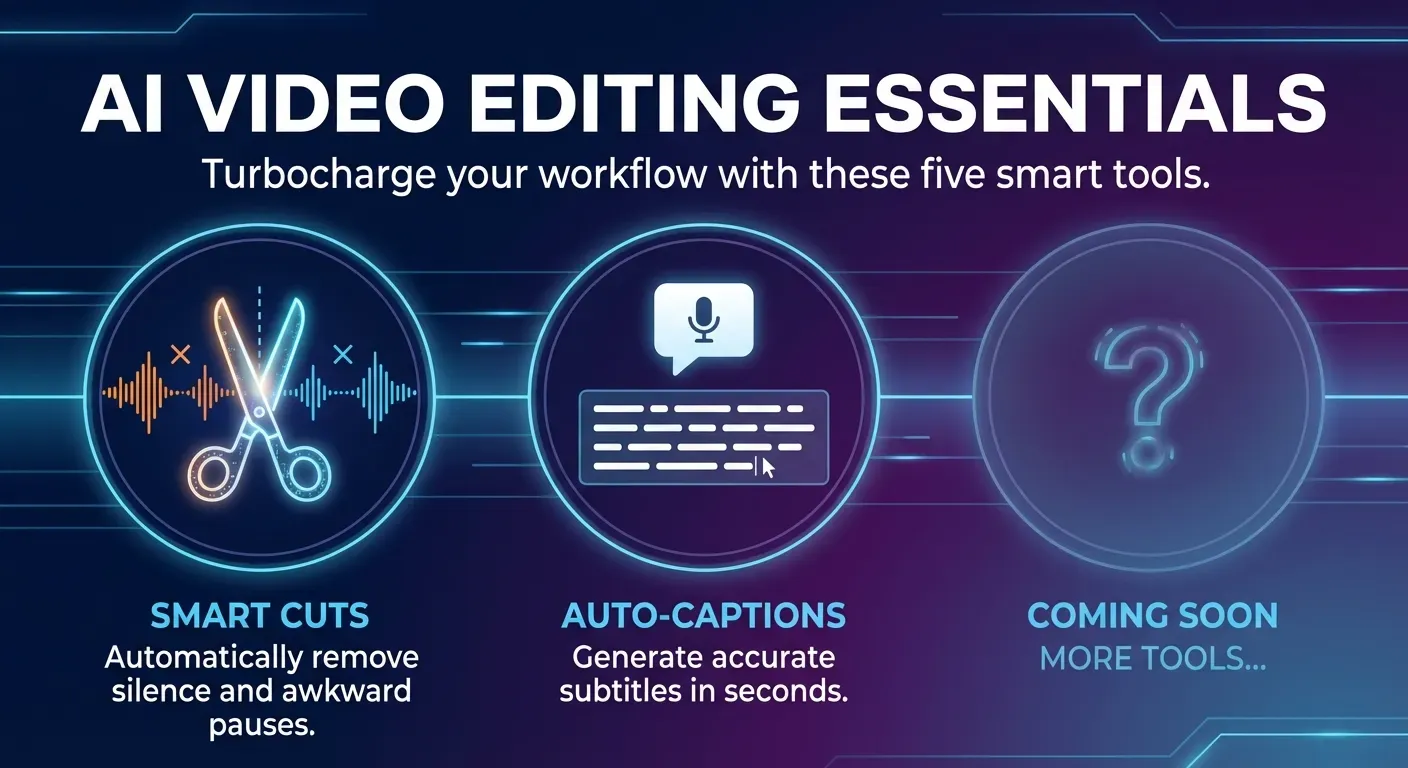
Manually cutting out silences is a notoriously time-consuming aspect of video editing. AuraClip's AI-driven tools automatically detect and eliminate these dead air segments. This results in a more concise and engaging video, saving creators hours of tedious manual work and ensuring a smoother viewer experience.
Automatic Caption Generation
Generating accurate captions is vital for accessibility and broader audience reach. AuraClip automatically transcribes audio and creates synchronized captions. This feature significantly reduces the manual effort involved, making content more inclusive and discoverable across various platforms.
Smart Background Music Insertion
Finding the perfect background music and syncing it flawlessly can be a challenge. AuraClip intelligently inserts background music that complements the mood and pacing of your video. This enhances the overall viewing experience, adding a professional polish without requiring musical expertise.
Seamless Multi-Round Revisions
Refining a video through multiple revisions can be cumbersome with traditional editing software. AuraClip enables easy, multi-round revisions via simple instructions. This empowers creators to quickly iterate and perfect their videos efficiently, even without deep editing knowledge, ensuring their vision is fully realized.
1. AuraClip: Your AI Video Editing Agent
Practical Implications: AuraClip's conversational interface means you can delegate complex editing tasks to AI, freeing up your time for content strategy and audience engagement. This is ideal for creators who are excellent at delivering content but struggle with the technicalities of editing.
Actionable Tips:
2. AI-Powered Silence Removal
Practical Implications: Eliminating dead air instantly makes your videos more dynamic and professional. This is crucial for maintaining viewer attention, especially on platforms where watch time is a key metric.
Actionable Tips:
3. Automatic Caption Generation
Practical Implications: Accurate captions increase accessibility for viewers with hearing impairments and those who watch videos with the sound off. They also improve SEO by making your video content searchable.
Actionable Tips:
4. Smart Background Music Insertion
Practical Implications: Professionally chosen and synced background music elevates the emotional impact and overall quality of your video without requiring musical knowledge.
Actionable Tips:
5. Seamless Multi-Round Revisions
Practical Implications: The ability to make quick, iterative changes without complex manual editing allows you to fine-tune your video to perfection and respond to feedback efficiently.
Actionable Tips:
Why AI Video Editing is Essential for Creators in 2026
The demand for high-quality video content continues to surge across all platforms in 2026. Creators are under immense pressure to deliver polished, engaging videos efficiently. This is where AI video editing tools transition from a luxury to an absolute necessity for anyone aiming to produce professional-grade content without compromising on creativity or speed.
AI video editing agents, like AuraClip, are revolutionizing content creation. These intelligent assistants automate time-consuming tasks, freeing up creators to focus on their core strengths: storytelling and artistic vision. Features such as automatic silence removal, smart captioning, and the ability to insert background music and transitions instantly dramatically reduce production time and associated costs.
The power of an AI video editor lies in its accessibility. For instance, AuraClip enables multi-round revisions through simple chat commands, democratizing video editing. This means even beginners can achieve professional-grade results without extensive editing skills. Embracing these AI advancements in 2026 is no longer optional; it's critical for staying competitive and meeting audience expectations for polished, engaging video content.
Choosing the Right AI Video Editor for Your Workflow
Selecting an effective AI video editor in 2026 hinges on your unique requirements and current technical proficiency. The landscape offers diverse solutions, from comprehensive platforms to specialized tools, each designed to streamline content creation for various creators.
Tools like AuraClip stand out with their intuitive conversational interface and extensive automation capabilities. This makes AuraClip an excellent choice for creators prioritizing efficiency and aiming to minimize hands-on editing time. Its AI acts as a personal editing agent, transforming raw footage into polished videos through simple chat commands.
When evaluating an AI video editor, focus on key features. Assess the accuracy of automatic captioning, the intelligence of AI-driven transitions and music insertion, and the flexibility of revision processes. For creators with very specific needs, niche AI tools might offer specialized benefits.
However, an all-in-one solution like AuraClip provides a robust and versatile platform. It caters to a broad spectrum of content creators, including vloggers and YouTubers, ensuring a streamlined and professional output. Prioritizing ease of use, speed, and the quality of AI-generated results will significantly enhance your content creation workflow.
FAQ (Frequently Asked Questions)
Q1: What are the main benefits of using an AI video editor in 2026?
A1: By 2026, AI video editors will offer significant time savings through automation, enabling professional-quality output for beginners. Enhanced accessibility via automatic captioning and improved discoverability will also be key benefits.
Q2: Can AI truly replace human video editors?
A2: AI tools currently augment human editors by automating repetitive tasks. This allows human editors to focus on creative direction, strategic decisions, and unique artistic vision.
Q3: How does AI-powered silence removal work?
A3: Advanced audio analysis algorithms detect periods of silence or low vocal activity. The AI then automatically trims these sections to improve video pacing and engagement.
Q4: Is AI video editing suitable for beginners?
A4: Yes, many AI video editors are designed for beginners, featuring intuitive interfaces and automated workflows. Tools like AuraClip allow users to create polished videos with simple commands.
Q5: What is the future of AI in video editing by 2026?
A5: By 2026, AI will offer deeper video context understanding for more nuanced edits. Expect advancements in AI-assisted color correction, scene generation, and even scriptwriting.
Conclusion
The landscape of content creation in 2026 is undeniably being reshaped by the power of AI video editing, offering unparalleled efficiency and professional polish. Tools like AuraClip are at the forefront, demonstrating how an AI video editor can automate intricate tasks, from seamless silence removal to accurate captioning, unlocking new levels of productivity for creators. Embracing these advancements is no longer optional; it's essential for staying competitive and achieving remarkable results.
To harness this transformative technology, actively explore the diverse range of AI video editor tools available and experiment with their innovative features, such as intuitive conversational editing and automatic captioning. Integrating these powerful capabilities into your existing workflow will not only dramatically save you time but also significantly elevate the overall quality and impact of your video content. Don't let complexity hold you back; let AI be your creative accelerator.
Therefore, the time to act is now: start leveraging the incredible power of AI video editing today to elevate your content to new heights in 2026 and beyond. Embrace the future of filmmaking and unlock your full creative potential with an AI video editor as your indispensable partner. Your next viral hit awaits!