

Mastering Best AI Video Editing When You Have Zero Editing Experience
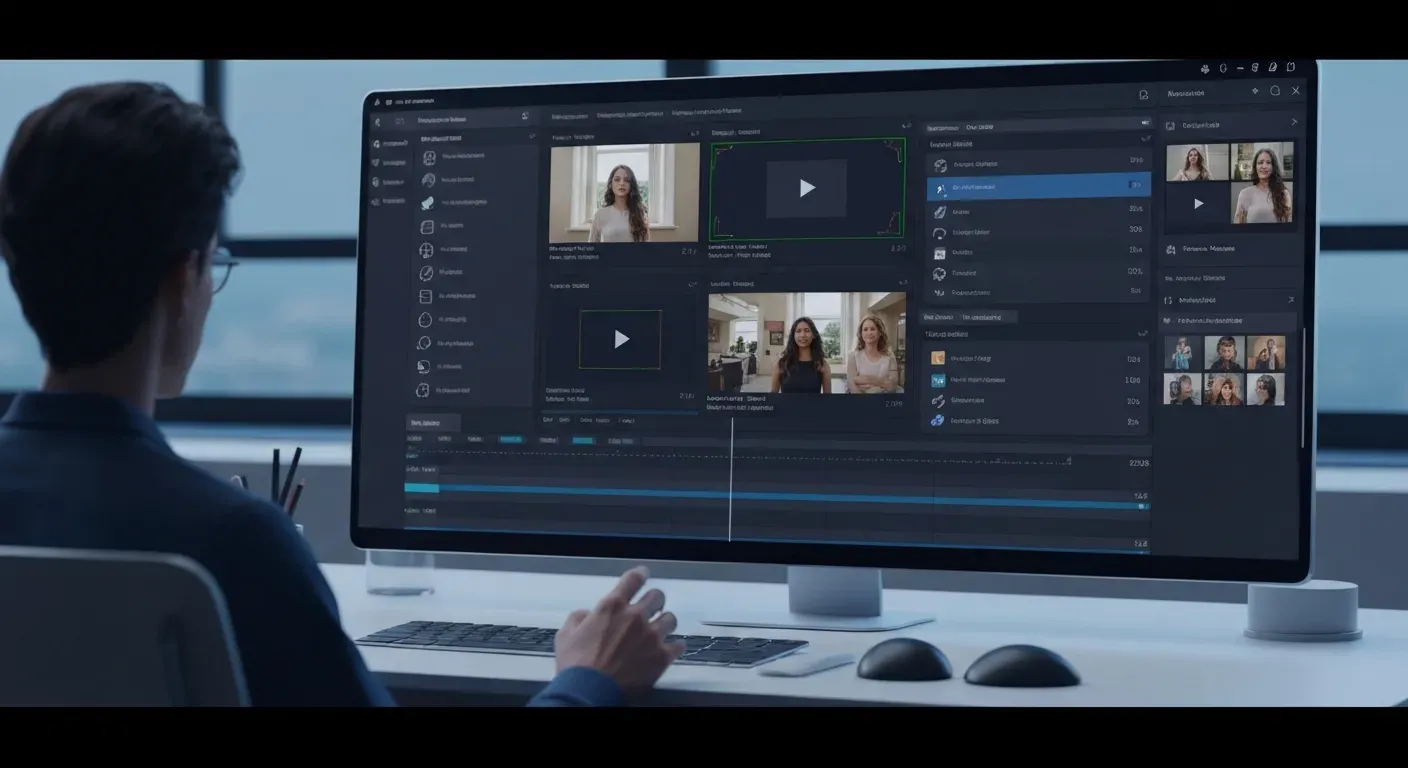 Ever dreamed of creating stunning videos but felt intimidated by complex editing software and steep learning curves? You're not alone. The world of video production often feels exclusive, requiring hours spent mastering timelines and technical jargon.
But what if you could bypass all that? The future of content creation is here, and it’s powered by best AI video editing. These revolutionary tools are democratizing video production, making professional-level results accessible to everyone, regardless of their experience.
This guide will show you how. We'll explore the leading AI video editing solutions for 2026, revealing how you can transform your raw footage into polished, engaging videos effortlessly, without ever touching a traditional timeline.
Top AI Video Editing Solutions for Effortless Creation
Discover the future of video production with the best AI video editing tools designed to simplify your workflow. These cutting-edge platforms leverage artificial intelligence to automate complex tasks, allowing creators of all levels to produce professional-quality content with unprecedented ease.
AuraClip: Your AI Video Editing Agent
AuraClip revolutionizes content creation by acting as your personal AI video editing agent. It transforms raw footage into polished videos through intuitive chat commands. This tool is designed for YouTubers, vloggers, and modern content creators seeking efficiency.
This AI agent automatically removes unwanted silence, adds accurate captions, and instantly inserts background music and smart transitions. AuraClip also enables multi-round revisions, all without requiring any prior editing skills, making it an ultimate content creation tool.
Simplified AI Video Editing
Experience a streamlined approach to video editing with AI-powered automation. These tools simplify common tasks such as cutting, adding transitions, and incorporating background music. This allows users with no prior editing experience to produce decent videos quickly and efficiently.
The focus is on making video creation accessible to everyone. By automating repetitive and time-consuming processes, these platforms empower individuals to bring their video ideas to life without a steep learning curve.
AI-Powered Video Enhancement
Leverage artificial intelligence to automatically enhance your video quality. This includes intelligent color correction, stabilization for smoother footage, and resolution upscaling for sharper visuals. All these enhancements are managed through an intuitive interface that requires no technical expertise.
These AI enhancements ensure your content looks its best across various platforms. From improving the aesthetic appeal to fixing minor technical issues, AI takes the guesswork out of achieving a professional look.
Chatbot Video Creation
Engage with an AI assistant through a conversational interface to direct your video edits. Simply describe the desired changes using natural language, and the AI will implement them, simplifying complex editing processes. This conversational approach makes editing feel more like a dialogue.
This method democratizes video editing, making sophisticated adjustments accessible to anyone who can articulate their vision. It’s an intuitive way to refine your videos without navigating complicated timelines or menus.
Intuitive AI Video Production
Focus on your content while the AI handles the technicalities of video production. These tools offer a user-friendly experience, enabling seamless creation of engaging video content for various platforms. The emphasis is on a smooth, intuitive workflow from start to finish.
These AI-driven solutions are transforming how content is made, making professional video production achievable for a broader audience. They empower creators to be more productive and creative.
1. AuraClip: Your AI Video Editing Agent
Practical Implications: AuraClip acts as a virtual editor, allowing you to delegate time-consuming tasks like silence removal and captioning. This frees up your time to focus on content strategy and creativity.
Actionable Tips:
2. Simplified AI Video Editing
Practical Implications: These tools democratize basic editing, making it possible for anyone to create presentable videos without technical knowledge. They are ideal for social media content or quick updates.
Actionable Tips:
3. AI-Powered Video Enhancement
Practical Implications: This feature ensures your videos look professional even if shot in less-than-ideal conditions. It's crucial for maintaining brand consistency and viewer engagement.
Actionable Tips:
4. Chatbot Video Creation
Practical Implications: This conversational approach makes complex editing accessible. You can achieve sophisticated results by simply describing your desired outcome in plain language.
Actionable Tips:
5. Intuitive AI Video Production
Practical Implications: The focus here is on a seamless user experience, allowing creators to concentrate on their message rather than the technical execution of their video.
Actionable Tips:
Why AI Video Editing is a Game-Changer in 2026
In 2026, AI video editing is poised to revolutionize content creation, making sophisticated video production accessible to everyone. Tools are rapidly evolving, integrating advanced features that significantly lower the barrier to entry. This shift empowers individuals and small businesses to consistently produce high-quality video content.
The integration of natural language processing is a key advancement. Users can now control complex edits through simple, conversational commands, akin to chatting with a colleague. This intuitive interface eliminates the need for steep learning curves, making video editing as straightforward as composing an email.
Tools like AuraClip exemplify this transformation. As a personal AI video editing agent, AuraClip converts raw footage into professional videos via chat. It automates tasks such as silence removal, caption generation, and the insertion of background music and smart transitions.
This AI-driven approach drastically reduces production time and the need for specialized skills. Features like multi-round revisions, achievable without any prior editing knowledge, make it an indispensable tool for YouTubers, vloggers, and modern content creators seeking efficiency and professional output. The quest for the best AI video editing solutions is now centered on these intuitive, powerful platforms.
Choosing the Right AI Video Editor for Your Needs
When selecting the best AI video editing tool in 2026, it's crucial to align your choice with your primary use case. Are you a vlogger seeking rapid edits enhanced by auto-captions, or a YouTuber aiming for seamless transitions and integrated background music? Perhaps you're a business professional requiring polished promotional content.
Evaluate potential AI video editors based on their ease of use, specific AI-driven features like silence removal or smart reframing, and their pricing models. Consider how well they integrate with your existing workflow and other platforms. Prioritize tools offering a clear learning curve, especially if you're new to video editing.
Robust customer support is also a vital consideration for beginners. Tools like AuraClip, an AI video editing agent, exemplify this by transforming raw footage into professional videos through simple chat commands. It automates silence removal and captioning, instantly adds background music and smart transitions, and allows for multi-round revisions without requiring editing skills.
This makes AuraClip an ultimate content creation tool for YouTubers, vloggers, and modern content creators. When comparing options, look for features that directly address your content creation bottlenecks, ensuring the AI enhances, rather than complicates, your video production process.
FAQ (Frequently Asked Questions)
Q1: Can AI completely replace human video editors?
A1: AI automates many tasks but cannot fully replace human creativity, storytelling, and nuanced judgment for complex projects. Tools like AuraClip excel at automated edits, but human direction is often needed for artistic impact.
Q2: How accurate are AI-generated captions?
A2: AI caption accuracy is typically over 95% for clear audio, making them highly reliable. Most AI tools allow for easy review and correction, ensuring professional-quality subtitles for accessibility and engagement.
Q3: What are the typical costs for AI video editing tools?
A3: Pricing varies from free tiers with basic features to subscription models ranging from $20-$100+ monthly for advanced capabilities. This allows creators to select a plan that fits their project scope and budget.
Q4: Do I need any technical skills to use AI video editors?
A4: No, the primary advantage of AI video editing tools is their accessibility. They are designed for users with zero editing experience, often using intuitive interfaces or conversational commands.
Q5: How quickly can I create a video with AI editing tools?
A5: AI significantly speeds up video creation. Tasks that traditionally take hours can often be completed in minutes, allowing for rapid production of polished videos.
Conclusion
In 2026, the barrier to creating professional videos has dissolved, thanks to the power of best AI video editing. Tools like AuraClip are making sophisticated editing accessible to everyone, regardless of prior experience. Embracing these AI solutions is no longer optional for creators aiming to stand out.
Your next step is clear: actively explore the best AI video editing platforms discussed, such as AuraClip. Take advantage of their free trials to experiment firsthand with transforming your raw footage into polished, engaging content. This hands-on experience is crucial for discovering what works best for your unique needs.
Don't let another day pass without unlocking your creative potential. Dive into the world of AI-powered video editing now and start producing compelling videos that captivate your audience. The future of content creation is here, and it's powered by the best AI video editing tools available today!