

Your First AI-Edited Instagram Reel: Free Tools for Beginners
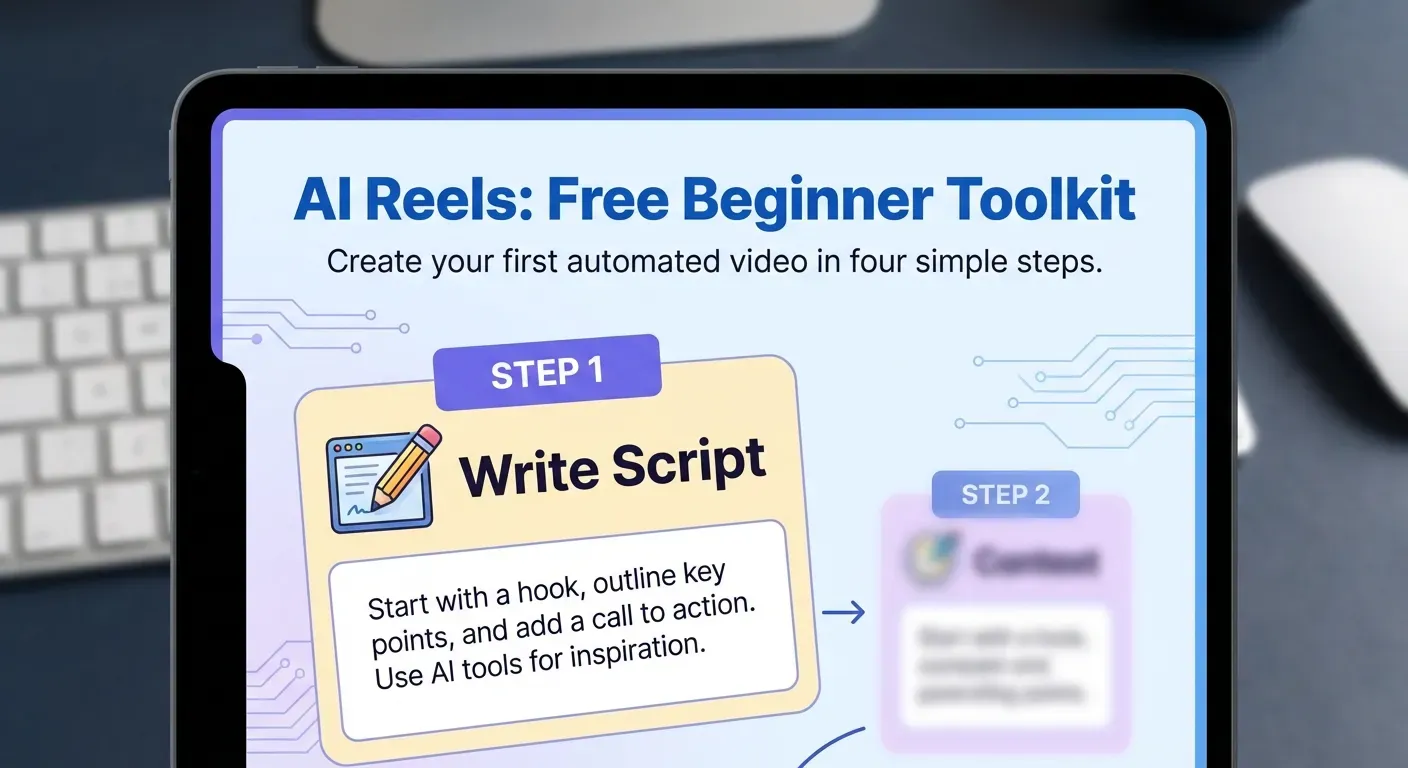 Ever scrolled through Instagram Reels and wished your own videos had that polished, professional flair? You're not alone. Traditional video editing can feel intimidating and time-consuming, especially when you're just starting out.
But what if there was a way to learn video editing free and create stunning Reels with ease? In 2026, the answer is a resounding yes, thanks to a new wave of free AI video editors for Instagram Reels.
This guide introduces you to AuraClip, your AI-powered editing assistant. We'll show you how to use simple chat commands to transform your raw footage into captivating Reels, covering its core features and benefits for creators like you.
Top AuraClip Features for Instagram Reels in 2026
AuraClip redefines video creation for 2026, acting as a personal AI video editing agent. It simplifies producing professional-quality videos for creators focused on efficiency and ease. This tool answers the question of how to learn video editing free by offering an intuitive, AI-powered solution.
AuraClip: Your AI Video Editing Agent
AuraClip serves as your dedicated AI video editing agent. It streamlines the process of turning raw footage into polished content. This is ideal for creators who prioritize speed and simplicity without compromising quality.
Transform Raw Footage with Chat Commands
Transform your raw video footage into professional content using simple chat commands. This conversational editing approach removes the need to learn complex software interfaces. You simply tell AuraClip what you want, making video production accessible to everyone.
Automatic Silence Removal and Captioning
AuraClip automatically removes unwanted silent sections from your videos. It also generates accurate captions, saving significant editing time. This ensures your content is accessible and engaging for a wider audience.
Instant Background Music and Smart Transitions
Enhance your Reels instantly with background music and dynamic, smart transitions. AuraClip adds a professional polish that captures viewer attention. These features elevate your content, making it stand out on platforms like Instagram.
Multi-Round Revisions Without Editing Skills
The platform supports multiple rounds of revisions through simple chat interactions. You can refine your video without any prior editing experience. This iterative process ensures your final output perfectly matches your vision.
The Ultimate Content Creation Tool for 2026
AuraClip is the ultimate content creation tool for YouTubers, vloggers, and modern creators in 2026. It maximizes output and quality, positioning itself as a leading free AI video editor for Instagram Reels. This platform empowers creators to focus on their message, not the technicalities of editing.
Getting Started with AuraClip for Your First Reel
AuraClip simplifies video creation, making it an accessible free AI video editor for Instagram Reels. This guide walks you through transforming raw footage into polished content with ease, even if you're new to video editing. Learn how to learn video editing free with AuraClip's intuitive approach.
Step 1: Upload Your Footage
Begin your reel creation by uploading your raw video clips directly into the AuraClip platform. Ensure your footage is ready for editing. This initial step is straightforward, allowing you to quickly move to the creative process.
Step 2: Use Chat Commands for Editing
AuraClip revolutionizes editing through natural language. Utilize simple chat commands to instruct the AI. For instance, you can type "remove silence," "add upbeat background music," or "insert smart transitions between clips." These commands leverage AuraClip's AI video agent capabilities.
Step 3: Review and Refine with AI
AuraClip processes your commands and presents an initial draft. You can then provide further feedback through chat for multi-round revisions. This iterative process ensures you achieve your desired outcome without needing extensive editing skills, making it a true AI video editor for Instagram Reels.
Step 4: Export Your Reel
Once your reel meets your expectations, export it directly from AuraClip. The platform offers formats suitable for Instagram, allowing you to share your professionally edited content instantly. This efficiency makes AuraClip a powerful tool for modern content creators.
Why AuraClip is a Game-Changer for Content Creators in 2026
AuraClip transforms video creation by leveraging AI. It allows anyone to produce professional content through simple chat commands. This tool directly addresses common barriers in video editing, making advanced production accessible to a wider audience in 2026.
Overcoming Editing Skill Barriers
AuraClip eliminates the need for extensive video editing knowledge. This makes professional video creation accessible to anyone, regardless of their technical background. Users can achieve polished, engaging Instagram Reels that look professionally produced, enhancing their brand and audience connection.
Time Efficiency for Busy Creators
For busy YouTubers and vloggers, AuraClip drastically reduces editing time. This allows for more frequent content uploads and increased audience engagement. The AI handles tasks like removing silence, adding captions, and inserting background music instantly.
Cost-Effectiveness: Free AI Editing
The availability of AuraClip as a free tool significantly lowers the barrier to entry. Aspiring content creators can produce high-quality videos without financial investment. This makes it an ideal solution for those asking "how to learn video editing free."
Professional Output on a Budget
AuraClip offers professional output on a budget. It functions as a "free AI video editor for Instagram Reels" and other platforms. The AI supports multi-round revisions without requiring any editing skills, ensuring a polished final product.
FAQ (Frequently Asked Questions)
Q1: Is AuraClip completely free to use for Instagram Reels?
A1: Yes, AuraClip provides a free tier with essential AI-powered editing capabilities. This helps users create engaging Instagram Reels without cost. It's a practical solution for beginners in 2026.
Q2: Do I need any prior video editing experience to use AuraClip?
A2: No, AuraClip is designed for users with no prior video editing background. Its conversational interface and AI automation handle complex tasks. You create videos by simply communicating your needs.
Q3: What kind of videos is AuraClip best suited for?
A3: AuraClip excels at producing short-form video content like Instagram Reels, TikToks, and YouTube Shorts. It's particularly beneficial for vloggers, influencers, and businesses. They can quickly generate polished, engaging videos.
Q4: How does AuraClip's AI differ from traditional editing software?
A4: AuraClip's AI uses natural language processing to automate tasks like cutting and captioning via chat. Traditional software requires manual manipulation of timelines and effects. AuraClip simplifies this process significantly.
Q5: Can I use AuraClip on my mobile device in 2026?
A5: AuraClip's web-based platform is accessible via mobile browsers in 2026. This allows users to edit on the go. You can transform footage into professional videos directly from your mobile devices.
Conclusion
In 2026, mastering the art of creating polished Instagram Reels is no longer an insurmountable challenge, especially with the accessibility of free AI video editing tools. Understanding how to learn video editing free and leveraging a free AI video editor for Instagram Reels like AuraClip empowers even beginners to produce professional-quality content with unprecedented ease.
Your journey begins now: simply download or access AuraClip, upload your initial video clip, and start experimenting with intuitive chat commands. Effortlessly remove silences, generate captions, and integrate music to elevate your content, utilizing the revision feature to achieve perfection.
Don't hesitate to dive in and unlock your creative potential today! Start your AI-edited Instagram Reel adventure with AuraClip and discover how simple and powerful video creation can be.